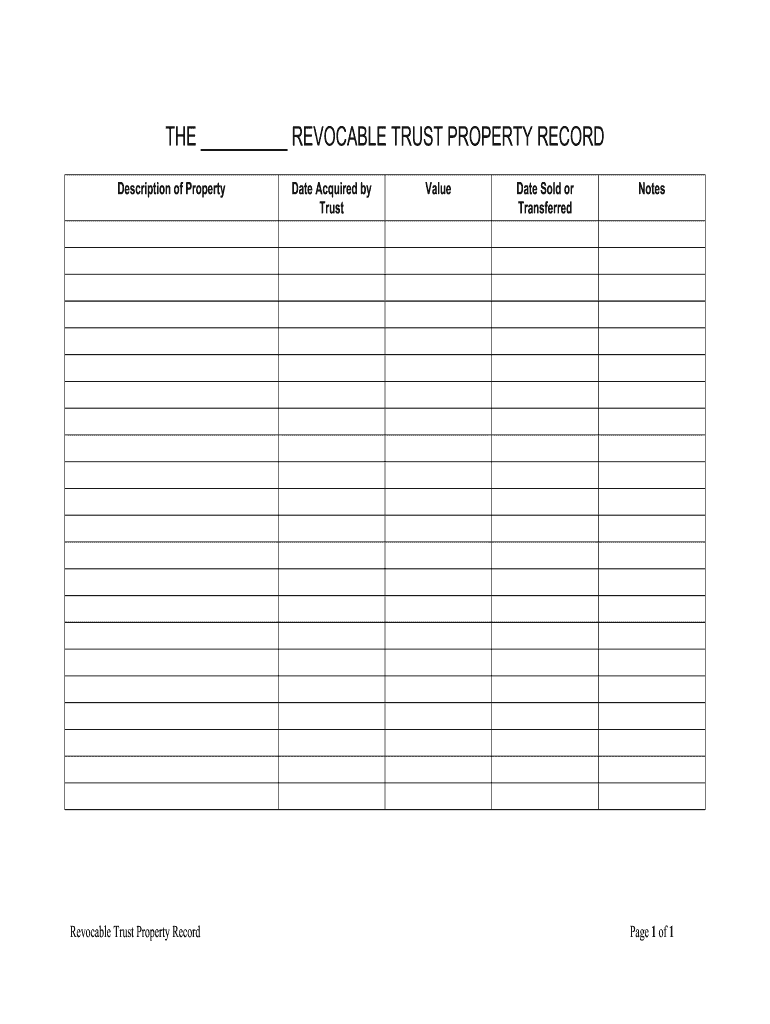
Date Acquired by Form


What is the date acquired by
The date acquired refers to the specific date on which an asset, such as a vehicle, was obtained by the owner. This date is crucial for various legal and administrative purposes, including vehicle registration, taxation, and determining depreciation. Understanding the date acquired meaning is essential when filling out forms related to vehicle ownership, as it can affect registration fees and compliance with state regulations.
How to use the date acquired by
When completing forms for vehicle registration or renewal, the date acquired should be entered accurately to reflect when the vehicle was purchased or transferred to the current owner. This information is often required by state departments of motor vehicles (DMVs) and can influence the registration process. Ensure that the date matches the documentation, such as the bill of sale or title, to avoid potential discrepancies.
Legal use of the date acquired by
The date acquired plays a significant role in legal contexts, particularly in property ownership and taxation. For vehicle registration, it establishes the timeline for ownership, which can impact liability, insurance, and tax obligations. Accurate reporting of the date acquired is necessary to comply with state laws and regulations, ensuring that the vehicle is properly registered and that the owner is accountable for any associated fees or taxes.
Key elements of the date acquired by
Several key elements are associated with the date acquired, including:
- Documentation: Supporting documents like the bill of sale and title transfer are essential for verifying the date acquired.
- State Regulations: Different states may have specific requirements regarding how the date acquired is reported and used in vehicle registration.
- Tax Implications: The date acquired can affect tax assessments, particularly in relation to vehicle sales tax and depreciation calculations.
Examples of using the date acquired by
In practical scenarios, the date acquired is used in various contexts, such as:
- When registering a newly purchased vehicle, the owner must provide the date acquired to establish ownership.
- During the renewal of vehicle registration, the date acquired may be required to determine if any fees are applicable based on ownership duration.
- For tax purposes, the date acquired is essential for calculating depreciation on business vehicles, impacting financial reporting.
Steps to complete the date acquired by
To accurately complete the date acquired on forms, follow these steps:
- Gather necessary documents, such as the bill of sale and title.
- Locate the exact date of purchase or transfer on the documents.
- Enter the date in the required format on the registration form.
- Double-check the date for accuracy before submitting the form.
Quick guide on how to complete date acquired by
Prepare Date Acquired By effortlessly on any device
Online document management has become increasingly popular among businesses and individuals. It serves as an excellent eco-friendly alternative to traditional printed and signed documents, allowing you to access the necessary forms and securely store them online. airSlate SignNow equips you with all the tools required to create, modify, and eSign your documents swiftly and without delays. Handle Date Acquired By on any device using the airSlate SignNow apps for Android or iOS, and enhance any document-related workflow today.
How to modify and eSign Date Acquired By with ease
- Find Date Acquired By and click on Get Form to begin.
- Utilize our tools to complete your document.
- Highlight important sections of your documents or redact sensitive information using the tools provided by airSlate SignNow specifically for this purpose.
- Generate your eSignature with the Sign tool, which takes seconds and has the same legal validity as a traditional wet ink signature.
- Review all information carefully and then click the Done button to save your changes.
- Choose your preferred delivery method for your form, whether by email, text message (SMS), invitation link, or download it to your computer.
Eliminate the worry of lost or misplaced files, tedious document searches, or errors that necessitate reprinting new copies. airSlate SignNow meets your document management needs in just a few clicks from any device you choose. Modify and eSign Date Acquired By and maintain effective communication at every stage of the form preparation process with airSlate SignNow.
Create this form in 5 minutes or less
Create this form in 5 minutes!
How to create an eSignature for the date acquired by
How to make an eSignature for the Date Acquired By in the online mode
How to create an eSignature for your Date Acquired By in Google Chrome
How to generate an eSignature for putting it on the Date Acquired By in Gmail
How to generate an electronic signature for the Date Acquired By right from your smartphone
How to generate an eSignature for the Date Acquired By on iOS
How to generate an electronic signature for the Date Acquired By on Android
People also ask
-
What is the significance of the 'Date Acquired By' field in airSlate SignNow?
The 'Date Acquired By' field in airSlate SignNow is crucial for tracking when a document is officially signed or accepted. This timestamp helps businesses maintain accurate records and ensures compliance with legal requirements. By utilizing this feature, users can easily reference the date a document was acquired.
-
How can I customize the 'Date Acquired By' field in my documents?
Customizing the 'Date Acquired By' field in airSlate SignNow is straightforward. Users can access the document settings to add or modify this field as needed, allowing for a tailored signing experience. This ensures that every document accurately reflects the date acquired, aligning with your business's operational needs.
-
Is there a cost associated with using the 'Date Acquired By' feature in airSlate SignNow?
The 'Date Acquired By' feature is included in all airSlate SignNow pricing plans, making it accessible to all users at no additional cost. This cost-effective solution allows businesses to efficiently track document signing dates without worrying about hidden fees. You can choose from various plans based on your organization's needs.
-
Can I integrate the 'Date Acquired By' feature with other applications?
Yes, the 'Date Acquired By' feature in airSlate SignNow can be seamlessly integrated with various applications. This allows for enhanced functionality across platforms, ensuring that all signed documents are easily accessible and properly dated within your workflow. Integrations streamline processes and improve overall efficiency.
-
What benefits does the 'Date Acquired By' feature offer for businesses?
The 'Date Acquired By' feature offers several benefits for businesses, including improved document tracking and compliance. By capturing the exact date a document is signed, organizations can ensure timely follow-ups and maintain organized records. This enhances accountability and transparency within the signing process.
-
How does the 'Date Acquired By' feature improve document management?
The 'Date Acquired By' feature signNowly improves document management by providing a clear timeline of when agreements were finalized. This feature helps organizations keep track of important dates, facilitating easier auditing and reporting. With airSlate SignNow, businesses can manage their documents more efficiently and effectively.
-
Can I access the 'Date Acquired By' information from mobile devices?
Absolutely! The 'Date Acquired By' information is accessible from mobile devices through the airSlate SignNow app. This feature ensures that users can view essential signing details on-the-go, making it convenient to manage documents anytime, anywhere. Mobile accessibility enhances flexibility for businesses.
Get more for Date Acquired By
Find out other Date Acquired By
- Can I Sign Michigan Home Loan Application
- Sign Arkansas Mortgage Quote Request Online
- Sign Nebraska Mortgage Quote Request Simple
- Can I Sign Indiana Temporary Employment Contract Template
- How Can I Sign Maryland Temporary Employment Contract Template
- How Can I Sign Montana Temporary Employment Contract Template
- How Can I Sign Ohio Temporary Employment Contract Template
- Sign Mississippi Freelance Contract Online
- Sign Missouri Freelance Contract Safe
- How Do I Sign Delaware Email Cover Letter Template
- Can I Sign Wisconsin Freelance Contract
- Sign Hawaii Employee Performance Review Template Simple
- Sign Indiana Termination Letter Template Simple
- Sign Michigan Termination Letter Template Free
- Sign Colorado Independent Contractor Agreement Template Simple
- How Can I Sign Florida Independent Contractor Agreement Template
- Sign Georgia Independent Contractor Agreement Template Fast
- Help Me With Sign Nevada Termination Letter Template
- How Can I Sign Michigan Independent Contractor Agreement Template
- Sign Montana Independent Contractor Agreement Template Simple