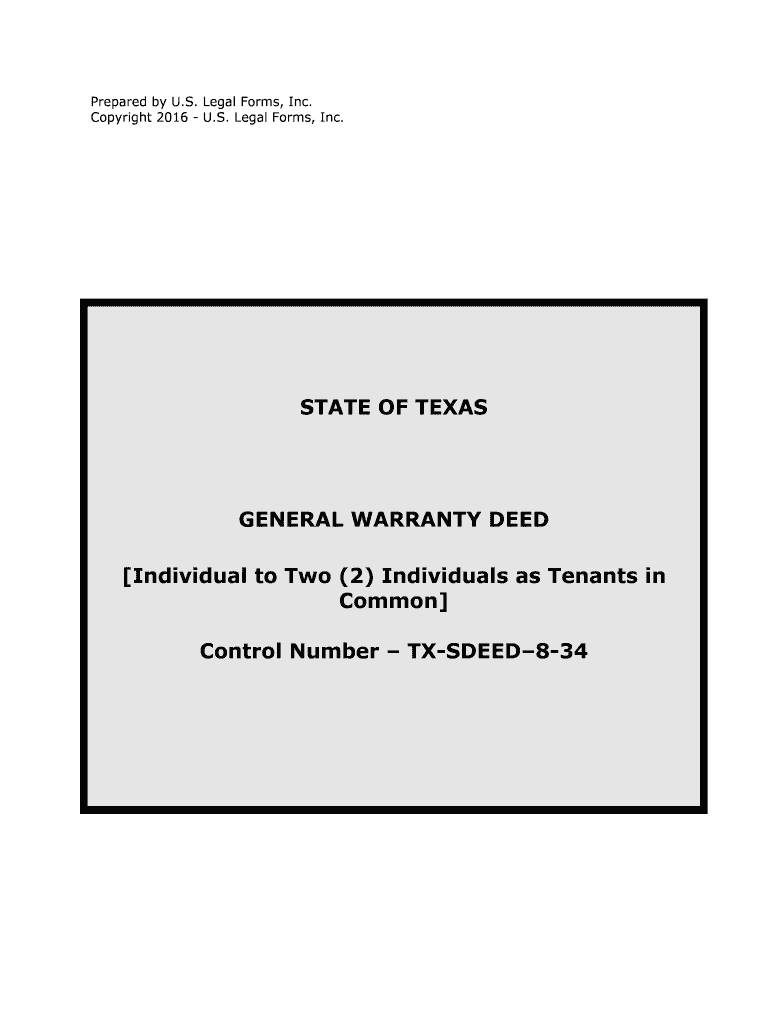
Control Number TX SDEED8 34 Form


What is the Control Number TX SDEED8 34
The Control Number TX SDEED8 34 is a specific identifier assigned to a type of document used in property transactions within Texas. This control number helps track and manage the document throughout its lifecycle, ensuring that it is processed correctly by relevant authorities. Typically, this form is associated with real estate transactions, including deeds and property transfers, and serves as a crucial element in maintaining accurate public records.
How to use the Control Number TX SDEED8 34
Using the Control Number TX SDEED8 34 involves several steps to ensure proper documentation and compliance with Texas regulations. First, gather all necessary information related to the property and parties involved in the transaction. Next, fill out the required fields on the form accurately. Once completed, the form should be submitted to the appropriate county clerk's office for recording. The control number will facilitate tracking and verification of the document within the public records system.
Steps to complete the Control Number TX SDEED8 34
Completing the Control Number TX SDEED8 34 requires careful attention to detail. Follow these steps:
- Gather all pertinent information, including property details and parties' names.
- Access the form and fill in the required sections, ensuring accuracy.
- Review the completed form for any errors or omissions.
- Submit the form to the county clerk’s office, either electronically or in person, depending on local regulations.
- Retain a copy of the submitted form for your records.
Legal use of the Control Number TX SDEED8 34
The Control Number TX SDEED8 34 is legally binding when executed in accordance with Texas law. To ensure its legal validity, all parties must sign the document where required, and it must be submitted to the appropriate authority for recording. This process helps establish ownership and protects the rights of all parties involved in the transaction. Compliance with state regulations is essential for the enforcement of the document in any legal proceedings.
Who Issues the Form
The Control Number TX SDEED8 34 form is typically issued by the Texas Secretary of State or local county clerk's offices. These entities oversee the recording and management of property-related documents. When submitting the form, it is important to ensure that it is directed to the correct office to avoid delays or complications in the processing of the transaction.
Required Documents
To complete the Control Number TX SDEED8 34, several documents may be required, including:
- Proof of identity for all parties involved.
- Legal descriptions of the property being transferred.
- Any prior deeds or documents related to the property.
- Additional forms as specified by the county clerk’s office.
Quick guide on how to complete control number tx sdeed8 34
Effortlessly Prepare Control Number TX SDEED8 34 on Any Device
Managing documents online has gained tremendous popularity among businesses and individuals. It offers a superb eco-friendly option to conventional printed and signed documents, allowing you to find the right form and securely store it online. airSlate SignNow provides all the tools necessary to create, modify, and electronically sign your documents promptly without holdups. Manage Control Number TX SDEED8 34 on any device using the airSlate SignNow Android or iOS applications and simplify any document-related process today.
How to Modify and eSign Control Number TX SDEED8 34 with Ease
- Obtain Control Number TX SDEED8 34 and click Get Form to begin.
- Use the tools we offer to complete your document.
- Emphasize important sections of the documents or redact sensitive information with tools that airSlate SignNow specifically offers for that purpose.
- Create your signature with the Sign tool, which takes mere seconds and carries the same legal validity as a conventional wet ink signature.
- Review all details and click the Done button to save your updates.
- Select your preferred method to send your form, whether by email, text message (SMS), or invite link, or download it to your computer.
Eliminate concerns about lost or misfiled documents, cumbersome form searching, or mistakes that require reprinting new document copies. airSlate SignNow meets your document management needs in just a few clicks from your chosen device. Edit and eSign Control Number TX SDEED8 34 to ensure seamless communication at any point during your form preparation process with airSlate SignNow.
Create this form in 5 minutes or less
Create this form in 5 minutes!
People also ask
-
What is the Control Number TX SDEED8 34?
The Control Number TX SDEED8 34 is a unique identifier assigned to specific eSign documents, ensuring proper tracking and authenticity. It is crucial for controlling document workflows and maintaining compliance in various transactions.
-
How do I obtain the Control Number TX SDEED8 34?
To obtain the Control Number TX SDEED8 34, you need to create an account with airSlate SignNow and initiate the eSigning process for your document. Once created, this number will automatically generate for each completed transaction.
-
What features does airSlate SignNow offer for managing Control Number TX SDEED8 34?
airSlate SignNow provides robust features to manage the Control Number TX SDEED8 34, including document tracking, status updates, and secure storage. These tools allow businesses to streamline their signing processes and maintain oversight easily.
-
Is there a cost associated with using the Control Number TX SDEED8 34?
Using the Control Number TX SDEED8 34 is included in the pricing of airSlate SignNow’s subscription plans. These plans offer a cost-effective solution for unlimited document signing and management, delivering great value for businesses.
-
Can the Control Number TX SDEED8 34 be integrated with other software tools?
Yes, the Control Number TX SDEED8 34 can be integrated seamlessly with various software applications. airSlate SignNow supports integrations with popular CRMs, document management systems, and workflow platforms, enhancing productivity and efficiency.
-
What are the benefits of using airSlate SignNow with the Control Number TX SDEED8 34?
Using airSlate SignNow with the Control Number TX SDEED8 34 provides several benefits, including improved compliance, efficient document management, and reduced turnaround time for approvals. This solution supports businesses in achieving their digital transformation goals.
-
Is the Control Number TX SDEED8 34 secure?
Absolutely! The Control Number TX SDEED8 34 is part of airSlate SignNow’s commitment to security and data protection. The platform employs advanced encryption methods and secure authentication processes to ensure that all eSignature transactions are safe.
Get more for Control Number TX SDEED8 34
- Nwu transcript form
- Deridder rotary scholarship form
- Grambling registrar form
- Automotive technology final test on electrical todayclass answers form
- Ohsu transcript request form
- Turbidity and water quality student worksheet national zoo nationalzoo si form
- Certification uc csu form
- Kutztown edue form
Find out other Control Number TX SDEED8 34
- How To eSign Maryland Plumbing Document
- How Do I eSign Mississippi Plumbing Word
- Can I eSign New Jersey Plumbing Form
- How Can I eSign Wisconsin Plumbing PPT
- Can I eSign Colorado Real Estate Form
- How To eSign Florida Real Estate Form
- Can I eSign Hawaii Real Estate Word
- How Do I eSign Hawaii Real Estate Word
- How To eSign Hawaii Real Estate Document
- How Do I eSign Hawaii Real Estate Presentation
- How Can I eSign Idaho Real Estate Document
- How Do I eSign Hawaii Sports Document
- Can I eSign Hawaii Sports Presentation
- How To eSign Illinois Sports Form
- Can I eSign Illinois Sports Form
- How To eSign North Carolina Real Estate PDF
- How Can I eSign Texas Real Estate Form
- How To eSign Tennessee Real Estate Document
- How Can I eSign Wyoming Real Estate Form
- How Can I eSign Hawaii Police PDF