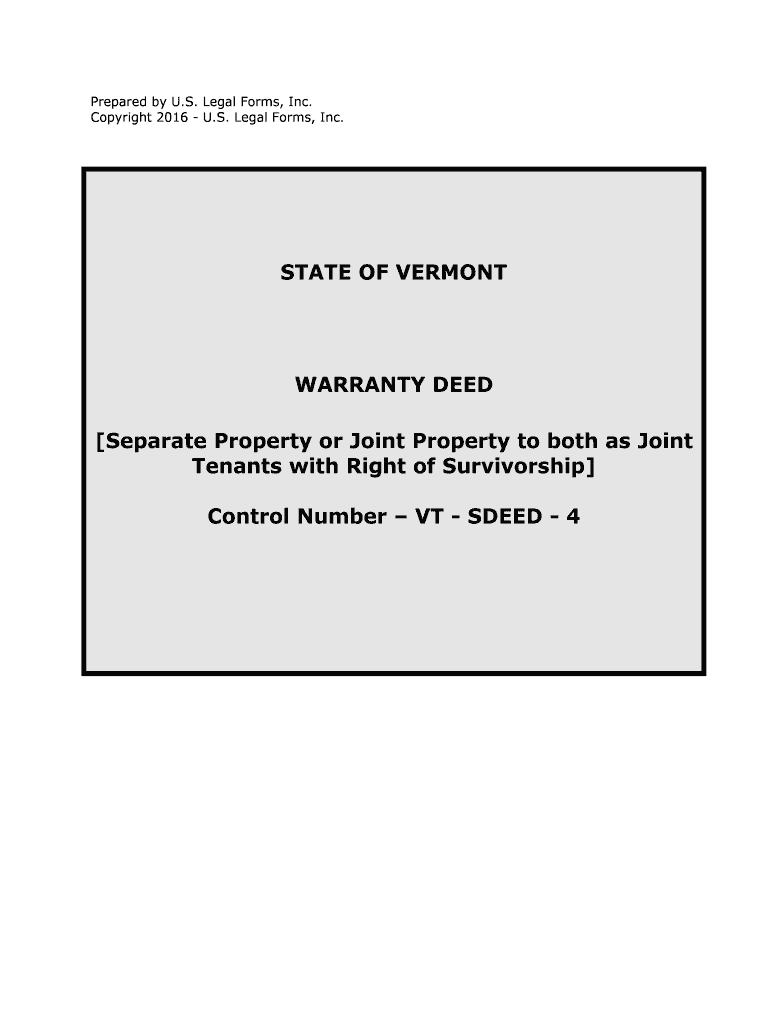
Control Number VT SDEED 4 Form


What is the Control Number VT SDEED 4
The Control Number VT SDEED 4 is a specific form used primarily in real estate transactions within the state of Vermont. This form is essential for recording property deeds and ensuring that all legal requirements are met during the transfer of property ownership. The control number serves as a unique identifier for the document, facilitating tracking and retrieval in the state's official records.
How to use the Control Number VT SDEED 4
Using the Control Number VT SDEED 4 involves several key steps. First, ensure that you have the correct version of the form, which can typically be obtained from state or local government websites. Next, fill out the form accurately, providing all necessary information such as the names of the parties involved, property description, and any relevant financial details. Once completed, the form must be signed and notarized before submission to the appropriate office for recording.
Steps to complete the Control Number VT SDEED 4
Completing the Control Number VT SDEED 4 requires careful attention to detail. Follow these steps:
- Obtain the latest version of the form from the Vermont Secretary of State's website or local government office.
- Fill in the required information, including the grantor and grantee details, property description, and any applicable considerations.
- Sign the document in the presence of a notary public to ensure its legal validity.
- Submit the completed form to the local land records office for recording.
Legal use of the Control Number VT SDEED 4
The Control Number VT SDEED 4 is legally binding when completed and submitted according to Vermont state laws. To ensure its legal use, it must be filled out accurately and signed by all parties involved. Additionally, the document must be notarized to confirm the identities of the signers. Compliance with local regulations regarding property transfers is crucial for the form to hold legal weight in any real estate transaction.
Key elements of the Control Number VT SDEED 4
Several key elements must be included in the Control Number VT SDEED 4 to ensure its validity:
- Grantor and Grantee Information: Names and addresses of the parties involved in the transaction.
- Property Description: A detailed description of the property being transferred, including its location and boundaries.
- Consideration: Any financial terms or considerations involved in the transaction.
- Signatures: Required signatures from the grantor, grantee, and a notary public.
Who Issues the Form
The Control Number VT SDEED 4 is typically issued by the Vermont Secretary of State's office or local county clerks. These offices are responsible for maintaining public records related to property transactions and ensuring that all forms meet state requirements. It is advisable to check with the local office for any specific instructions or updates regarding the form.
Quick guide on how to complete control number vt sdeed 4
Effortlessly prepare Control Number VT SDEED 4 on any device
Online document management has gained tremendous popularity among businesses and individuals alike. It serves as an excellent eco-friendly substitute for conventional printed and signed documents, as you can locate the appropriate form and securely store it online. airSlate SignNow offers you all the tools necessary to create, modify, and eSign your documents quickly without delays. Manage Control Number VT SDEED 4 on any platform using airSlate SignNow's Android or iOS applications and streamline any document-related task today.
The simplest way to modify and eSign Control Number VT SDEED 4 with ease
- Access Control Number VT SDEED 4 and then click Get Form to begin.
- Utilize the tools we provide to complete your document.
- Highlight important sections of your documents or redact sensitive information with the tools that airSlate SignNow provides for that purpose.
- Create your eSignature using the Sign tool, which takes just seconds and holds the same legal validity as a traditional ink signature.
- Review the information carefully and then click the Done button to save your updates.
- Choose how you wish to share your form, via email, SMS, invitation link, or download it to your computer.
Eliminate worries about lost or misplaced documents, tedious form searches, or errors that require printing new document copies. airSlate SignNow meets your document management needs in just a few clicks from any device you prefer. Modify and eSign Control Number VT SDEED 4 and ensure excellent communication at every stage of your form preparation process with airSlate SignNow.
Create this form in 5 minutes or less
Create this form in 5 minutes!
People also ask
-
What is the significance of the Control Number VT SDEED 4?
The Control Number VT SDEED 4 is crucial for tracking and managing documentation within airSlate SignNow. It helps ensure that the correct documents are processed efficiently and securely. Using this control number allows users to maintain accurate records and streamline their eSignature workflow.
-
How can I use airSlate SignNow with Control Number VT SDEED 4?
To use airSlate SignNow with Control Number VT SDEED 4, simply input the control number when you upload or send documents for eSigning. This feature ensures that your documents are organized and easy to retrieve, enhancing your overall document management process. Our platform is designed for user-friendliness, making it easy to integrate control numbers into your workflow.
-
What are the pricing options for using airSlate SignNow with Control Number VT SDEED 4?
airSlate SignNow offers several pricing plans to accommodate various business needs. Each plan includes the ability to manage documents using Control Number VT SDEED 4, with premium features available for additional functionality. You can select a plan that best fits your budget and requirements, ensuring a cost-effective solution for eSigning.
-
What features does airSlate SignNow provide for managing Control Number VT SDEED 4?
airSlate SignNow provides robust features for managing Control Number VT SDEED 4, including document tracking, customizable templates, and secure storage. These features help streamline your document workflow while ensuring compliance and security. Additionally, users can automate reminders and notifications related to documents linked with this control number.
-
Can I integrate airSlate SignNow with other software while using Control Number VT SDEED 4?
Yes, airSlate SignNow seamlessly integrates with various software solutions while allowing you to manage Control Number VT SDEED 4. This capability enhances productivity by synchronizing data across platforms, making it easier to work within your existing ecosystem. Popular integrations include CRM systems, cloud storage services, and more.
-
How secure is the use of Control Number VT SDEED 4 in airSlate SignNow?
The use of Control Number VT SDEED 4 in airSlate SignNow is highly secure, thanks to our advanced security measures. We implement encryption, secure access controls, and compliance with industry standards to protect your documents. Users can trust that their information related to Control Number VT SDEED 4 is handled with the highest level of confidentiality.
-
What benefits does using airSlate SignNow with Control Number VT SDEED 4 provide?
Using airSlate SignNow with Control Number VT SDEED 4 offers many benefits, including enhanced organization, improved workflow efficiency, and quicker turnaround times for document handling. This systematic approach helps reduce errors and ensures that your team can focus on more strategic tasks. Ultimately, you'll experience a smoother eSigning process.
Get more for Control Number VT SDEED 4
- Lyceum registration form
- Confirm of joint address form investec
- Application for initial smog check inspector bureau of automotive bar ca form
- California teleconnect fund form
- California teleconnect fund applicant amp participant guidebook form
- How to file an insurance claim everything you need to form
- How long after a car accident can you file a claim form
- Classified staff verification of classifiednon teaching work experience clear form
Find out other Control Number VT SDEED 4
- Electronic signature Maine Legal Agreement Online
- Electronic signature Maine Legal Quitclaim Deed Online
- Electronic signature Missouri Non-Profit Affidavit Of Heirship Online
- Electronic signature New Jersey Non-Profit Business Plan Template Online
- Electronic signature Massachusetts Legal Resignation Letter Now
- Electronic signature Massachusetts Legal Quitclaim Deed Easy
- Electronic signature Minnesota Legal LLC Operating Agreement Free
- Electronic signature Minnesota Legal LLC Operating Agreement Secure
- Electronic signature Louisiana Life Sciences LLC Operating Agreement Now
- Electronic signature Oregon Non-Profit POA Free
- Electronic signature South Dakota Non-Profit Business Plan Template Now
- Electronic signature South Dakota Non-Profit Lease Agreement Template Online
- Electronic signature Legal Document Missouri Online
- Electronic signature Missouri Legal Claim Online
- Can I Electronic signature Texas Non-Profit Permission Slip
- Electronic signature Missouri Legal Rental Lease Agreement Simple
- Electronic signature Utah Non-Profit Cease And Desist Letter Fast
- Electronic signature Missouri Legal Lease Agreement Template Free
- Electronic signature Non-Profit PDF Vermont Online
- Electronic signature Non-Profit PDF Vermont Computer