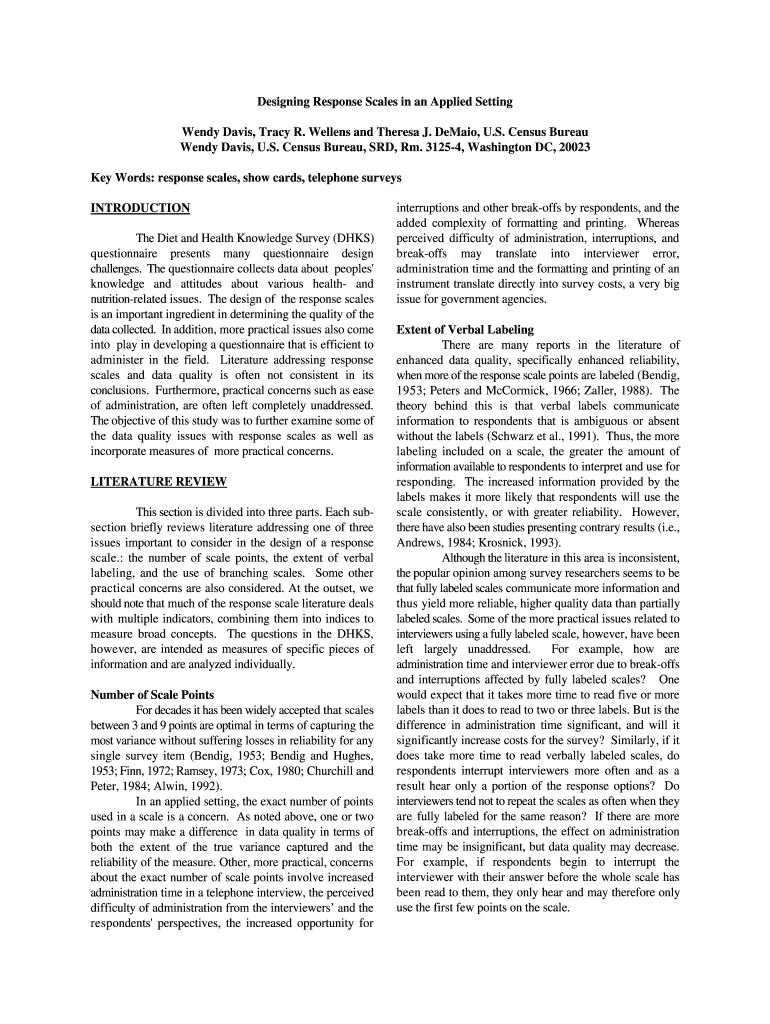
Designing Response Scales in an Applied Setting Form


Understanding Designing Response Scales in an Applied Setting
Designing response scales in an applied setting involves creating structured methods for collecting and interpreting responses from participants in various research or assessment contexts. This process is essential for ensuring that data collected is reliable and valid. Response scales can range from simple binary choices to complex Likert scales, allowing for nuanced understanding of participant opinions or behaviors.
In applied settings, such as surveys or assessments, the design of these scales must consider the target audience and the specific context of the research. Factors such as clarity, relevance, and ease of use are crucial in ensuring that respondents can provide accurate and meaningful feedback.
Steps to Create Effective Response Scales
Creating effective response scales involves several key steps:
- Define the Purpose: Clearly outline what you want to measure and why. This helps in selecting the appropriate type of scale.
- Select the Scale Type: Choose between various formats, such as nominal, ordinal, interval, or ratio scales, based on the nature of the data needed.
- Determine Scale Points: Decide how many points your scale will have. Common choices include five or seven points for Likert scales.
- Ensure Clarity: Use clear and concise language for each response option to avoid confusion.
- Test the Scale: Conduct a pilot test to identify any issues with the scale and make necessary adjustments before full deployment.
Key Elements of Designing Response Scales
Several key elements should be considered when designing response scales:
- Clarity: Each response option must be easily understood to avoid misinterpretation.
- Consistency: Use a consistent format throughout the scale to help respondents understand how to answer.
- Balance: Ensure that the scale includes balanced options, allowing for a fair representation of opinions.
- Neutral Options: Consider including a neutral option, especially in Likert scales, to accommodate respondents who may not have a strong opinion.
Examples of Response Scales in Practice
Response scales can be applied in various settings, such as:
- Surveys: Measuring customer satisfaction or employee engagement.
- Assessments: Evaluating student performance or program effectiveness.
- Market Research: Gauging consumer preferences or brand perception.
For instance, a five-point Likert scale may be used in a customer satisfaction survey, allowing respondents to express their level of agreement with statements about service quality.
Legal Considerations for Response Scales
When designing response scales, it is important to consider legal implications, particularly regarding data privacy and consent. In the United States, compliance with regulations such as the Health Insurance Portability and Accountability Act (HIPAA) or the Family Educational Rights and Privacy Act (FERPA) may be necessary, depending on the context of data collection. Always ensure that respondents are informed about how their data will be used and obtain necessary consent before collecting responses.
Digital Tools for Implementing Response Scales
Utilizing digital tools can enhance the process of designing and implementing response scales. Many software platforms offer user-friendly interfaces for creating surveys and collecting data. These tools often include features for analyzing responses, which can provide valuable insights into trends and patterns. When choosing a digital tool, consider compatibility with existing systems and the ease of use for both creators and respondents.
Quick guide on how to complete designing response scales in an applied setting
Complete Designing Response Scales In An Applied Setting effortlessly on any device
Online document management has gained traction among businesses and individuals. It offers an excellent eco-friendly substitute for conventional printed and signed documents, allowing you to locate the suitable form and securely store it online. airSlate SignNow equips you with all the resources you require to create, modify, and eSign your documents rapidly without complications. Manage Designing Response Scales In An Applied Setting on any platform with airSlate SignNow's Android or iOS applications and enhance any document-centric process today.
How to modify and eSign Designing Response Scales In An Applied Setting with ease
- Obtain Designing Response Scales In An Applied Setting and click on Get Form to begin.
- Utilize the tools we provide to complete your form.
- Highlight signNow parts of the documents or obscure sensitive information with tools that airSlate SignNow offers specifically for that purpose.
- Create your eSignature using the Sign feature, which takes mere seconds and carries the same legal validity as a traditional wet ink signature.
- Review the information and click the Done button to save your changes.
- Select your preferred method for sharing your form, whether by email, text message (SMS), invitation link, or download it to your computer.
Forget about lost or misplaced documents, laborious form searching, or mistakes that necessitate printing new document copies. airSlate SignNow meets all your document management needs in just a few clicks from any device of your choice. Modify and eSign Designing Response Scales In An Applied Setting and ensure excellent communication at every phase of the form preparation process with airSlate SignNow.
Create this form in 5 minutes or less
Create this form in 5 minutes!
How to create an eSignature for the designing response scales in an applied setting
How to create an electronic signature for a PDF online
How to create an electronic signature for a PDF in Google Chrome
How to create an e-signature for signing PDFs in Gmail
How to create an e-signature right from your smartphone
How to create an e-signature for a PDF on iOS
How to create an e-signature for a PDF on Android
People also ask
-
What is the importance of Designing Response Scales In An Applied Setting?
Designing Response Scales In An Applied Setting is crucial as it allows businesses to accurately measure responses in real-world scenarios. This ensures that the data collected is relevant and actionable, enabling better decision-making and tailored strategies.
-
How does airSlate SignNow support Designing Response Scales In An Applied Setting?
airSlate SignNow supports Designing Response Scales In An Applied Setting by providing customizable templates that can easily incorporate various response scales. This flexibility ensures that businesses can create solutions tailored to their specific measurement needs, enhancing overall effectiveness.
-
What features does airSlate SignNow offer for effective Design Response Scales?
airSlate SignNow offers features such as customizable forms, eSignature capabilities, and real-time tracking to facilitate Designing Response Scales In An Applied Setting. These features help streamline the process of collecting and analyzing data while ensuring compliance and security.
-
What are the benefits of using airSlate SignNow for Designing Response Scales?
Using airSlate SignNow for Designing Response Scales In An Applied Setting offers numerous benefits including ease of use, cost-effectiveness, and improved accuracy in data collection. This empowers businesses to gather important feedback swiftly and efficiently, driving better results.
-
Is airSlate SignNow cost-effective for small businesses looking to design response scales?
Yes, airSlate SignNow is a cost-effective solution for small businesses aiming to implement Designing Response Scales In An Applied Setting. Our competitive pricing plans ensure that even smaller organizations can access essential features without straining their budget.
-
Can airSlate SignNow integrate with other tools for enhanced response scaling?
Absolutely! airSlate SignNow offers seamless integrations with various third-party applications, enabling businesses to enhance their process of Designing Response Scales In An Applied Setting. This flexibility ensures that all your data can work together, optimizing overall productivity.
-
How secure is airSlate SignNow when it comes to handling response data?
airSlate SignNow prioritizes data security, especially when it involves Designing Response Scales In An Applied Setting. With robust encryption and compliant practices, businesses can trust that their sensitive information is protected throughout the data collection process.
Get more for Designing Response Scales In An Applied Setting
Find out other Designing Response Scales In An Applied Setting
- How To Electronic signature Oklahoma Real Estate Business Plan Template
- How Can I Electronic signature Georgia Sports Medical History
- Electronic signature Oregon Real Estate Quitclaim Deed Free
- Electronic signature Kansas Police Arbitration Agreement Now
- Electronic signature Hawaii Sports LLC Operating Agreement Free
- Electronic signature Pennsylvania Real Estate Quitclaim Deed Fast
- Electronic signature Michigan Police Business Associate Agreement Simple
- Electronic signature Mississippi Police Living Will Safe
- Can I Electronic signature South Carolina Real Estate Work Order
- How To Electronic signature Indiana Sports RFP
- How Can I Electronic signature Indiana Sports RFP
- Electronic signature South Dakota Real Estate Quitclaim Deed Now
- Electronic signature South Dakota Real Estate Quitclaim Deed Safe
- Electronic signature Indiana Sports Forbearance Agreement Myself
- Help Me With Electronic signature Nevada Police Living Will
- Electronic signature Real Estate Document Utah Safe
- Electronic signature Oregon Police Living Will Now
- Electronic signature Pennsylvania Police Executive Summary Template Free
- Electronic signature Pennsylvania Police Forbearance Agreement Fast
- How Do I Electronic signature Pennsylvania Police Forbearance Agreement