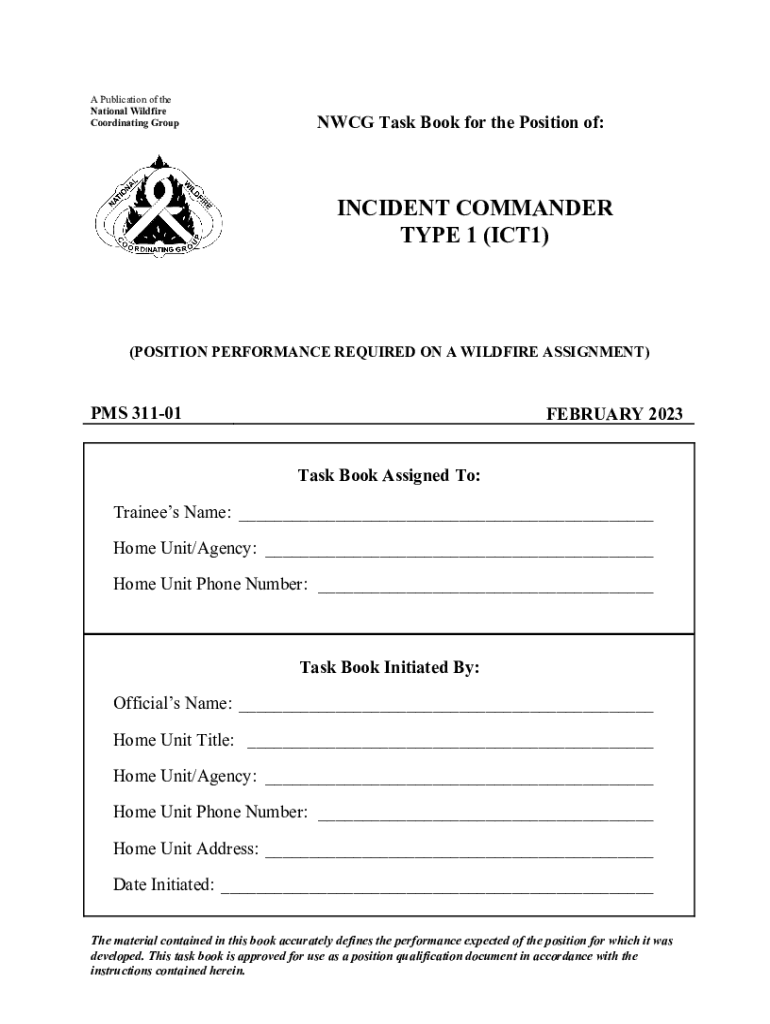
Incident Commander Incident Commander Type 1 ICT1 ICT1 Position Task Book 2023-2026


Understanding the Incident Commander Position Task Book
The Incident Commander Position Task Book is a critical tool for individuals aspiring to achieve the Type 1 Incident Commander (ICT1) certification. This document outlines the specific tasks and competencies required for effective incident management. It serves as a structured guide for candidates to demonstrate their skills and knowledge in real-world scenarios, ensuring they meet the necessary standards set by the National Wildfire Coordinating Group (NWCG) and other relevant authorities.
Steps to Complete the Incident Commander Position Task Book
Completing the Incident Commander Position Task Book involves several key steps:
- Familiarization: Review the task book to understand the required competencies and tasks.
- Documentation: Collect evidence of your experience and training relevant to each task.
- Mentorship: Work with a qualified mentor who can guide you through the process and provide feedback.
- Field Experience: Engage in practical exercises and real incidents to demonstrate your capabilities.
- Review and Submission: Ensure all tasks are completed and documented before submitting the task book for evaluation.
Key Elements of the Incident Commander Position Task Book
The Incident Commander Position Task Book includes several essential components:
- Task Descriptions: Detailed descriptions of each task that must be completed.
- Performance Criteria: Standards against which the candidate's performance will be evaluated.
- Documentation Requirements: Instructions on how to properly document experiences and competencies.
- Evaluation Process: Information on how the completed task book will be assessed by evaluators.
Legal Use of the Incident Commander Position Task Book
The Incident Commander Position Task Book is legally recognized as a formal document for certification purposes within the U.S. fire management community. It is essential for candidates to ensure that they adhere to all guidelines and protocols outlined in the task book to maintain its validity. Proper completion and submission of the task book contribute to the candidate's professional credibility and compliance with industry standards.
Obtaining the Incident Commander Position Task Book
To obtain the Incident Commander Position Task Book, individuals should follow these steps:
- Contact Local Authorities: Reach out to local fire management agencies or training organizations that provide access to the task book.
- Online Resources: Visit official websites related to fire management training, where the task book may be available for download.
- Training Programs: Enroll in training programs that include the task book as part of their curriculum.
Examples of Using the Incident Commander Position Task Book
Real-world applications of the Incident Commander Position Task Book can be seen in various scenarios:
- Wildfire Response: Candidates utilize the task book during wildfire incidents to demonstrate their command capabilities.
- Emergency Management Exercises: The task book is used in simulated exercises to assess the readiness of candidates for actual incidents.
- Multi-Agency Coordination: It serves as a reference for coordinating efforts among different agencies during complex incidents.
Quick guide on how to complete incident commander incident commander type 1 ict1 ict1 position task book
Finalize Incident Commander Incident Commander Type 1 ICT1 ICT1 Position Task Book effortlessly on any device
Digital document management has gained traction with businesses and individuals alike. It offers an ideal eco-friendly substitute to conventional printed and signed papers, as you can obtain the appropriate form and securely store it online. airSlate SignNow provides you with all the necessary resources to create, modify, and electronically sign your documents promptly without obstacles. Manage Incident Commander Incident Commander Type 1 ICT1 ICT1 Position Task Book on any platform with airSlate SignNow Android or iOS applications and enhance any documentation-based process today.
How to modify and electronically sign Incident Commander Incident Commander Type 1 ICT1 ICT1 Position Task Book with ease
- Obtain Incident Commander Incident Commander Type 1 ICT1 ICT1 Position Task Book and click Get Form to initiate.
- Use the tools we provide to finalize your document.
- Emphasize pertinent sections of the documents or obscure sensitive information with tools that airSlate SignNow provides specifically for that purpose.
- Generate your electronic signature with the Sign tool, which takes mere seconds and holds the same legal validity as a traditional handwritten signature.
- Review all the information and click on the Done button to save your modifications.
- Select how you wish to send your form, via email, SMS, or invite link, or download it to your computer.
Say goodbye to lost or mislaid files, tedious form searching, or errors that necessitate printing new document copies. airSlate SignNow fulfills your document management needs in just a few clicks from any device you choose. Edit and electronically sign Incident Commander Incident Commander Type 1 ICT1 ICT1 Position Task Book and ensure exceptional communication at any point in the form preparation process with airSlate SignNow.
Create this form in 5 minutes or less
Find and fill out the correct incident commander incident commander type 1 ict1 ict1 position task book
Create this form in 5 minutes!
How to create an eSignature for the incident commander incident commander type 1 ict1 ict1 position task book
How to create an electronic signature for a PDF online
How to create an electronic signature for a PDF in Google Chrome
How to create an e-signature for signing PDFs in Gmail
How to create an e-signature right from your smartphone
How to create an e-signature for a PDF on iOS
How to create an e-signature for a PDF on Android
People also ask
-
What is the task book position commander feature in airSlate SignNow?
The task book position commander feature in airSlate SignNow allows users to efficiently manage and assign tasks related to document signing. This feature streamlines workflows by ensuring that all team members are aware of their responsibilities, enhancing collaboration and productivity.
-
How does airSlate SignNow's task book position commander improve document management?
By utilizing the task book position commander, businesses can track the status of document signing in real-time. This feature helps prevent delays and ensures that all necessary actions are completed promptly, making document management more efficient.
-
What are the pricing options for airSlate SignNow with task book position commander?
airSlate SignNow offers various pricing plans that include access to the task book position commander feature. These plans are designed to cater to businesses of all sizes, ensuring that you can find a solution that fits your budget and needs.
-
Can I integrate task book position commander with other tools?
Yes, airSlate SignNow's task book position commander can be integrated with various third-party applications. This flexibility allows businesses to enhance their existing workflows and improve overall efficiency by connecting with tools they already use.
-
What are the benefits of using task book position commander in airSlate SignNow?
The task book position commander feature provides several benefits, including improved task visibility, enhanced accountability, and streamlined communication among team members. These advantages lead to faster document processing and a more organized workflow.
-
Is the task book position commander feature user-friendly?
Absolutely! The task book position commander feature in airSlate SignNow is designed with user experience in mind. Its intuitive interface makes it easy for users of all skill levels to navigate and utilize effectively.
-
How can task book position commander help my team collaborate better?
The task book position commander feature fosters better collaboration by clearly defining roles and responsibilities within the document signing process. This clarity helps team members stay aligned and ensures that everyone is on the same page, reducing miscommunication.
Get more for Incident Commander Incident Commander Type 1 ICT1 ICT1 Position Task Book
Find out other Incident Commander Incident Commander Type 1 ICT1 ICT1 Position Task Book
- Electronic signature Maine Legal Agreement Online
- Electronic signature Maine Legal Quitclaim Deed Online
- Electronic signature Missouri Non-Profit Affidavit Of Heirship Online
- Electronic signature New Jersey Non-Profit Business Plan Template Online
- Electronic signature Massachusetts Legal Resignation Letter Now
- Electronic signature Massachusetts Legal Quitclaim Deed Easy
- Electronic signature Minnesota Legal LLC Operating Agreement Free
- Electronic signature Minnesota Legal LLC Operating Agreement Secure
- Electronic signature Louisiana Life Sciences LLC Operating Agreement Now
- Electronic signature Oregon Non-Profit POA Free
- Electronic signature South Dakota Non-Profit Business Plan Template Now
- Electronic signature South Dakota Non-Profit Lease Agreement Template Online
- Electronic signature Legal Document Missouri Online
- Electronic signature Missouri Legal Claim Online
- Can I Electronic signature Texas Non-Profit Permission Slip
- Electronic signature Missouri Legal Rental Lease Agreement Simple
- Electronic signature Utah Non-Profit Cease And Desist Letter Fast
- Electronic signature Missouri Legal Lease Agreement Template Free
- Electronic signature Non-Profit PDF Vermont Online
- Electronic signature Non-Profit PDF Vermont Computer