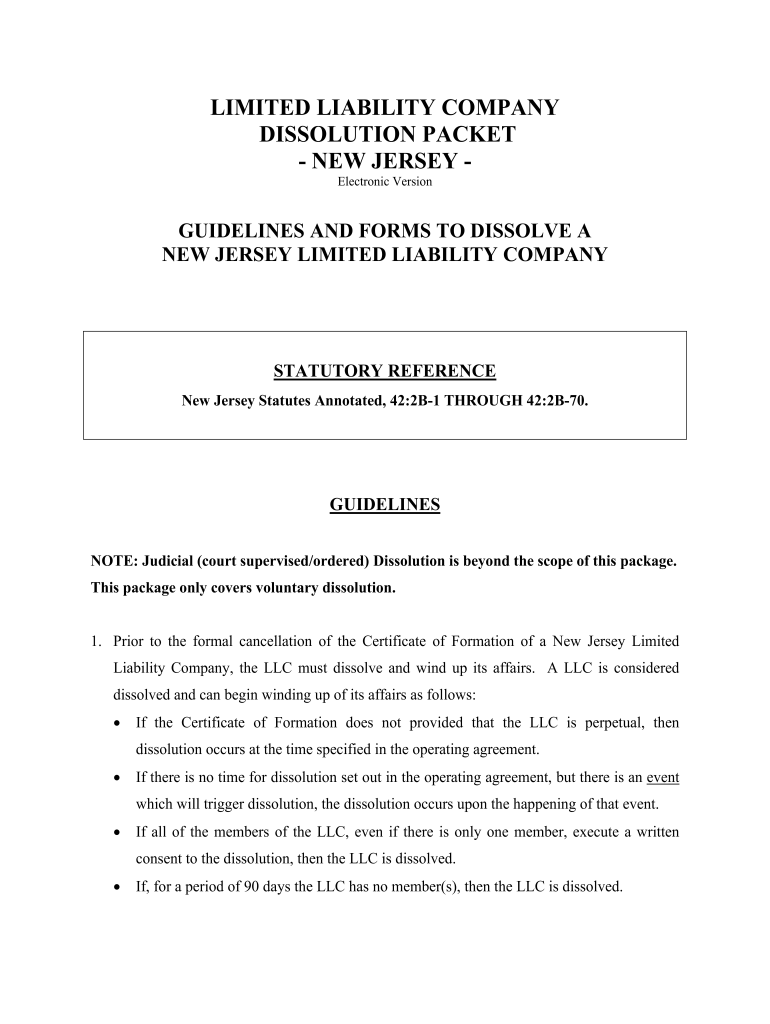
NEW JERSEY Electronic Version Form


What is the New Jersey Electronic Version?
The New Jersey Electronic Version, often referred to as nj web pmt, is a digital format for submitting various forms and payments to the state of New Jersey. This electronic system is designed to streamline the process of managing payments and documentation, making it easier for individuals and businesses to comply with state requirements. The nj web pmt serves as a secure method for submitting payment information, ensuring that transactions are processed efficiently and in compliance with state regulations.
How to Use the New Jersey Electronic Version
Using the New Jersey Electronic Version involves a few straightforward steps. First, users must access the designated online portal for the nj web pmt. Once there, individuals can complete the required forms by entering their information directly into the digital fields. After filling out the necessary details, users can review their entries for accuracy before submitting the form electronically. This method not only saves time but also reduces the risk of errors that can occur with paper submissions.
Steps to Complete the New Jersey Electronic Version
To successfully complete the nj web pmt, follow these steps:
- Visit the official New Jersey electronic payment portal.
- Select the appropriate form or payment type you wish to complete.
- Fill in all required fields with accurate information.
- Review your entries to ensure all details are correct.
- Submit the form electronically and save a copy for your records.
By adhering to these steps, users can ensure a smooth and efficient submission process.
Legal Use of the New Jersey Electronic Version
The nj web pmt is legally recognized as a valid method for submitting payments and forms in New Jersey, provided that it complies with state and federal regulations. The use of electronic signatures and secure data transmission methods ensures that submissions are legally binding. Compliance with the ESIGN Act and UETA is crucial, as these laws govern the legality of electronic signatures and transactions across the United States.
Key Elements of the New Jersey Electronic Version
Several key elements define the nj web pmt, making it a reliable option for electronic submissions:
- Security: The platform employs advanced encryption methods to protect user data during transmission.
- Accessibility: Users can access the nj web pmt from any device with internet connectivity, allowing for flexibility.
- Compliance: The system adheres to legal standards set forth by state and federal regulations, ensuring validity.
- User-Friendly Interface: The design is intuitive, making it easy for users to navigate and complete forms.
Examples of Using the New Jersey Electronic Version
Common applications of the nj web pmt include:
- Filing tax payments electronically.
- Submitting business registration forms.
- Paying fines or fees associated with state regulations.
- Completing applications for various state services.
These examples illustrate the versatility and efficiency of using the New Jersey Electronic Version for various administrative tasks.
Quick guide on how to complete new jersey electronic version
Easily prepare NEW JERSEY Electronic Version on any gadget
Digital document management has gained traction among enterprises and individuals. It serves as a superb eco-friendly alternative to conventional printed and signed documents, allowing you to obtain the right format and securely save it online. airSlate SignNow equips you with all the tools necessary to swiftly create, modify, and eSign your documents without any hold-ups. Handle NEW JERSEY Electronic Version on any platform using airSlate SignNow's Android or iOS applications and enhance any document-focused procedure today.
How to modify and eSign NEW JERSEY Electronic Version effortlessly
- Find NEW JERSEY Electronic Version and click Get Form to begin.
- Utilize the tools we provide to fill out your form.
- Emphasize pertinent sections of your documents or redact sensitive information using the tools specifically designed for that purpose by airSlate SignNow.
- Create your eSignature with the Sign tool, which takes mere seconds and holds the same legal validity as a conventional wet ink signature.
- Review the information and click on the Done button to save your changes.
- Select your preferred method to submit your form, whether via email, text message (SMS), invite link, or download it to your computer.
Forget about lost or misplaced documents, tedious form searches, or mistakes that require printing additional copies. airSlate SignNow meets your document management needs in just a few clicks from any device you choose. Edit and eSign NEW JERSEY Electronic Version to ensure effective communication at every stage of your form preparation process with airSlate SignNow.
Create this form in 5 minutes or less
Create this form in 5 minutes!
How to create an eSignature for the new jersey electronic version
How to make an eSignature for the New Jersey Electronic Version online
How to generate an electronic signature for your New Jersey Electronic Version in Google Chrome
How to create an eSignature for signing the New Jersey Electronic Version in Gmail
How to make an eSignature for the New Jersey Electronic Version right from your mobile device
How to create an eSignature for the New Jersey Electronic Version on iOS devices
How to make an eSignature for the New Jersey Electronic Version on Android OS
People also ask
-
What is the NEW JERSEY Electronic Version offered by airSlate SignNow?
The NEW JERSEY Electronic Version by airSlate SignNow is a digital solution that allows businesses to send and e-sign documents seamlessly. This user-friendly platform ensures compliance with state laws, making it ideal for businesses operating in New Jersey. With the NEW JERSEY Electronic Version, you can streamline your document management processes and enhance operational efficiency.
-
How much does the NEW JERSEY Electronic Version cost?
airSlate SignNow offers competitive pricing for the NEW JERSEY Electronic Version, with plans tailored to fit various business needs. You can choose from monthly or annual subscriptions, with discounts available for long-term commitments. This cost-effective solution ensures that you get the best value for electronic signing and document management.
-
What features does the NEW JERSEY Electronic Version include?
The NEW JERSEY Electronic Version includes a wide array of features such as customizable templates, bulk sending, real-time tracking, and secure storage. Additionally, it supports multiple file formats, making it easy to upload and send documents. These features are designed to enhance your workflow and simplify the signing process.
-
Is the NEW JERSEY Electronic Version secure?
Yes, the NEW JERSEY Electronic Version from airSlate SignNow prioritizes security with industry-standard encryption and compliance with legal regulations. Your documents are protected with advanced security measures, ensuring that sensitive information remains confidential. Trusting the NEW JERSEY Electronic Version means prioritizing your data security.
-
Can the NEW JERSEY Electronic Version integrate with other software?
Absolutely! The NEW JERSEY Electronic Version integrates seamlessly with various third-party applications such as CRM systems, cloud storage services, and productivity tools. This compatibility allows you to enhance your existing workflows and maximize efficiency without disrupting your current processes.
-
What are the benefits of using the NEW JERSEY Electronic Version for my business?
Using the NEW JERSEY Electronic Version can signNowly reduce the time needed for document processing and signing. Businesses can improve turnaround times, enhance customer satisfaction, and reduce paper usage, contributing to a greener environment. Additionally, the ease of use and accessibility of the NEW JERSEY Electronic Version can empower your team to focus on more strategic tasks.
-
Is training available for using the NEW JERSEY Electronic Version?
Yes, airSlate SignNow provides comprehensive training resources for users of the NEW JERSEY Electronic Version. These resources include tutorials, webinars, and customer support to ensure you can maximize the platform's capabilities. Our goal is to help you get the most out of your experience with the NEW JERSEY Electronic Version.
Get more for NEW JERSEY Electronic Version
- Name date period college information worksheet directions choose a college to research
- Decal nassau county form
- Lf606 criminal history txdmvgov txdmv form
- Union point steam academy re enrollment form upes greene schooldesk
- Nyc 3l 2016 form
- State of minnesota district court free divorce papers form
- Labor market research worksheet mass form
- Elementary challenge program katyisd form
Find out other NEW JERSEY Electronic Version
- Can I eSign Texas Plumbing Cease And Desist Letter
- eSign Utah Plumbing Notice To Quit Secure
- eSign Alabama Real Estate Quitclaim Deed Mobile
- eSign Alabama Real Estate Affidavit Of Heirship Simple
- eSign California Real Estate Business Plan Template Free
- How Can I eSign Arkansas Real Estate Promissory Note Template
- eSign Connecticut Real Estate LLC Operating Agreement Later
- eSign Connecticut Real Estate LLC Operating Agreement Free
- eSign Real Estate Document Florida Online
- eSign Delaware Real Estate Quitclaim Deed Easy
- eSign Hawaii Real Estate Agreement Online
- Help Me With eSign Hawaii Real Estate Letter Of Intent
- eSign Florida Real Estate Residential Lease Agreement Simple
- eSign Florida Real Estate Limited Power Of Attorney Online
- eSign Hawaii Sports RFP Safe
- eSign Hawaii Sports Warranty Deed Myself
- eSign Louisiana Real Estate Last Will And Testament Easy
- eSign Louisiana Real Estate Work Order Now
- eSign Maine Real Estate LLC Operating Agreement Simple
- eSign Maine Real Estate Memorandum Of Understanding Mobile