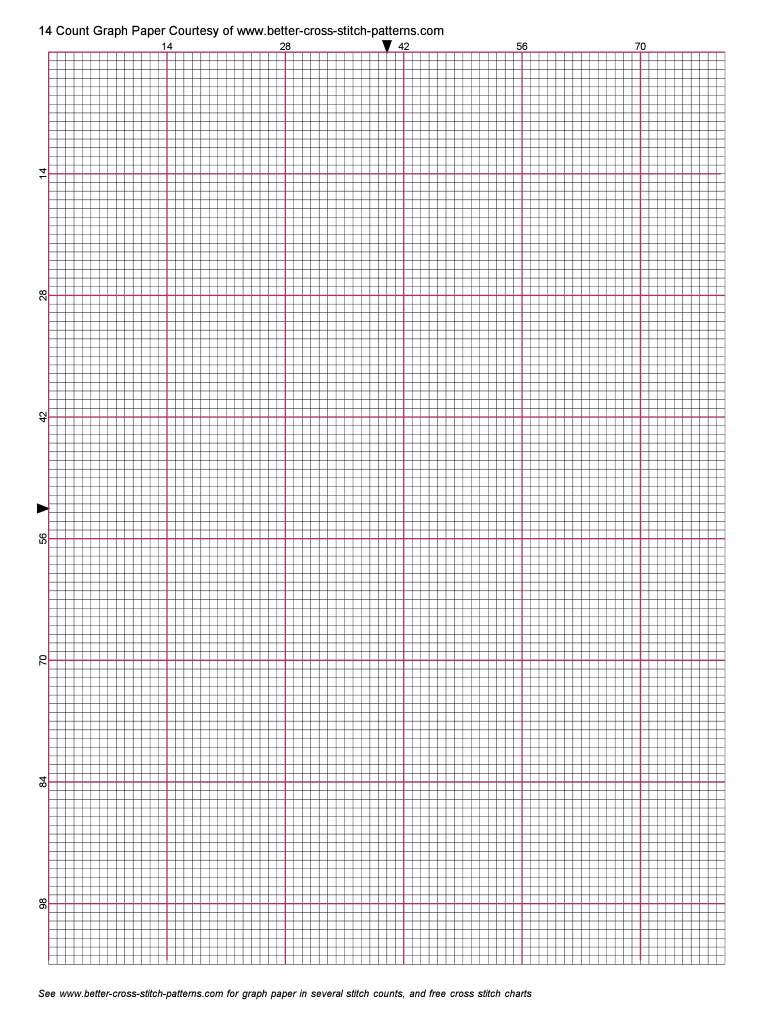
Cross Stitch Grid Form


What is the Cross Stitch Grid
The cross stitch grid is a structured layout used primarily for cross stitching, a popular needlework technique. This grid typically consists of evenly spaced squares that help crafters visualize and plan their designs. Each square represents a stitch, allowing for precise placement of colors and patterns. The 14 count graph paper printable is specifically designed for 14 count Aida fabric, where each square on the graph paper corresponds to one stitch on the fabric. This makes it an essential tool for both beginners and experienced stitchers who want to create intricate designs.
How to use the Cross Stitch Grid
Using the cross stitch grid involves several straightforward steps. First, select your design and transfer it onto the grid. Each color in your design should correspond to a square on the grid. Next, use colored pencils or markers to fill in the squares, indicating which color of thread to use for each stitch. Once your grid is complete, you can begin stitching by following the grid closely. This method ensures that your final piece aligns with your original design, making it easier to create beautiful and accurate cross stitch patterns.
Steps to complete the Cross Stitch Grid
To complete a cross stitch grid effectively, follow these steps:
- Choose your design and print the 14 count graph paper printable.
- Decide on the colors you will use and assign them to specific squares on the grid.
- Fill in the squares on the grid with the corresponding colors to create a visual representation of your design.
- Begin stitching, following the grid closely to ensure accuracy.
- Periodically check your work against the grid to maintain alignment and consistency.
Legal use of the Cross Stitch Grid
The use of the cross stitch grid is generally legal and does not require any specific permissions, as it is a tool for personal or artistic expression. However, if you are using a design that is copyrighted, it is essential to ensure that you have the right to use that design. This typically involves obtaining permission from the copyright holder if you plan to sell or distribute your finished work. For personal projects, you can freely use the grid to create your designs without legal concerns, as long as you respect copyright laws.
Key elements of the Cross Stitch Grid
Several key elements define the effectiveness of a cross stitch grid:
- Square Size: Each square should accurately represent the size of a stitch on your chosen fabric.
- Color Coding: Using a color code helps in identifying which threads to use for each section of the design.
- Clear Lines: The grid should have clear, defined lines to ensure easy visibility and guidance while stitching.
- Count Information: Knowing the count (like 14 count) is crucial, as it determines the density of stitches and the overall size of the finished piece.
Examples of using the Cross Stitch Grid
Examples of using the cross stitch grid can vary widely based on personal preference and project goals. For instance, a beginner might use a simple floral pattern on a 14 count graph paper printable to practice basic stitches. More advanced stitchers may create intricate landscapes or portraits, utilizing the grid to manage complex color changes and stitch placements. Additionally, the grid can be adapted for various projects, including home decor items, gifts, or personalized clothing, showcasing the versatility of this essential tool in the crafting community.
Quick guide on how to complete printable cross stitch chart paper form
Prepare Cross Stitch Grid effortlessly on any device
Online document management has gained popularity among businesses and individuals alike. It offers an excellent eco-friendly substitute for traditional printed and signed documents, enabling you to find the right form and securely store it online. airSlate SignNow equips you with all the resources necessary to create, modify, and electronically sign your documents quickly and efficiently. Handle Cross Stitch Grid on any device using airSlate SignNow's Android or iOS applications and enhance any document-centric process today.
How to modify and electronically sign Cross Stitch Grid with ease
- Find Cross Stitch Grid and click on Get Form to begin.
- Utilize the tools we offer to fill out your document.
- Emphasize important sections of the documents or redact sensitive information with tools that airSlate SignNow provides specifically for that purpose.
- Generate your eSignature using the Sign tool, which takes mere seconds and holds the same legal validity as a conventional wet ink signature.
- Review the information and click on the Done button to save your changes.
- Choose your preferred method for delivering your form, be it via email, SMS, or an invitation link, or download it to your computer.
Eliminate concerns about lost or misplaced documents, tiring form searches, or mistakes that require reprinting new copies. airSlate SignNow meets all your document management needs in just a few clicks from any device of your choice. Modify and electronically sign Cross Stitch Grid and ensure outstanding communication at every stage of your form preparation process with airSlate SignNow.
Create this form in 5 minutes or less
FAQs
-
What happens to all of the paper forms you fill out for immigration and customs?
Years ago I worked at document management company. There is cool software that can automate aspects of hand-written forms. We had an airport as a customer - they scanned plenty and (as I said before) this was several years ago...On your airport customs forms, the "boxes" that you 'need' to write on - are basically invisible to the scanner - but are used because then us humans will tend to write neater and clearer which make sit easier to recognize with a computer. Any characters with less than X% accuracy based on a recognition engine are flagged and shown as an image zoomed into the particular character so a human operator can then say "that is an "A". This way, you can rapidly go through most forms and output it to say - an SQL database, complete with link to original image of the form you filled in.If you see "black boxes" at three corners of the document - it is likely set up for scanning (they help to identify and orient the page digitally). If there is a unique barcode on the document somewhere I would theorize there is an even higher likelihood of it being scanned - the document is of enough value to be printed individually which costs more, which means it is likely going to be used on the capture side. (I've noticed in the past in Bahamas and some other Caribbean islands they use these sorts of capture mechanisms, but they have far fewer people entering than the US does everyday)The real answer is: it depends. Depending on each country and its policies and procedures. Generally I would be surprised if they scanned and held onto the paper. In the US, they proably file those for a set period of time then destroy them, perhaps mining them for some data about travellers. In the end, I suspect the "paper-to-data capture" likelihood of customs forms ranges somewhere on a spectrum like this:Third world Customs Guy has paper to show he did his job, paper gets thrown out at end of shift. ------> We keep all the papers! everything is scanned as you pass by customs and unique barcodes identify which flight/gate/area the form was handed out at, so we co-ordinate with cameras in the airport and have captured your image. We also know exactly how much vodka you brought into the country. :)
-
How can I get a lot of people to fill out my Google form survey for a research paper?
First of all, to get a lot of responses for your survey don't forget to follow main rules of creating a survey. Here are some of them:Create and design an invitation page, sett the information about why it is so important for you to get the answers there; also write the purpose of your survey.Make your survey short. Remember that people spend their time answering questions.Preset your goal, decide what information you want to get in the end. Prepare list of questions, which would be the most important for you.Give your respondents enough time to answer a survey.Don't forget to say "Thank you!", be polite.Besides, if you want to get more responses, you can use these tips:1.The first one is to purchase responses from survey panel. You can use MySurveyLab’s survey panel for it. In this case you will get reliable and useful results. You can read more about it here.2.If you don’t want to spent money for responses, you can use the second solution. The mentioned tool enables sharing the survey via different channels: email (invitations and e-mail embedded surveys, SMS, QR codes, as a link.You can share the link on different social media, like Twitter, Facebook, Facebook groups, different forums could be also useful, Pinterest, LinkedIn, VKontakte and so on… I think that if you use all these channels, you could get planned number of responses.Hope to be helpful! Good luck!
-
How do I fill out the exam form for a due paper of Rajasthan University?
Either through your college or contact to exam section window (depends on your course) with your previous exam result, fee receipt, etc.
-
How do I fill out Form B under the Insolvency and Bankruptcy code? Does the affidavit require a stamp paper?
Affidavit is always on stamp paper
Create this form in 5 minutes!
How to create an eSignature for the printable cross stitch chart paper form
How to make an eSignature for the Printable Cross Stitch Chart Paper Form in the online mode
How to make an electronic signature for your Printable Cross Stitch Chart Paper Form in Google Chrome
How to make an eSignature for signing the Printable Cross Stitch Chart Paper Form in Gmail
How to create an eSignature for the Printable Cross Stitch Chart Paper Form right from your smartphone
How to create an electronic signature for the Printable Cross Stitch Chart Paper Form on iOS
How to generate an electronic signature for the Printable Cross Stitch Chart Paper Form on Android devices
People also ask
-
What is a Cross Stitch Grid and how can it help my projects?
A Cross Stitch Grid is a useful tool for cross-stitch enthusiasts that helps organize patterns by providing a clear framework for stitching. By using a Cross Stitch Grid, you can easily keep track of your stitches and ensure accuracy in your designs. This can enhance your stitching experience and lead to more professional-looking projects.
-
How does airSlate SignNow integrate with Cross Stitch Grid tools?
airSlate SignNow seamlessly integrates with various Cross Stitch Grid tools, allowing you to manage your stitching patterns and documentation in one place. This integration simplifies the process of sending and eSigning documents related to your Cross Stitch Grid projects. You can easily share your patterns and designs with collaborators for feedback and approval.
-
What are the pricing options for using airSlate SignNow with Cross Stitch Grid?
airSlate SignNow offers a variety of pricing plans that cater to different needs, ensuring you can find an option that suits your budget while utilizing the Cross Stitch Grid feature. Whether you're an individual stitcher or part of a larger crafting team, you'll find a cost-effective solution that meets your requirements. Check our website for the latest pricing details.
-
Can I use the Cross Stitch Grid feature on mobile devices?
Yes, the Cross Stitch Grid feature in airSlate SignNow is fully optimized for mobile devices. This allows you to access your patterns and eSign documents on the go, making it convenient to manage your cross-stitch projects from anywhere. Enjoy the flexibility of stitching and signing documents right from your smartphone or tablet.
-
What benefits does using a Cross Stitch Grid offer for beginners?
For beginners, a Cross Stitch Grid can signNowly simplify the learning process by providing a structured approach to stitching. It helps new stitchers understand pattern layouts and stitch placement, reducing the likelihood of errors. As a result, beginners can achieve satisfying results more quickly, boosting their confidence in cross-stitching.
-
Is there a way to customize my Cross Stitch Grid in airSlate SignNow?
Absolutely! airSlate SignNow allows you to customize your Cross Stitch Grid to fit your specific needs and preferences. You can adjust the grid size, colors, and other features to create a personalized experience that aligns with your unique stitching style, enhancing your creative workflow.
-
How can I share my Cross Stitch Grid with others using airSlate SignNow?
Sharing your Cross Stitch Grid is easy with airSlate SignNow. You can send your customized grids and patterns directly to friends or collaborators via email or through secure links. This makes it simple to get feedback or collaborate on projects, ensuring everyone is on the same page.
Get more for Cross Stitch Grid
Find out other Cross Stitch Grid
- How Can I eSign North Carolina Courts Presentation
- How Can I eSign Washington Police Form
- Help Me With eSignature Tennessee Banking PDF
- How Can I eSignature Virginia Banking PPT
- How Can I eSignature Virginia Banking PPT
- Can I eSignature Washington Banking Word
- Can I eSignature Mississippi Business Operations Document
- How To eSignature Missouri Car Dealer Document
- How Can I eSignature Missouri Business Operations PPT
- How Can I eSignature Montana Car Dealer Document
- Help Me With eSignature Kentucky Charity Form
- How Do I eSignature Michigan Charity Presentation
- How Do I eSignature Pennsylvania Car Dealer Document
- How To eSignature Pennsylvania Charity Presentation
- Can I eSignature Utah Charity Document
- How Do I eSignature Utah Car Dealer Presentation
- Help Me With eSignature Wyoming Charity Presentation
- How To eSignature Wyoming Car Dealer PPT
- How To eSignature Colorado Construction PPT
- How To eSignature New Jersey Construction PDF