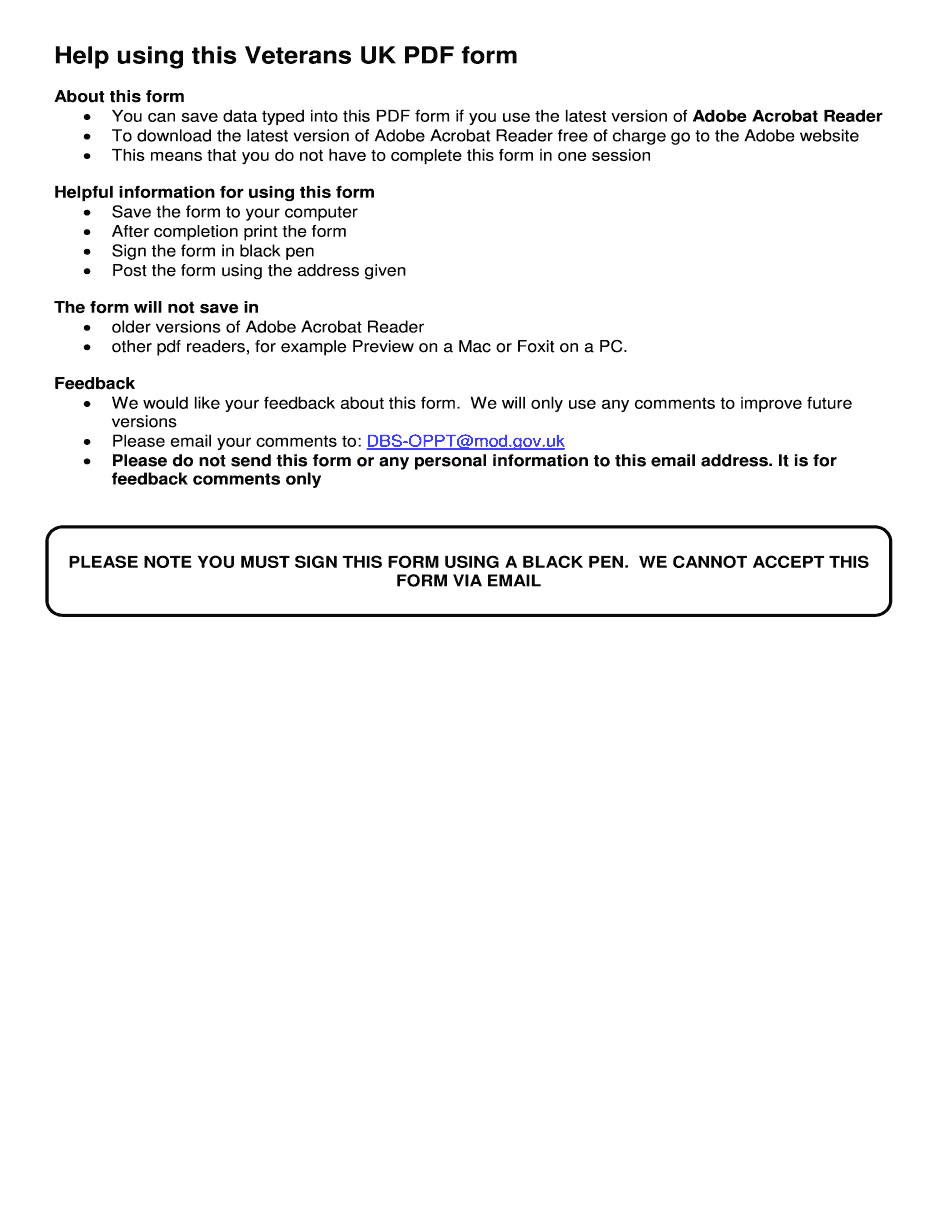
Armed Forces Compensation Scheme Form 2018-2026


What is the Armed Forces Compensation Scheme Form
The Armed Forces Compensation Scheme (AFCS) Form is a legal document designed for service members seeking compensation for injuries or illnesses sustained during their service. This form is essential for initiating claims under the AFCS, which provides financial support to those affected by service-related conditions. It outlines the eligibility criteria, types of compensation available, and the process for submitting claims. Understanding this form is crucial for ensuring that all necessary information is accurately provided, facilitating a smoother claims process.
How to use the Armed Forces Compensation Scheme Form
Using the Armed Forces Compensation Scheme Form involves several steps to ensure that your claim is processed effectively. First, gather all relevant information regarding your service and the circumstances surrounding your injury or illness. Next, fill out the form accurately, providing details such as your personal information, service history, and the nature of your claim. It is important to be thorough and precise, as incomplete or inaccurate information can delay the processing of your claim. After completing the form, review it carefully before submission to ensure all required sections are filled out correctly.
Steps to complete the Armed Forces Compensation Scheme Form
Completing the Armed Forces Compensation Scheme Form requires careful attention to detail. Follow these steps:
- Step One: Obtain the latest version of the form, ensuring it is the correct one for your claim.
- Step Two: Fill in your personal details, including your name, address, and service number.
- Step Three: Describe the injury or illness, including when and how it occurred.
- Step Four: Provide any supporting documents, such as medical records or witness statements, to substantiate your claim.
- Step Five: Review all information for accuracy and completeness before submitting the form.
Legal use of the Armed Forces Compensation Scheme Form
The Armed Forces Compensation Scheme Form must be used in accordance with specific legal guidelines to ensure that claims are valid. This includes adhering to deadlines for submission and providing truthful information. Misrepresentation or failure to comply with the requirements can lead to penalties, including denial of the claim. Understanding the legal framework surrounding the AFCS is essential for service members to protect their rights and ensure they receive the compensation they are entitled to.
Eligibility Criteria
To qualify for compensation under the Armed Forces Compensation Scheme, applicants must meet certain eligibility criteria. These typically include:
- Being a current or former member of the armed forces.
- Having sustained an injury or illness that is directly linked to military service.
- Submitting the claim within the specified time frame following the incident.
It is important for applicants to review these criteria carefully to determine their eligibility before completing the form.
Required Documents
When submitting the Armed Forces Compensation Scheme Form, certain documents are required to support your claim. These may include:
- Medical records detailing the injury or illness.
- Service records that confirm your military status and service history.
- Any relevant correspondence related to your claim.
Having these documents ready will help streamline the claims process and increase the likelihood of a successful outcome.
Quick guide on how to complete afcs01 claim form 2018 2019
A swift guide on how to create your Armed Forces Compensation Scheme Form
Finding the appropriate template can be difficult when you need to provide formal international documents. Even when you possess the form you require, it may be tedious to quickly prepare it in accordance with all the specifications if you use paper copies instead of managing everything digitally. airSlate SignNow is the web-based electronic signature solution that assists you in overcoming these challenges. It enables you to select your Armed Forces Compensation Scheme Form and swiftly fill it out and sign it on-site without needing to reprint documents in case of typos.
Here are the instructions you need to follow to prepare your Armed Forces Compensation Scheme Form with airSlate SignNow:
- Click the Get Form button to immediately add your document to our editor.
- Begin at the first vacant field, enter your information, and continue with the Next tool.
- Complete the empty boxes using the Cross and Check tools from the toolbar above.
- Select the Highlight or Line options to emphasize the most essential information.
- Click on Image and upload one if your Armed Forces Compensation Scheme Form necessitates it.
- Make use of the right-side panel to add more fields for you or others to complete if needed.
- Review your responses and validate the form by clicking Date, Initials, and Sign.
- Draw, type, upload your eSignature, or capture it using a camera or QR code.
- Complete any modifications to the form by clicking the Done button and choosing your file-sharing options.
Once your Armed Forces Compensation Scheme Form is prepared, you can distribute it as you wish - send it to your recipients via email, SMS, fax, or even print it directly from the editor. You can also securely save all your completed documents in your account, organized in folders according to your preferences. Don’t waste time on manual document filling; try airSlate SignNow!
Create this form in 5 minutes or less
Find and fill out the correct afcs01 claim form 2018 2019
FAQs
-
Which ITR form should an NRI fill out for AY 2018–2019 to claim the TDS deducted by banks only?
ITR form required to be submitted depends upon nature of income. As a NRI shall generally have income from other sources like interest, rental income therefore s/he should file ITR 2.
-
Which ITR form should an NRI fill out for AY 2018–2019 for salary income?
File ITR 2 and for taking credit of foreign taxes fill form 67 before filling ITR.For specific clarifications / legal advice feel free to write to dsssvtax[at]gmail or call/WhatsApp: 9052535440.
-
Will the NEET 2018 give admission in paramedical courses and Ayush courses too? If yes, how do you fill out the form to claim a seat if scored well?
wait for notifications.
-
Can I fill the form for the SSC CGL 2018 which will be held in June 2019 and when will the form for 2019 come out?
No, you can’t fill the form for SSC CGL 2018 as application process has been long over.SSC CGL 2019 : No concrete information at this time. Some update should come by August-September 2019.Like Exambay on facebook for all latest updates on SSC CGL 2018 , SSC CGL 2019 and other upcoming exams
Create this form in 5 minutes!
How to create an eSignature for the afcs01 claim form 2018 2019
How to make an eSignature for your Afcs01 Claim Form 2018 2019 in the online mode
How to create an eSignature for your Afcs01 Claim Form 2018 2019 in Google Chrome
How to generate an eSignature for putting it on the Afcs01 Claim Form 2018 2019 in Gmail
How to create an eSignature for the Afcs01 Claim Form 2018 2019 right from your smart phone
How to make an eSignature for the Afcs01 Claim Form 2018 2019 on iOS
How to make an electronic signature for the Afcs01 Claim Form 2018 2019 on Android devices
People also ask
-
What is the Armed Forces Compensation Scheme Form?
The Armed Forces Compensation Scheme Form is a document used by service members to apply for compensation related to injuries or conditions resulting from their military service. This form is essential for initiating the claims process under the Armed Forces Compensation Scheme, ensuring that veterans receive the financial support they deserve.
-
How can airSlate SignNow help with the Armed Forces Compensation Scheme Form?
airSlate SignNow simplifies the process of completing and submitting the Armed Forces Compensation Scheme Form by allowing users to eSign documents securely and efficiently. With its user-friendly interface, you can quickly fill out the form, add your electronic signature, and send it directly to the relevant authorities.
-
Is there a cost associated with using airSlate SignNow for the Armed Forces Compensation Scheme Form?
Yes, airSlate SignNow offers various pricing plans to cater to different needs, including options for individuals and businesses. While there is a nominal fee to access premium features, the cost is often justified by the time saved and the convenience offered when completing the Armed Forces Compensation Scheme Form.
-
What features does airSlate SignNow offer for filling out the Armed Forces Compensation Scheme Form?
airSlate SignNow provides features such as customizable templates, real-time collaboration, and secure cloud storage, which enhance the experience of completing the Armed Forces Compensation Scheme Form. Additionally, users can track the status of their documents and receive notifications when the form has been signed.
-
Can I integrate airSlate SignNow with other software for the Armed Forces Compensation Scheme Form?
Absolutely! airSlate SignNow integrates seamlessly with various applications, allowing you to streamline your workflow when handling the Armed Forces Compensation Scheme Form. Popular integrations include CRM systems, cloud storage services, and productivity tools, ensuring you can manage your documents efficiently.
-
What are the benefits of using airSlate SignNow for the Armed Forces Compensation Scheme Form?
Using airSlate SignNow for the Armed Forces Compensation Scheme Form offers numerous benefits, including increased efficiency, enhanced security, and ease of use. The platform ensures your documents are signed and processed quickly, helping you receive your compensation in a timely manner.
-
Is airSlate SignNow secure for submitting the Armed Forces Compensation Scheme Form?
Yes, airSlate SignNow employs industry-leading security measures to protect your documents, including the Armed Forces Compensation Scheme Form. With end-to-end encryption, secure access controls, and compliance with legal standards, you can trust that your information is safe throughout the signing process.
Get more for Armed Forces Compensation Scheme Form
- Tollfaktura form
- Bowling handicap chart 423013834 form
- Kohls rebate receipt form
- Irs form 8508
- Baptist primary care airport center new patient questionnaire form
- Copyrightauthorshipdisclosure form springer
- D2708 statement of financial circumstances department of form
- Fire extuisher service contract template form
Find out other Armed Forces Compensation Scheme Form
- How To Sign Wyoming Orthodontists Document
- Help Me With Sign Alabama Courts Form
- Help Me With Sign Virginia Police PPT
- How To Sign Colorado Courts Document
- Can I eSign Alabama Banking PPT
- How Can I eSign California Banking PDF
- How To eSign Hawaii Banking PDF
- How Can I eSign Hawaii Banking Document
- How Do I eSign Hawaii Banking Document
- How Do I eSign Hawaii Banking Document
- Help Me With eSign Hawaii Banking Document
- How To eSign Hawaii Banking Document
- Can I eSign Hawaii Banking Presentation
- Can I Sign Iowa Courts Form
- Help Me With eSign Montana Banking Form
- Can I Sign Kentucky Courts Document
- How To eSign New York Banking Word
- Can I eSign South Dakota Banking PPT
- How Can I eSign South Dakota Banking PPT
- How Do I eSign Alaska Car Dealer Form