Clear Field Labels
Use standardized labels for legal name, preferred name, date of birth, and relationship to minimize ambiguity. Clear labels reduce processing errors and support automated extraction when using digital workflows.
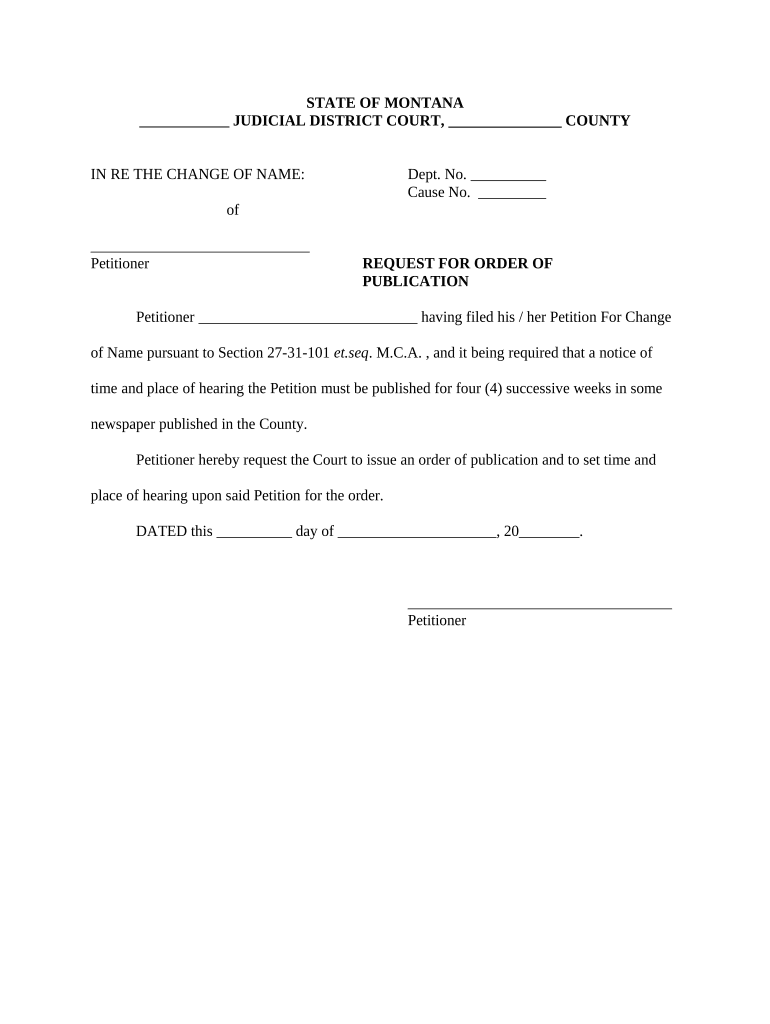
A well-structured Adult Change Form creates a reliable record of consent and reduces processing delays. It helps ensure accurate data, supports compliance with identity and privacy rules, and provides an audit trail for later review or dispute resolution.

Administrators, caseworkers, HR staff, healthcare coordinators, and the adult or an authorized representative commonly complete or process Adult Change Forms during routine updates.
As an HR Manager you collect and verify identity documents, update payroll and benefits records, and confirm the Adult Change Form matches company policy. Maintain copies per retention schedules and ensure any ESIGN consumer disclosures are provided when required for electronic consent.
As a Healthcare Coordinator you verify patient identity, attach required authorizations, and ensure HIPAA privacy requirements are observed. You route the form to clinical records and retain documentation according to HIPAA and facility retention policies to support audits and care continuity.
Use standardized labels for legal name, preferred name, date of birth, and relationship to minimize ambiguity. Clear labels reduce processing errors and support automated extraction when using digital workflows.
Mark mandatory fields explicitly and include inline validation. This prevents incomplete submissions and shortens review cycles by signaling what must be supplied before signing.
Provide signature lines for the adult and any authorized representative, with printed name and date fields. Note whether initials are acceptable for multi-page acknowledgement.
Include a dedicated area for notary acknowledgement or witness signatures if jurisdictional rules or organizational policy require notarization or witness attestations.
Offer clearly labeled attachment slots for ID copies, legal authorizations, or medical releases. Specify acceptable file types and any notarized documents needed to validate the change.
Reserve space or metadata for previous and new values, the effective date, and who authorized the change to create an auditable record for future reference.
Submit as soon as possible to avoid service interruptions.
Provide updates before payroll or reporting cycles to avoid reporting discrepancies.
Changes affecting benefits may be subject to open enrollment or qualifying event rules.
Some agencies set firm deadlines for official updates; verify requirements.
Allow time for verification, review, and any required notarization steps.
| Field | Configuration |
|---|---|
| Signature Type | Electronic signature with audit trail |
| Authentication | Email link or SMS code |
| Routing | Sequential approver order |
| Storage | Archive with retention tag |
Ensure the platform supports required file formats, signer authentication, and an auditable completion certificate before enabling eSubmission.
| Criteria | Adult Change Form | Similar Document |
|---|---|---|
| Purpose | administrative updates | legal authority transfer |
| Authority required | consent or representative | power of attorney or court order |
| Notarization | sometimes required | often required |
| Typical signers | adult or rep | principal and witnesses |
| signNow | DocuSign | Adobe Sign | PandaDoc | HelloSign | |
|---|---|---|---|---|---|
| Starting Price | $8/user/mo | $15/user/mo | $14/user/mo | $19/user/mo | $15/user/mo |
| Free Trial | 7-day free trial | Varies by plan | Varies by plan | Varies by plan | Varies by plan |
| Bulk Send | Yes | Yes | Yes | Yes | No |
| Audit Trail | Yes | Yes | Yes | Yes | Yes |
| HIPAA Compliant | Yes | Yes | Yes | No | No |
Optica adopted electronic forms to replace paper updates for client records and consent management.
Tech Data standardized online change forms for internal and external record updates.