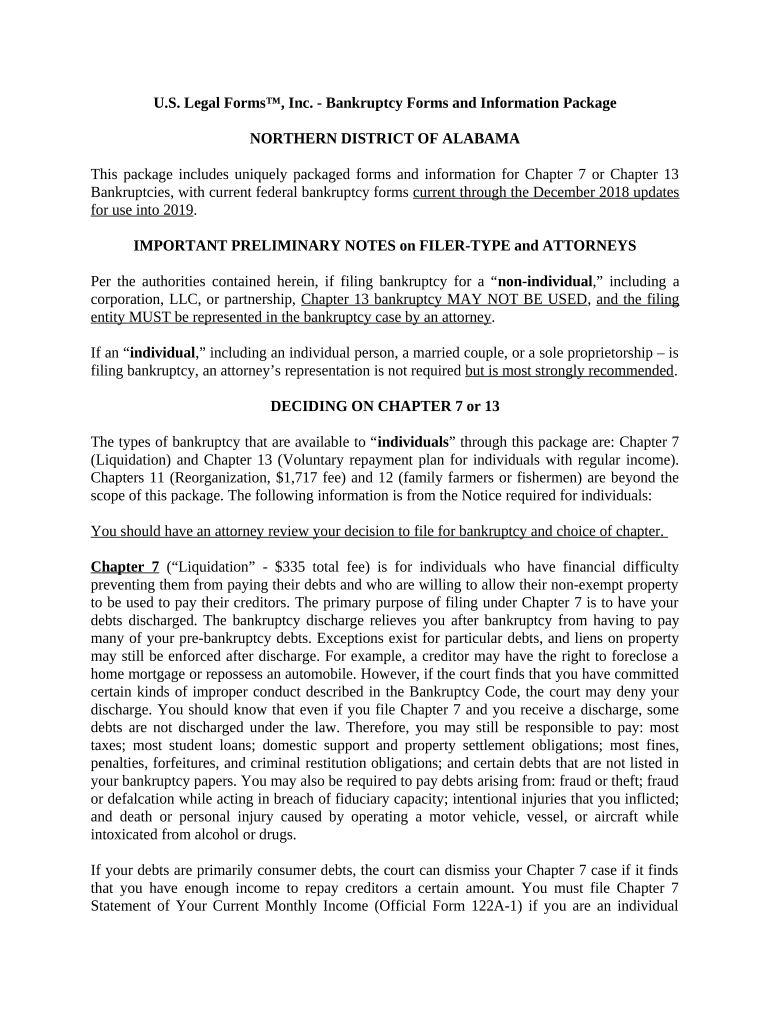
Bankruptcy Forms and Information Package
What the Bankruptcy Forms and Information Package Is
Why a Complete Package Matters for Court Compliance
A well-organized package reduces filing errors, speeds trustee review, and helps prevent dismissals or sanctions by ensuring required schedules, creditor lists, and disclosures are present and consistent with local bankruptcy rules.
Who Typically Prepares or Uses This Package
Typical users include individual debtors, attorneys, trustees, and support staff who manage court submissions and creditor communications.
- Consumer debtors who must disclose assets, liabilities, income, and expenses to the court and trustee.
- Bankruptcy attorneys and paralegals preparing petitions, means tests, and creditor matrices for e-filing and court compliance.
- Chapter 7/13 trustees and creditors using the package to verify claims and schedule hearings.
Step-by-Step: Preparing the Package
-
01Gather Documents: Collect IDs, paystubs, bank statements, tax returns, and titles.
-
02Complete Forms: Fill petition, schedules, means test, and statement of affairs.
-
03Prepare Matrix: Create creditor list with accurate addresses and account numbers.
-
04Review & Sign: Confirm all entries, sign with required authentication, and retain copies.
Typical eSubmission Flow for Electronic Packages
-
Prepare PDF: Combine documents into a single, paginated PDF.
-
Add Fields: Place signature, initials, and date fields as needed.
-
Authenticate Signers: Use email, SMS, or stronger ID methods for attribution.
-
Send & Store: Deliver signed packet to clerk or trustee and archive copies.
Recommended Digital Workflow Settings
| Field | Configuration |
|---|---|
| Authentication | Email plus optional SMS or KBA |
| Field Types | Signature, initial, date, text, checkbox |
| Conditional Logic | Show schedules only if applicable |
| Audit Trail | Enable IP, timestamp, and history |
Platform and File Format Considerations
Use a platform that supports PDF and DOCX uploads, audit trails, and secure storage for court submissions.
- File Formats: PDF, DOCX, and searchable OCR PDFs
- Integrations: Salesforce, NetSuite, Google Workspace
- Authentication: Email, SMS, KBA, or advanced methods
Common Consequences of Inaccurate or Incomplete Packages
Frequent Errors That Cause Delays
- Omitting a creditor or account number which prevents proper notice and may require amended filings and additional fees from the court.
- Entering incorrect Social Security numbers or names that do not match government IDs, triggering identity verification delays and potential motion practice.
- Failing to attach required supporting documents such as paystubs, tax returns, or vehicle titles, which can prolong trustee examinations.
- Using inconsistent dates or duplicated versions of schedules, which creates confusion about the correct statement of assets and liabilities.
Key Timing and Deadline Considerations
File Petition and Schedules:
Submit petition, schedules, and matrix at case commencement
341 Meeting:
Trustee’s meeting scheduled by clerk after filing
Claims Bar Date:
Court sets deadline for unsecured creditor claims
Objection Periods:
Creditors may object within court-prescribed timelines
Discharge Entry:
Discharge follows trustee review and any adversary rulings
Sequential Case Milestones
Filing
Petition and all required schedules are submitted to the court
341 Meeting
Debtor answers trustee and creditor questions under oath
Claims Deadline
Court issues bar date for unsecured claim filings
Discharge/Closure
Court enters discharge order and closes case unless contested
Best Practices to Reduce Errors and Speed Processing
How Others Use Electronic Packages in Practice
Tim Martin — Martin Properties
Tim moved property-related filings online to manage multiple portfolio cases efficiently.
- He emphasized mobile and offline capabilities for field work.
- "I can process and execute all of these documents online with 100% compliance and built-in security. Whether on mobile or working offline, I can get forms back to their necessary parties efficiently."
Dan Rotelli — BIS
Dan prioritized certified audit trails and regulatory alignment when digitizing legal packages.
- His team relied on secure recordkeeping and clear signer attribution.
- "We felt most comfortable with airSlate SignNow given their SOC 2 certification and strict focus on ESIGN and UETA act compliance."
Comparison: eSignature Pricing and Core Features
| signNow | DocuSign | Adobe Sign | PandaDoc | HelloSign | |
|---|---|---|---|---|---|
| Starting Price | $8/user/mo | $15/user/mo | $14/user/mo | $19/user/mo | $15/user/mo |
| Free Trial | 7-day free trial, no credit card | Varies by vendor | Varies by vendor | Varies by vendor | Varies by vendor |
| Bulk Send | Yes | Yes | Yes | Yes | Yes |
| Audit Trail | Yes | Yes | Yes | Yes | Yes |
| HIPAA Compliant | Yes | Yes | Yes | No | No |
| Envelope Cap | No envelope cap | 100 envelopes/user/year | Varies by plan | Varies by plan | Varies by plan |
Frequently Asked Questions
-
Can I sign bankruptcy forms electronically?
Yes in most jurisdictions when parties demonstrate intent, consent, attribution, and retention consistent with the ESIGN Act (15 U.S.C. ch. 96) and state UETA or ESRA rules; check local court rules for any additional requirements.
-
Are notarization or witnesses always required?
Not all bankruptcy forms require notarization, but specific documents (affidavits, declarations, or state-specific POAs) may. Local court rules and state law determine witness and notary needs; confirm with the clerk before filing.
-
What if I discover an error after filing?
File an amendment or corrected schedule with the court as soon as possible and notify the trustee. Timely correction reduces the risk of objections or sanctions and preserves good-faith disclosure.
-
How should I authenticate remote signers?
Use layered authentication—email plus SMS, knowledge-based verification, or stronger methods—while preserving audit logs. For notarized items, use RON where allowed and retain the session recording per state rules.
-
How long should I keep copies?
Retain case files for the active case term plus several years; follow federal baselines such as the IRS three-year rule (IRC §6501(a)) and HIPAA six-year retention where applicable.
-
Will electronic signatures be accepted by the court?
Many courts accept electronically signed filings if they comply with local e-filing and authentication rules; confirm with the bankruptcy clerk and verify format, notarization, or RON requirements before submission.