Clear party IDs
Full legal names and dates of birth for petitioner and consenting adult, plus relationship statement and contact information for follow-up.
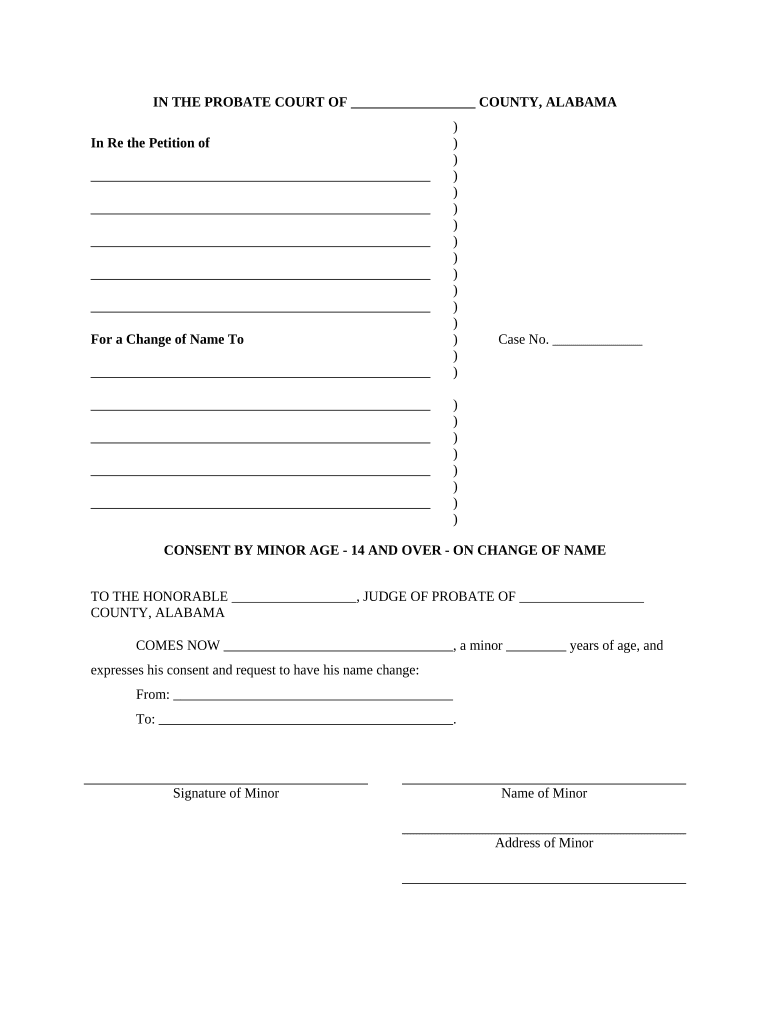
A clear, correctly completed consent protects the court process by showing voluntary agreement and avoiding delays. It reduces disputes about parental or guardian approval, supports accurate recordkeeping, and helps the court determine the change is appropriate for the petitioner.

If custody or guardianship is disputed, the form should be used with supporting court orders; legal counsel can clarify who must sign under Alabama statutes and local probate court practice.
A natural parent or court-appointed guardian who holds legal authority to approve a minor's name change. Their signature confirms voluntary consent and may be accompanied by ID and proof of relationship.
An attorney or court clerk may prepare, witness, or file the consent. They ensure the document conforms to local rules and that any required supporting orders or proofs of service are attached when presented to probate court.
| Field | Configuration |
|---|---|
| Signer Roles | Consenter | Petitioner |
| Authentication | Email + SMS code recommended |
| Attach IDs | Require upload of government ID |
| Notary Step | Add notary role or RON session if allowed |
Use platforms that comply with ESIGN and UETA and can produce a certificate of completion; consider HIPAA controls if health records are involved.
Allow 1–2 business days to gather IDs and supporting orders
Same day for in-person; RON may be scheduled within 48 hours
Filing clerk may process within 1–14 days depending on backlog
If required, hearings are scheduled in 2–8 weeks
Order entry may take 1–7 days after hearing
Consenting adult signs and notarizes the consent form
Petitioner files name change petition with attached consent
Clerk reviews submissions and notifies parties of defects
Judge issues final order changing the legal name
Full legal names and dates of birth for petitioner and consenting adult, plus relationship statement and contact information for follow-up.
Unambiguous statement granting permission for the specific requested name change, signed voluntarily without coercion.
A properly completed notary block or RON certification, including date, notary signature, and jurisdiction, when required by local rules.
Attachments such as custody orders, birth certificates, or court appointments that demonstrate authority to consent.
Execution date in MM/DD/YYYY and an original ink signature or approved electronic signature with audit trail.
A section for clerk use, case number, or notation linking the consent to the petition to avoid misfiling.
A mother signs consent for her child's name change following divorce
A court-appointed guardian signs consent on behalf of a ward
| signNow | DocuSign | Adobe Sign | PandaDoc | HelloSign | |
|---|---|---|---|---|---|
| Starting Price | $8/user/mo | $15/user/mo | $14/user/mo | $19/user/mo | $15/user/mo |
| Free Trial | 7-day free trial | Varies by plan | Varies by plan | Varies by plan | Varies by plan |
| Bulk Send | Yes (Premium tier) | Yes | Yes | Yes | No |
| Audit Trail | Yes | Yes | Yes | Yes | Yes |
| HIPAA Compliant | Yes (BAA available) | Yes (BAA available) | Yes (BAA available) | No | No |
| Envelope Cap | No cap | 100 envelopes/user/yr limit | Varies | Varies | Varies |