Recital of Authority
A brief recital stating the grantor’s authority to amend the trust and identifying the original trust by its full legal name and original execution date so that the amendment clearly links to the underlying instrument.
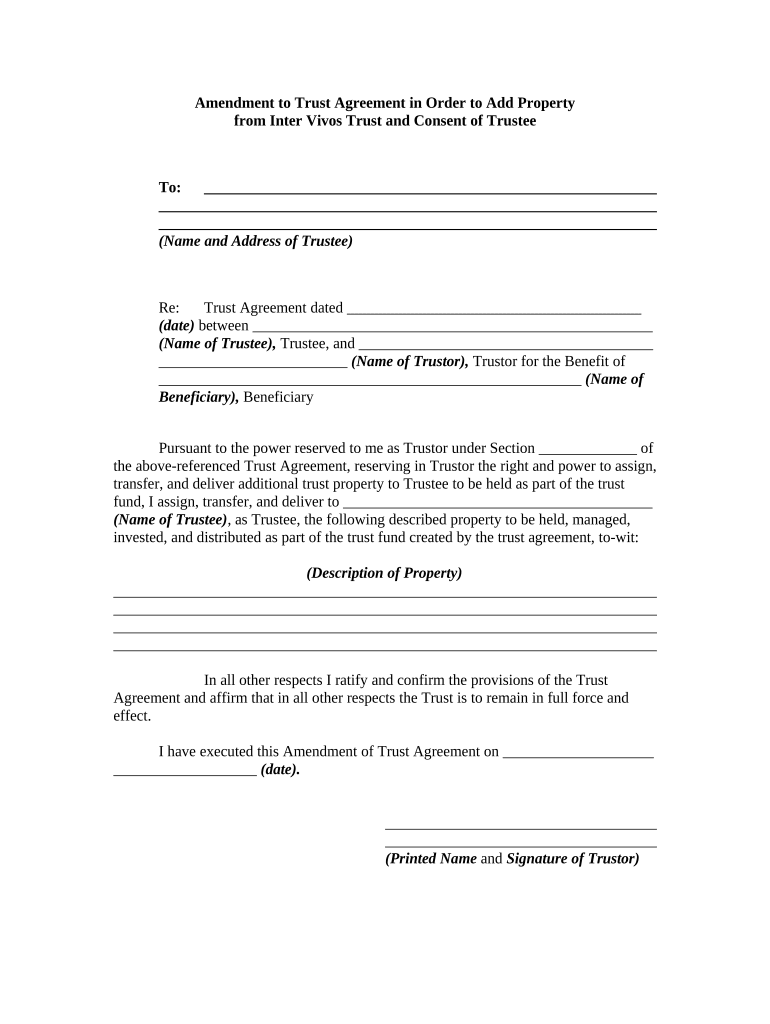
A clear amendment lets the grantor adjust estate plans, update fiduciaries, and correct drafting errors without probate. Properly executed amendments preserve intent, reduce ambiguity for trustees, and help avoid litigation or unintended tax consequences. Electronic execution is often permitted under ESIGN (15 U.S.C. ch. 96) and state UETA statutes when not precluded by state exceptions.

Key participants include the grantor, current trustees, and estate counsel; other parties may be involved when asset transfers or tax reporting change.
In many cases an attorney reviews the amendment to ensure it complies with trust terms and state law; notarization or witnesses may also be required.
| signNow | DocuSign | Adobe Sign | PandaDoc | HelloSign | |
|---|---|---|---|---|---|
| Starting Price | $8/user/mo | $15/user/mo | $14/user/mo | $19/user/mo | $15/user/mo |
| Free Trial | 7-day free trial | Varies | Varies | Varies | Varies |
| Bulk Send | Yes | Yes | Yes | Yes | No |
| Audit Trail | Yes | Yes | Yes | Yes | Yes |
| Envelope Cap | No cap | 100 envelopes/user/yr | Varies | Varies | Varies |
Choose a platform that supports standard file formats and integrates with the systems you use for trust administration.
A brief recital stating the grantor’s authority to amend the trust and identifying the original trust by its full legal name and original execution date so that the amendment clearly links to the underlying instrument.
Precise clauses that delete, modify, or add specific articles or paragraphs, referencing section numbers or exhibit identifiers from the original trust to avoid interpretive disputes.
A clause specifying the amendment's effective date and whether changes apply prospectively, retroactively, or upon occurrence of a specified event.
Adjustments to trustee authority or duties should be written clearly, including any limitations or expanded powers and how they interact with existing trustee provisions.
When adding or removing beneficiaries, state full legal names, identifying information, and allocation percentages or specific property descriptions to ensure precise distributions.
Signature blocks for the grantor and any required acknowledgments, plus a notary or witness section formatted to meet state authentication requirements.