Establishing secure connection…Loading editor…Preparing document…

Breach of Contract Pleading

This template is fully customizable. Edit the text, fill out the fields, and send it for signature. Give it a try!
Breach of Contract Pleading

What a Breach of Contract Pleading Is and when it’s used

A Breach of Contract Pleading is a court document that initiates or responds to litigation alleging that one party failed to perform obligations under a contract. It frames the factual allegations, cites the contract terms breached, quantifies damages or equitable relief sought, and identifies jurisdiction and parties. Pleadings must comply with court rules for form, service, and timing; many states follow the Federal Rules of Civil Procedure or state analogues. Accurate pleadings preserve claims, trigger discovery rights, and set the case scope for settlement or trial.

Why a clear Breach of Contract Pleading matters to your case

A focused pleading clarifies legal theories, preserves remedies, and reduces early procedural risks such as dismissal or failure-to-state-a-claim. Courts use pleadings to frame discovery and to evaluate dispositive motions.

Why a clear Breach of Contract Pleading matters to your case

Who prepares and relies on a Breach of Contract Pleading

Parties use pleadings to preserve evidence, set jurisdiction, and begin the formal litigation process; accuracy and timely service are central to effectiveness.

  • Plaintiff attorneys preparing initial complaints and claim charts for filing and service.
  • In-house counsel or contract managers responding to counterclaims or preparing demand letters.
  • Claims adjusters or business owners documenting damages and negotiating settlements before litigation.

Who signs and certifies this pleading

Plaintiff Attorney

An attorney of record signs and certifies the complaint under court rules and ethical obligations; signature indicates factual basis and good-faith legal theory and may trigger fee-shifting exposure for unsupported claims.

Corporate Officer

When a business is the plaintiff or defendant, an authorized officer or in-house counsel often signs verified pleadings or declarations; authority should be documented to avoid challenge under corporate signatory rules.

Essential data fields included in the Breach of Contract Pleading

Parties: Names of plaintiff and defendant
Contract ID: Agreement date and reference
Breach Details: Specific acts/omissions
Damages Claimed: Compensatory amounts
Relief Requested: Monetary or equitable
Jurisdiction: Court and venue

Common preparation errors to avoid

  • Vague breach descriptions that fail to link specific contract provisions to alleged conduct, risking dismissal for failure to state a claim.
  • Missing or incorrect party names or corporate designations that result in service defects or the need to amend the pleading.
  • Improperly calculated damages, including double-counting or failing to deduct mitigated amounts, which undermines credibility and settlement leverage.
  • Failure to attach or accurately quote controlling contract excerpts or incorporated exhibits, causing evidentiary disputes at the pleading stage.

Key risks and consequences of an inaccurate pleading

Dismissal: Case may be dismissed
Sanctions: Court may impose sanctions
Statute Limits: Claims can be time-barred
Perjury Risk: False statements carry penalties
Fee Exposure: Fee-shifting may apply
Default: Failure to respond yields default

Step-by-step: preparing and filing a Breach of Contract Pleading

Follow these core steps to prepare a compliant pleading, from identifying the contract to filing and serving the complaint or answer in the proper court.

  • 01
    Gather documents: Collect contract, amendments, and communications
  • 02
    Draft allegations: Link facts to specific contract provisions
  • 03
    Quantify damages: Detail calculations and supporting evidence
  • 04
    File and serve: File with the clerk and effect service per rules

Where to file, serve, and route a pleading

Filing and service vary with subject matter, amount in controversy, and forum selection clauses; choose state or federal court and follow local rules for e-filing and service.

  • State Court: File with county clerk or e-filing portal
  • Federal Court: File via CM/ECF and comply with Fed. R. Civ. P.
  • Service Methods: Personal, mail, or authorized electronic service
  • Proof of Service: File affidavit or certificate of service

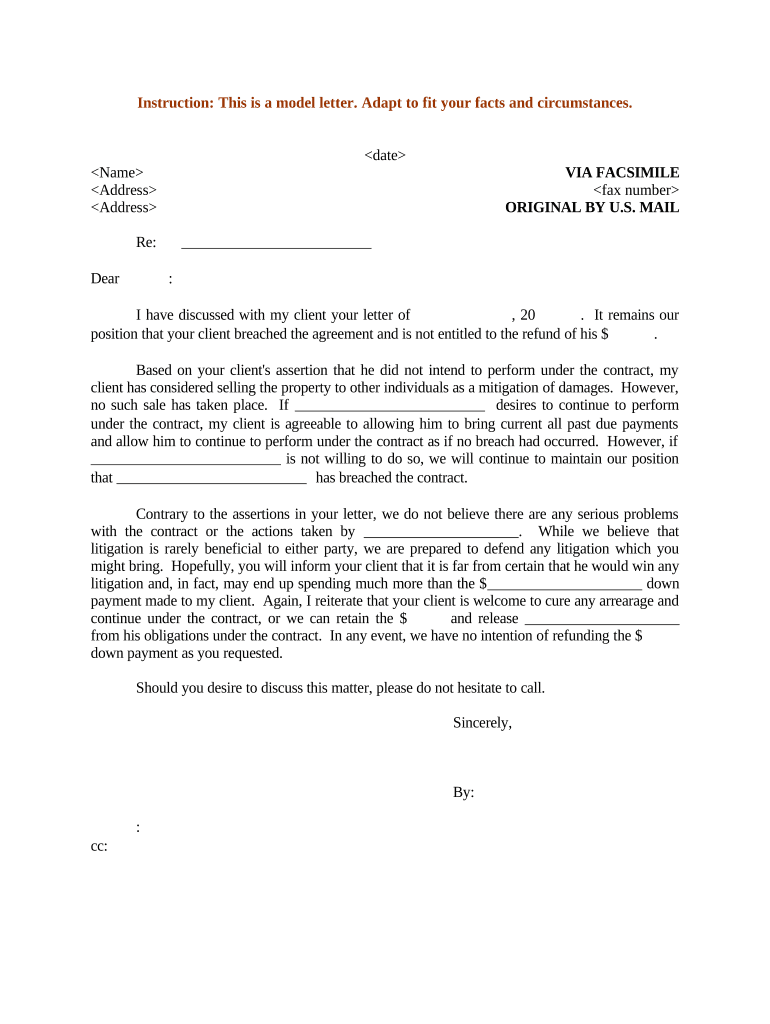
Anatomy of a professional Breach of Contract Pleading

A well-structured pleading follows court formatting and includes numbered counts, factual background, claims, damages, and a clear prayer for relief so the court and opposing party understand the legal basis.

Caption

Court name, parties, case number, and title of pleading
Jurisdiction Allegations

Venue, subject matter jurisdiction, and basis for court authority

Factual Background

Chronological facts showing contract formation, performance, and breach

Causes of Action

Numbered legal claims tied to specific contract terms

Damages and Remedies

Compensatory, consequential, and any equitable relief sought

Signature and Verification

Attorney or party signature, verification, and certificate of service

Configuring an online workflow for pleadings and supporting exhibits

Set up a repeatable e-filing workflow to attach contracts, add signature and verification fields, and route the document for internal review before court filing.

Field Configuration
Signature Type Wet, electronic, or attestation block
Authentication Email, SMS code, or advanced verification
Conditional Fields Show exhibits only when referenced
Notifications Auto-notify counsel and filings team

Digital signing and eSubmission requirements

Maintain signed originals and audit records per retention rules and local court requirements; ensure any HIPAA or privacy concerns are addressed before e-transmission.

  • Authentication: Use verifiable signer identity
  • Audit Trail: Capture timestamps and IP addresses
  • File Formats: Use PDF/A or court-accepted PDFs

Key time limits and deadlines to track

Timing for breach pleadings includes statute of limitations, notice periods in contract, filing deadlines, and time to serve defendants; missing these dates can forfeit claims.

Statute of Limitations:

Varies by state; commonly 2–6 years

Contract Notice:

Adhere to contract notice and cure periods

Filing Deadline:

File before limitations expire

Service Deadline:

Serve defendant per local rules promptly

Response Time:

Defendant typically has 20–30 days to respond

Representative scenarios showing how pleadings are used

These short examples illustrate common factual patterns and how pleadings frame relief and evidence.

Commercial Supply Dispute

A supplier failed to deliver ordered goods as specified, causing lost sales and backorders.

  • Plaintiff attached purchase orders and email confirmations.
  • The complaint quantified direct damages, sought contract-specific remedies, and included a detailed exhibit of supply chain losses to support the damage calculations.

Software Development Contract

A development firm alleged unpaid milestones and defective deliverables, delaying launch.

  • The plaintiff included the SOW and acceptance criteria.
  • The pleading sought contract damages, setoff for remediation costs, and alleged breach of warranty tied to the contract's acceptance testing provisions.

Practical tips for accurate and efficient pleadings

Adopt consistent templates, verify party names, and attach key contract excerpts to avoid procedural defects and speed review.

Use templates
Maintain court-specific templates to ensure formatting and local rule compliance and reduce drafting errors.
Verify identities
Confirm legal names and service addresses using official filings or corporate databases before filing.
Attach exhibits
Include signed contract pages and material correspondence to strengthen the pleading and reduce discovery disputes.
Document preservation
Issue litigation holds and preserve emails, contracts, and transactional records immediately upon dispute.

How a pleading differs from related filings and notices

Compare the Breach of Contract Pleading to similar documents to ensure you select the correct filing and procedural path.

Document Type Pleading Demand Letter
Purpose starts litigation seeks pre-suit resolution
Formality court-filed informal, contractual
Attachments exhibits and verification contracts, invoices
Timeliness subject to statutes often preserves negotiation options

eSignature vendor comparison relevant to signing and routing pleadings

Compare basic pricing and capabilities for common eSignature providers used to execute affidavits, verification declarations, and internal approvals.

signNow DocuSign Adobe Sign PandaDoc HelloSign
Starting Price $8/user/mo $15/user/mo $14/user/mo $19/user/mo $15/user/mo
Free Trial 7-day free trial Varies by vendor Varies by vendor Varies by vendor Varies by vendor
Bulk Send Yes Yes Yes Yes Varies
Audit Trail Yes Yes Yes Yes Yes
HIPAA Compliant Yes Varies Varies Varies Varies

Frequently asked questions about Breach of Contract Pleadings and e-filing

Answers to common procedural and technical questions when preparing, signing, and filing breach pleadings and related affidavits.


Need help? Contact support

be ready to get more
Join over 28 million airSlate SignNow users