Case Caption
Begin with the full case caption and docket number so the clerk immediately matches the letter to the case file and motion.
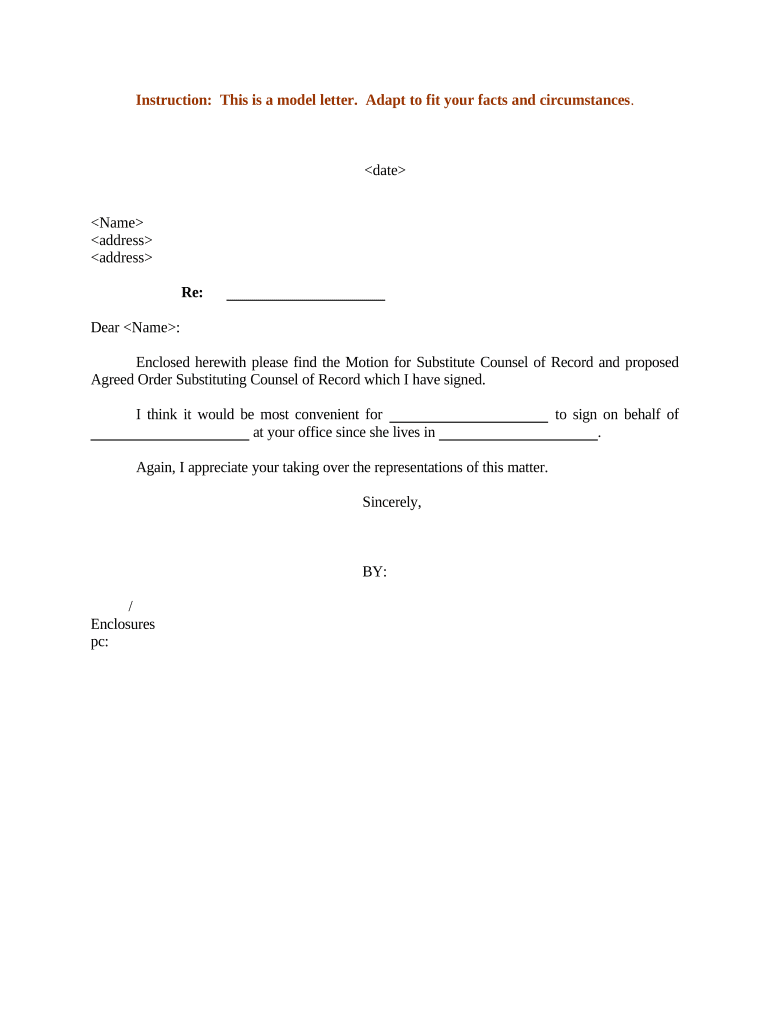
A clear, concise letter reduces delays, documents client consent, and provides the court with necessary contact and service details so the motion can be calendared and ruled upon efficiently.

The letter is prepared by outgoing or incoming counsel and accompanies the formal motion for substitute counsel.
Courts, opposing counsel, and clerks receive the letter to verify representation changes and update case records.
Begin with the full case caption and docket number so the clerk immediately matches the letter to the case file and motion.
Identify the enclosed motion for substitute counsel and state whether it is filed by incoming or outgoing counsel to clarify the action requested.
Briefly state the basis for substitution (client request, conflict, withdrawal, scheduling), providing enough detail for the court without disclosing privileged specifics.
State whether all parties, including the client and opposing counsel, consent to the substitution or whether any party objects and why.
Provide full contact details for substitute counsel: firm name, attorney name, bar number, mailing address, phone, and email for service and notices.
Include signatures and dated acceptance lines for outgoing counsel, substitute counsel, and client if required by local rule or the court's practice.
| Field | Configuration |
|---|---|
| Authentication | Email confirmation or SMS code for signer verification |
| Signature Type | Typed, drawn, or cryptographic signature per court tolerance |
| Attachments | Include the motion, proposed order, and proof of consent PDFs |
| Service Method | Select e-service or mail based on local rules |
Confirm file formats, browser compatibility, and authentication options before initiating the signing workflow.
Ensure the platform preserves an audit trail (timestamps, IP, signer identity) and exports court-ready PDFs to simplify filing and service records.
File substitution early so the judge sees it prior to the hearing
Serve opposing counsel per local rules before or at filing
Opposing parties may request time to respond under court rules
Substitution typically effective when court signs the order
Confirm daily court e-filing system deadlines to avoid delays
Prepare letter and motion and review with client and both counsel
Collect necessary signatures and any client consent
File documents with the court and serve opposing counsel
Receive and docket the signed order effecting substitution
| signNow | DocuSign | Adobe Sign | PandaDoc | HelloSign | |
|---|---|---|---|---|---|
| Starting Price | $8/user/mo | $15/user/mo | $14/user/mo | $19/user/mo | $15/user/mo |
| Free Trial | 7-day trial | Varies | Varies | Yes, limited | Yes, limited |
| Bulk Send | Yes | Yes | Yes | Yes | No |
| Audit Trail | Yes | Yes | Yes | Yes | Yes |
| HIPAA Compliant | Yes | Yes | Yes | No | No |
| Envelope Cap | No cap | 100 envelopes/user/year | Varies | Varies | Varies |
Optica streamlined remote submissions with a clear substitution protocol and centralized templates.
Tech Data standardized substitution letters across business units to reduce clerk returns.