Event Details
Specify date, start/end time, venue or virtual link, expected audience size, and room or platform access instructions to avoid day-of confusion.
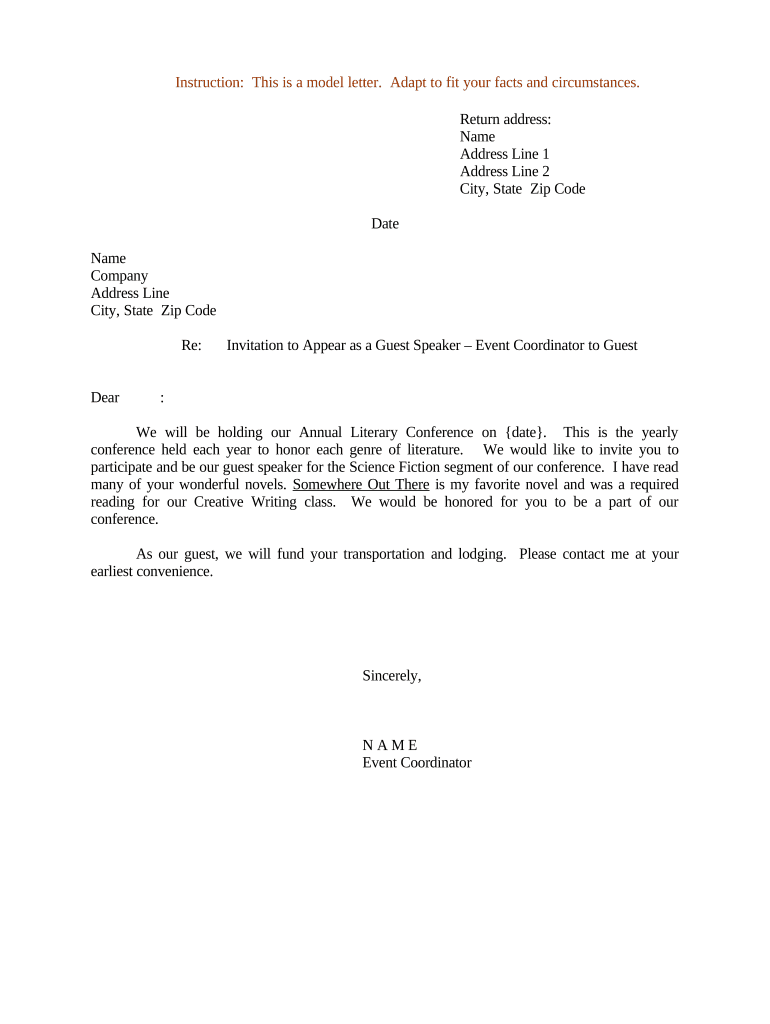
A concise, timely invitation reduces scheduling confusion, documents expectations for both host and speaker, and creates an auditable record for compliance, travel reimbursement, or honorarium payment. Properly drafted invitations help manage liability and make follow-up administrative tasks straightforward.

Common senders and recipients are listed below; adjust roles to your organization size and event format.
Use these profiles to choose the correct signatory, approval routing, and supporting documents before sending the invitation.
Specify date, start/end time, venue or virtual link, expected audience size, and room or platform access instructions to avoid day-of confusion.
Describe the speaker role, proposed presentation title, session format (keynote, panel, workshop), and any deliverables such as slides or handouts.
State any honorarium, reimbursement policy, travel allowances, payment timing, invoicing instructions, and tax reporting responsibilities.
List AV, internet, or platform requirements and who supplies equipment; include deadlines for submitting presentation files or bios.
Provide RSVP deadline, method of acceptance, conditions for withdrawal, and notice required for rescheduling or cancellation.
Include confidentiality, recording consent, publicity/photography permissions, and applicable governing law or venue rules where appropriate.
| Field | Configuration |
|---|---|
| Signature Type | Email link or typed signature |
| Authentication | Email verification or SMS code |
| Routing | Sequential host approval then speaker |
| Retention | Store signed PDF with audit trail |
Select an eSignature platform that supports required authentication, audit trails, and document formats for archiving.
Ensure the platform retains a tamper-evident copy and audit trail to meet ESIGN/UETA record retention and attribution requirements.
Set at least 2–4 weeks before the event
Slides and bios 3–7 days before event
Book travel at least 14 days prior
Require invoices within 30 days of event
Specify notice period for speaker withdrawal
A department sends an e-invitation for a campus lecture and captures acceptance via signature link.
A corporate learning team issues a remote speaking invitation with a recording consent clause.
Program director or event manager responsible for drafting the invitation, confirming budget and logistics, coordinating approvals, and ensuring the signed acceptance is stored with program records.
Individual invited to speak who must confirm availability, accept terms for compensation and recording, provide required documents or invoices, and sign the invitation to formalize the engagement.