Employee Identity
Full legal name, current job title, employee ID, department, and work location so records match HR and payroll systems.
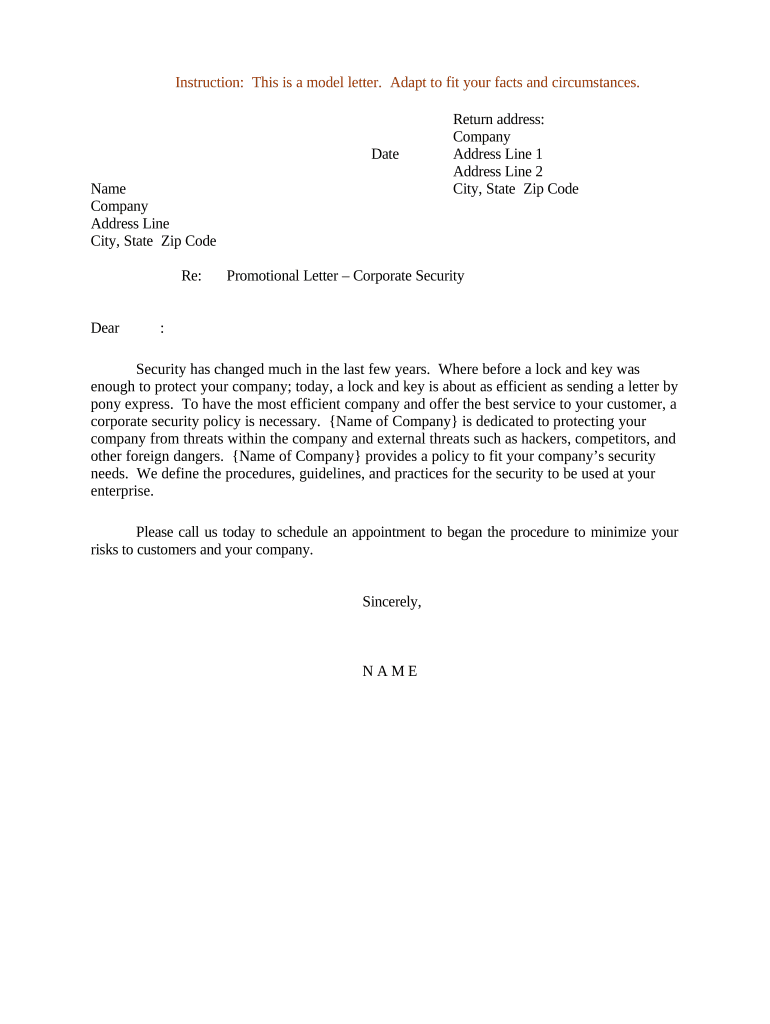
A well‑written promotional letter reduces ambiguity about duties, pay, and effective dates; documents managerial approval; and creates an auditable personnel record. It protects the employer by showing the basis for role changes and protects the employee by confirming terms in writing.

HR, hiring managers, and corporate security leadership typically prepare promotional letters, while the promoted employee and authorized signatories receive and sign them.
The document should be routed to all relevant parties and retained per company records policy and applicable legal retention rules.
The HR Director or designated HR manager commonly signs to confirm compensation and employment‑status changes; their signature establishes administrative authorization and ensures payroll action.
A Security Director, CISO, or delegated senior security manager signs to confirm role responsibilities and technical oversight; this demonstrates operational approval for the promoted duties.
Full legal name, current job title, employee ID, department, and work location so records match HR and payroll systems.
Precise new job title and a short list of the primary duties, responsibilities, and reporting structure to avoid role ambiguity.
The exact MM/DD/YYYY effective date for the promotion and any retroactive pay or pro-rated compensation terms.
New salary or hourly rate, bonus eligibility, equity grants if applicable, and any conditions tied to performance or certification.
Any required certifications, training, security clearances, or probationary periods that are prerequisites for the role.
Designated signature lines for the employee, HR approver, and security manager, plus date fields and space for witness or notary if required.
| Field | Configuration |
|---|---|
| Template | Create reusable template with locked fields for HR and editable fields for manager inputs |
| Approvals | Add sequential approvers: HR → Security Lead → Finance |
| Authentication | Use email link + optional SMS code for signer verification |
| Storage | Auto-save signed copy to HRIS or secure cloud folder |
Use a platform that supports secure signing, audit trails, and retention compatible with your records policy.
Ensure the chosen solution can produce a tamper-evident signed PDF with an audit trail for legal and audit purposes.
Submit before payroll cutoff to apply new compensation on next pay cycle
Some benefit elections may require changes within 30 days of status change
Update withholding when pay changes to avoid underpayment during the year
Specify any trial period length and review date if applicable
Retention counts from the signed date or effective date as defined by policy
Template filled and compensation validated by HR; ready for approval
Security lead verifies duties and authorizes the role change
Employee signs to accept terms, benefits, and responsibilities
HRIS and payroll updated and executed per effective date
A senior analyst is promoted to Security Manager after a successful project lead role
An employee moves into a role that requires a higher clearance level
Attach the formal change notice or updated offer letter in PDF; include signature blocks and dates.
Include certificates for required security training or certification completions in PDF or scanned format.
Provide payroll change form or system ticket with compensation, effective date, and account details.
Add IT access request forms or privilege checklists that mirror the new role responsibilities.
| signNow | DocuSign | Adobe Sign | PandaDoc | HelloSign | |
|---|---|---|---|---|---|
| Starting Price | $8/user/mo | $15/user/mo | $14/user/mo | $19/user/mo | $15/user/mo |
| Free Trial | 7-day free trial | Free trial available | Free trial available | Free trial available | Free trial available |
| Bulk Send | Yes | Yes | Yes | Yes | Yes |
| Audit Trail | Yes | Yes | Yes | Yes | Yes |
| HIPAA Compliant | Yes | Yes | Yes | No | No |