Case Caption
Full probate case title and docket number showing the court and county responsible for issuing the letters, which validates jurisdictional authority.
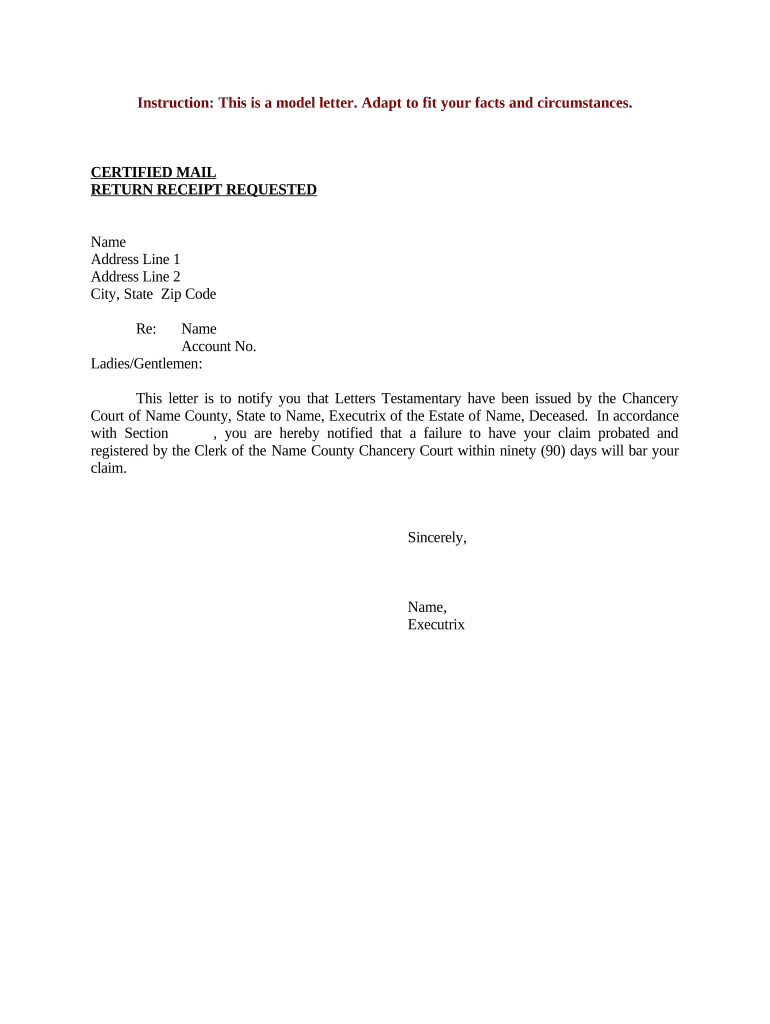
Letters Testamentary give third parties court-backed confirmation of who may legally act for the estate, limiting uncertainty when accessing accounts, transferring assets, or settling claims. Clear, correctly issued letters help streamline administration, reduce informal challenges, and document the executor’s scope of authority for recordkeeping.

Executors, probate attorneys, banks, and title professionals routinely rely on Letters Testamentary during estate administration.
Keeping a certified copy of the Letters Testamentary available during the administration period reduces friction and supports compliance with court orders and institutional requirements.
Full probate case title and docket number showing the court and county responsible for issuing the letters, which validates jurisdictional authority.
Executor’s full legal name and contact information exactly as it appears on identification to avoid authentication issues with banks and registries.
Concise description of powers granted—collect assets, pay debts, sell property—specifying any limits or conditions imposed by the court order.
If required, the letters note bond amount, surety, or exemption so third parties understand security obligations and protections for creditors.
Date when the letters take effect and any termination or expiration terms, which determine when actions taken by the executor are authorized.
Judge’s signature, clerk stamping, or sealed certification that provides official authentication accepted by financial institutions and registrars.
| Field | Configuration |
|---|---|
| Upload Document | PDF or DOCX; master template stored centrally |
| Signer Roles | Court clerk, executor, attorney as distinct roles |
| Authentication | Email link, SMS code, or stronger KBA |
| Notifications | Automatic reminders for outstanding signatures |
Courts and institutions vary on whether they accept electronic submissions or require certified paper copies.
Use secure, auditable e-signature and storage platforms that meet ESIGN/UETA standards and provide certified export copies if the court or institution requires paper-certified documents.
Typically filed within months after death; state rules determine exact timing.
Court often requires notices within set windows after filing to allow creditor claims.
Hearing may be scheduled weeks to months after filing, depending on court calendar.
Letters are usually issued after appointment, sometimes on the hearing date or shortly thereafter.
Banks and registrars may request certified copies; processing times vary by institution.
Collect original death certificate, the decedent’s will, ID for the executor, and asset records.
Complete probate pleadings and attach supporting documents required by the court clerk.
Submit the petition and pay filing fees at the probate court or via approved e-filing.
Provide required notices to heirs and creditors per court rules.
Appear at the hearing if requested; present identification and answer court questions.
If approved, the court issues an order appointing the executor and setting bond terms as applicable.
Request certified copies of Letters Testamentary from the clerk for distribution.
Present certified copies to banks, registrars, and agencies to effect transfers and access accounts.
A surviving executor needs access to a single checking account to pay final bills and close the account.
An executor must sell real estate listed in the will to satisfy debts.