Caption
Case caption and docket number as assigned by the court; must match complaint exactly and display proper court name and parties.
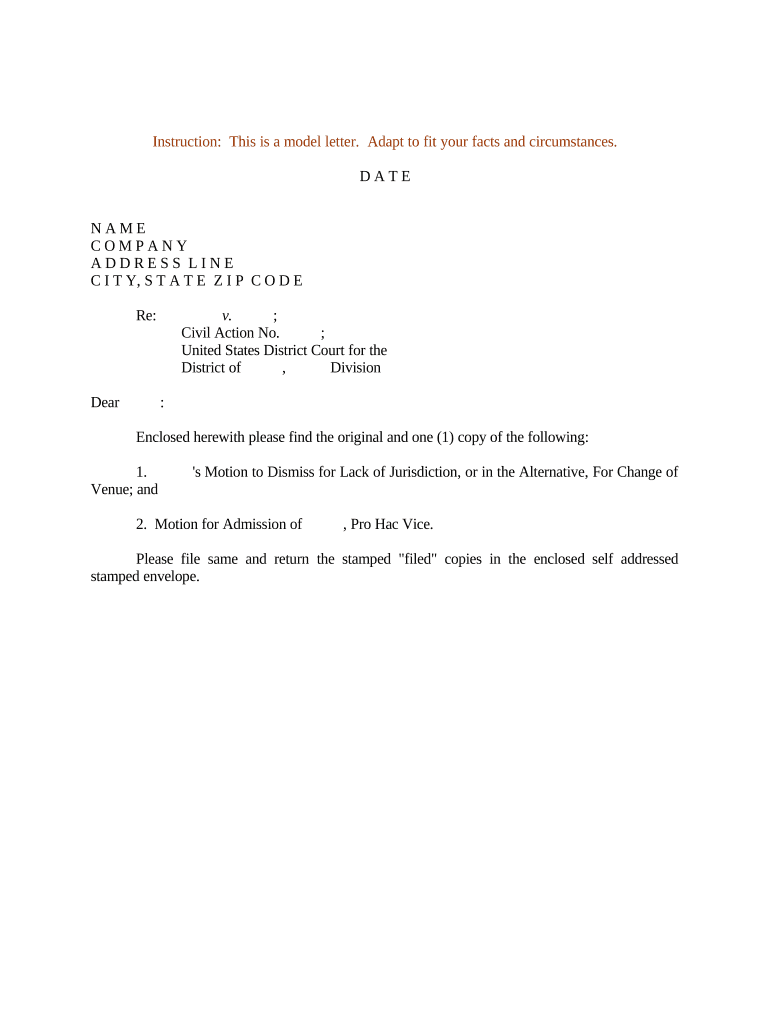
A well-constructed Motion to Dismiss can conserve client and court resources, limit claims early, and preserve jurisdictional or procedural defenses that would be waived if not timely raised. Using a consistent drafting and eSubmission workflow also improves traceability for service and preserves record continuity.

The Motion to Dismiss is prepared by counsel or, in some cases, by defendants representing themselves; the filing party must follow local rules for format and service.
Whoever prepares the motion should confirm service method, timing rules, and hearing scheduling with the court clerk to avoid procedural waivers.
Case caption and docket number as assigned by the court; must match complaint exactly and display proper court name and parties.
Short, admissible facts focused on the legal deficiencies; avoid argumentative or irrelevant detail that exceeds pleading standards.
Cite the governing standard (for example, Rule 12(b)(6) failure to state a claim) and explain the applicable pleading test.
Structured legal analysis organized by discrete grounds for dismissal with statutory or case-law support and citations.
A clear prayer requesting dismissal with or without prejudice and any alternative relief, such as a motion for a more definite statement.
A signed statement showing how, when, and to whom the motion and supporting papers were served.
| Field | Recommended setting |
|---|---|
| Document type | Motion to Dismiss | PDF |
| Signing method | eSignature or scanned wet signature accepted |
| Authentication | Email + optional SMS code |
| Filing format | PDF/A, bookmarked and text-searchable |
Federal defendants generally have 21 days to respond after service (Rule 12(a)); consult local rules.
Motions to dismiss are typically filed in lieu of or prior to an answer within the response window.
Opposition briefs are set by local rule or court order, commonly 14–21 days after service of motion.
Replies are usually allowed within 7–14 days, subject to the court's scheduling.
Courts schedule hearings per docket; some rule sets permit decision on the papers without oral argument.
Draft motion, exhibits, and certificate of service; confirm local formatting standards.
E-file with the clerk and serve opposing counsel per rule; retain proof of service.
Allow time for opposition briefing and plan for reply if permitted.
Await order disposing of motion or set hearing; be prepared to appeal or amend pleadings.
Confirm your platform supports court-acceptable document formats, signer authentication, and audit trails before e-signing or e-filing.
A mid-sized defense firm standardized templates to reduce drafting time by centralizing exhibits and citations.
A corporate legal team used a template to raise jurisdictional objections quickly.
| signNow | DocuSign | Adobe Sign | PandaDoc | HelloSign | |
|---|---|---|---|---|---|
| Starting Price | $8/user/mo | $15/user/mo | $14/user/mo | $19/user/mo | $15/user/mo |
| Free Trial | 7-day free trial | Varies | Varies | Varies | Varies |
| Bulk Send | Yes | Yes | Yes | Yes | No |
| Audit Trail | Yes | Yes | Yes | Yes | Yes |
| HIPAA Compliant | Yes | Yes | Yes | No | No |