Notice Header
Clear title identifying the document as a Notice of Intention to File Claim for Lien and the date of issuance, so recipients immediately recognize its purpose.
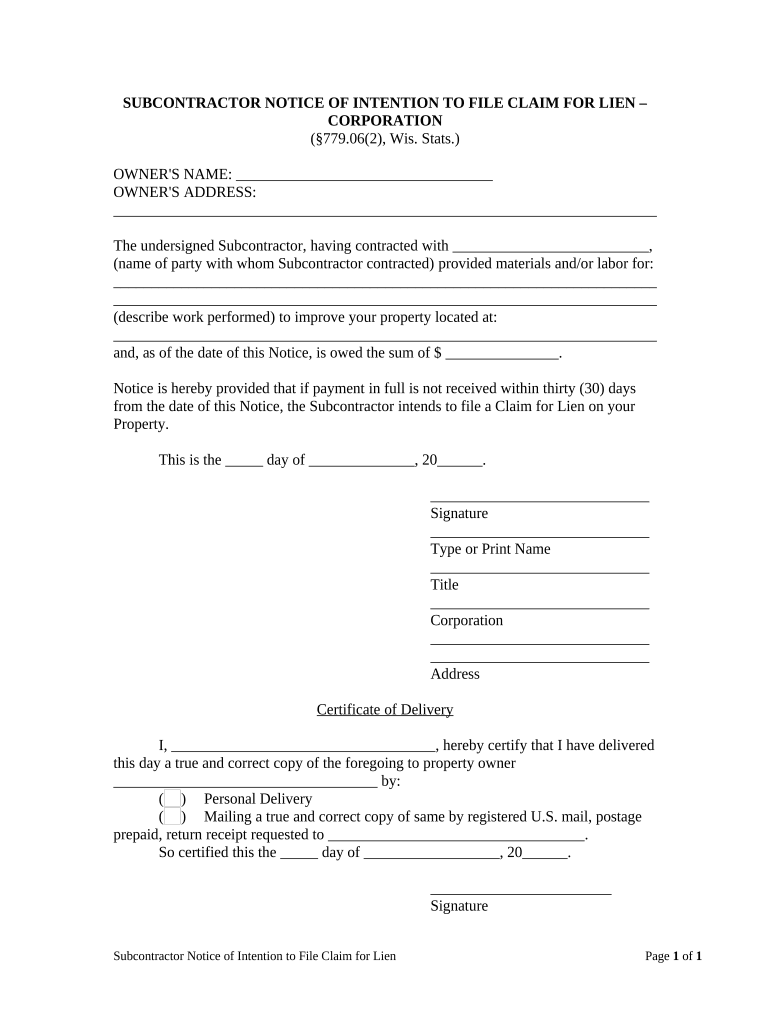
Issuing a clear notice preserves potential lien rights, creates a timestamped record of the unpaid balance and work, and often encourages payment without litigation. Properly drafted notices reduce disputes by identifying parties, amounts, and the required next steps under state law.

Typical users preparing this notice include subcontractors, their billing teams, and legal representatives when payment disputes arise.
| Field | Configuration |
|---|---|
| Authentication | Email link plus SMS code or access code for signer verification |
| Signature Type | Electronic signature with date and IP audit trail recorded |
| Delivery Method | Certified mail, email with delivery receipt, or recorded courier |
| Record Retention | Store signed PDF and audit trail for statutory retention period |
Choose a platform that supports secure signing, audit trails, and the integrations your team uses for recordkeeping.
Varies by state; some states require notice before filing a lien.
State-specific periods typically range from 60 to 180 days after last labor or delivery.
Separate from filing deadlines; affects ability to sue on the lien claim.
Keep delivery receipts, certified mail slips, or electronic timestamps.
Delays can forfeit lien rights; verify state timelines immediately.
Record the final date you furnished labor or materials for the project.
Note the contractual due date and any retainage amounts withheld.
Date when the Notice of Intention to File Claim for Lien was delivered.
Date of county recorder filing if payment has not been made.
Clear title identifying the document as a Notice of Intention to File Claim for Lien and the date of issuance, so recipients immediately recognize its purpose.
Full legal names and contact information for the subcontractor, prime contractor, and property owner to avoid disputes about who is making the claim.
Complete street address and parcel or legal description when available to precisely tie the claim to the affected property for recording purposes.
Concise description of labor or materials provided with start and end dates to establish the scope of the unpaid work.
Itemized unpaid balance, including retainage if applicable, stated as a specific dollar figure to avoid ambiguity in later filings.
Authorized signatory name, title, signature block, and date; include notarization if state law or later lien filing requires it.
| signNow | DocuSign | Adobe Sign | PandaDoc | HelloSign | |
|---|---|---|---|---|---|
| Starting Price | $8/user/mo | $15/user/mo | $14/user/mo | $19/user/mo | $15/user/mo |
| Free Trial | 7-day free trial | Varies | Varies | Varies | Varies |
| Bulk Send | Yes | Yes | Yes | Yes | No |
| Audit Trail | Yes | Yes | Yes | Yes | Yes |
| HIPAA Compliant | Yes | Yes | Yes | No | No |
| Envelope Cap | No cap | 100 envelopes/user/year | Varies by plan | Varies by plan | Varies by plan |
A small subcontractor prepared a clear notice linking invoices to work orders and served the owner promptly to preserve rights.
A property manager used a notice when a specialty trade was unpaid after substantial renovations.
A project manager or operations lead commonly signs when authorized by the subcontractor, attesting to work performed, amounts due, and the factual accuracy of the notice.
An attorney or legal representative may sign or finalize the notice when legal review is required to ensure statutory compliance and to prepare for potential lien filing or litigation.