Establishing secure connection…Loading editor…Preparing document…

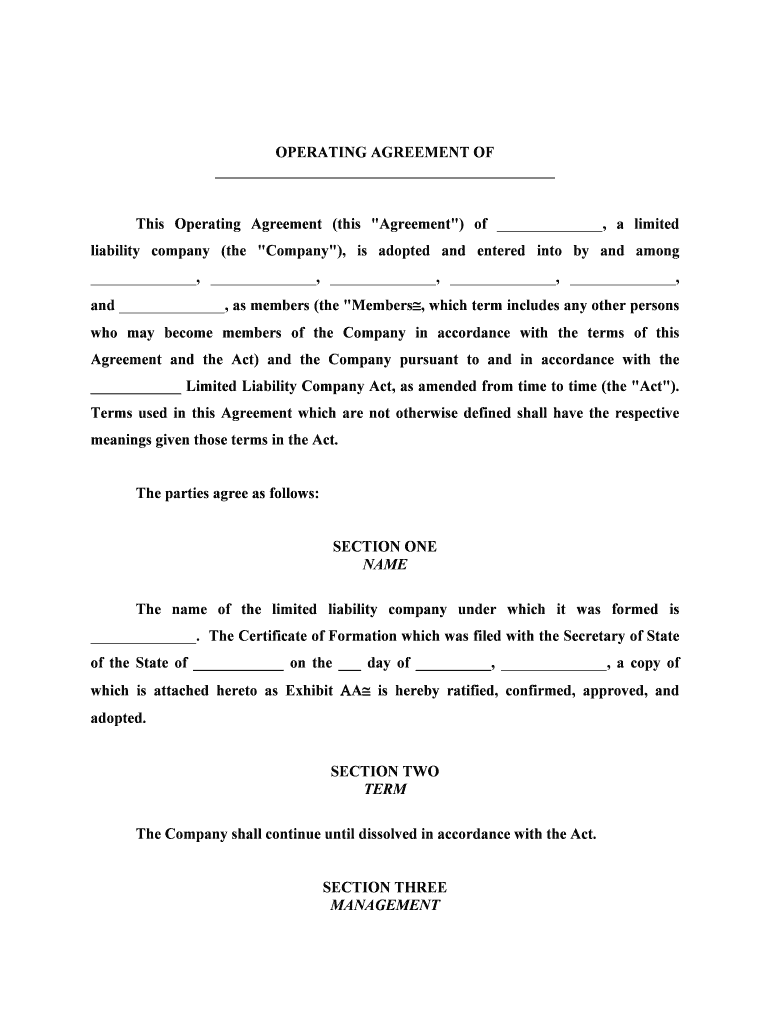
Operating Agreement

This template is fully customizable. Edit the text, fill out the fields, and send it for signature. Give it a try!
Operating Agreement

What an Operating Agreement Is and why it matters

An Operating Agreement is the internal governing document for a limited liability company (LLC). It records member ownership percentages, capital contributions, management structure, voting rules, profit and loss allocation, transfer restrictions, and procedures for admission, withdrawal, and dissolution. While most states do not require filing an Operating Agreement with the Secretary of State, the document establishes rights and obligations among members, supports limited liability protection, and clarifies tax-treatment and dispute-resolution expectations.

Why an Operating Agreement protects members and the business

A written Operating Agreement reduces uncertainty among members, documents economic and managerial arrangements, preserves liability shields, and provides a clear roadmap for ownership changes and dissolution. It also helps lenders, banks, and courts understand the LLC’s structure and intent.

Why an Operating Agreement protects members and the business

Who typically prepares and relies on an Operating Agreement

Operating Agreements are used by a range of small and mid-sized businesses and their advisors when forming or reorganizing an LLC.

  • Small business owners and founding members who need to define governance and economic rights clearly.
  • Investors and outside capital providers seeking documented distribution, transfer, and dilution rules.
  • Attorneys, accountants, and registered agents who prepare, review, or retain the LLC’s governing records.

Core sections every professional Operating Agreement should include

A comprehensive Operating Agreement organizes governance, economics, transfer rules, and exit planning so members and managers know their duties and expectations.

Membership

Lists each member, ownership percentage, membership classes, and admission conditions so ownership interests are unambiguous and enforceable.
Capital Contributions

Specifies cash, property, or services contributed, valuation method, future capital call procedures, and consequences of default on contributions.

Management

Defines whether the LLC is member-managed or manager-managed, scopes of authority, voting thresholds, and decision-making protocols.

Profit & Loss

Allocates distributions and tax items among members, describes preferred returns or guaranteed payments, and explains distribution timing.

Transfer Restrictions

Includes right-of-first-refusal, buy-sell triggers, consent requirements, and deadlock resolution to control ownership transfers.

Dissolution & Exit

Sets wind-up procedures, liquidation priorities, valuation methods, and procedures for dissolution, sale, or member withdrawal.

Step-by-step: complete and execute an Operating Agreement

Follow this sequence to prepare, sign, and implement an Operating Agreement with minimal rework.

  • 01
    Gather documents: Collect Articles of Organization, member IDs, capital records, and tax-election decisions.
  • 02
    Draft provisions: Write membership, management, distributions, transfer restrictions, and dispute resolution terms.
  • 03
    Review and approve: Have members and counsel review, then finalize text and signatory blocks.
  • 04
    Execute and save: Obtain signatures, retain original or certified copy, and provide copies to members and advisors.

How electronic completion and signing typically flows

Electronic execution follows a standard workflow that captures intent, identity, and an audit trail to support enforceability under federal and state law.

  • Upload document: Place the operating agreement draft into the signing platform as a PDF or DOCX file.
  • Place fields: Add signature, initials, date, and conditional fields to guide signers through required inputs.
  • Authenticate signer: Use email, SMS code, or stronger authentication for attribution and reduced repudiation risk.
  • Record completion: Capture timestamp, IP address, and actions in an audit trail for evidentiary support.

Configure an online workflow for Operating Agreements

Set these workflow options when preparing a digital operating agreement to match your governance and security needs.

Field Configuration
Signer order Sequential or parallel signing order; choose sequential for approvals.
Authentication Email link, SMS OTP, or KBA for higher-assurance transactions.
Conditional fields Show or hide sections based on answers (e.g., capital calls).
Retention Save completed PDF plus audit report to secure storage.

Technical considerations for eSigning and storage

Ensure the signing platform accepts your file formats, supports required authentication, and integrates with your systems.

  • File formats: PDF, DOCX, and editable templates
  • Integrations: Salesforce, NetSuite, Microsoft 365, Google Workspace
  • Authentication: Email, SMS OTP, SSO

Typical eSignature pricing and feature snapshot (vendor comparison)

Pricing models and compliance features vary by vendor. The table below compares starting prices and a few common capabilities relevant to executing Operating Agreements electronically.

signNow DocuSign Adobe Sign PandaDoc HelloSign
Starting Price $8/user/mo $15/user/mo $14/user/mo $19/user/mo $15/user/mo
Free Trial 7-day free trial Varies by plan Varies by plan Varies by plan Varies by plan
Bulk Send Yes (Premium tier) Varies by plan Varies by plan Varies by plan Varies by plan
Audit Trail Yes Yes Yes Yes Yes
HIPAA Compliant Yes Yes Yes No No
Envelope Cap No cap 100 envelopes/user/year Varies Varies Varies

Essential information to include and verify on the agreement

LLC Legal Name: Exact filing name
Principal Office: Street address and state
Organizers: Names and contact info
Members: Full names and ownership %
Capital Records: Contribution amounts and form
Execution: Signatures and dates

Consequences of an incomplete or incorrect Operating Agreement

Piercing Liability: Loss of limited liability protection
Tax Exposure: Unclear allocations can trigger IRS challenges
Transfer Disputes: Unauthorized transfers creating ownership disputes
Banking Delays: Inability to open accounts or prove authority
Litigation Costs: Higher legal fees and court expenses
Regulatory Risk: Noncompliance with state filing or notice rules

Common preparation mistakes to avoid

  • Using informal names or nicknames for members leading to mismatched identity records and bank account rejections.
  • Failing to define capital contribution terms or valuation methods, which causes disputes on dilution and distribution rights.
  • Omitting transfer restrictions or buy-sell provisions, making unwanted ownership transfers difficult to reverse.
  • Not updating the agreement after new capital events or member changes, which undermines enforcement and tax reporting.

Real-world examples of Operating Agreement use

Operational contexts illustrate why a clear Operating Agreement speeds transactions and reduces friction when members or third parties request documentation.

Martin Properties

Local real estate LLC adopted an electronic Operating Agreement to speed closings and record ownership changes.

  • Practical need for mobile signing on site.
  • "I can process and execute all of these documents online with 100% compliance and built-in security. Whether on mobile or working offline, I can get forms back to their necessary parties efficiently."

Optica Ventures LLC

Venture manager used a standardized Operating Agreement template for multiple portfolio companies.

  • Template consistency reduced drafting time.
  • "The interface is simple and easy-to-use for our team; more importantly, it is just as easy for our customers."

Who usually has authority to sign the Operating Agreement

Managing Member

The managing member is typically authorized to sign on behalf of the LLC when the Operating Agreement designates manager-managed authority; verify signature authority in the document.

Authorized Signatory

A member, manager, or officer designated in a delegation clause may sign; delegation should be explicit, in writing, and reflected in corporate records.

Practical tips for an accurate and enforceable Operating Agreement

Apply these drafting and execution practices to reduce ambiguity and preserve member intent.

Use exact legal names
Always match member and entity names to government filings and IDs to prevent bank or title rejections and ensure enforceability.
Set clear voting rules
Specify vote thresholds for routine and major decisions, including admission of new members and amendments, to avoid deadlock.
Record amendments properly
Require written amendments signed by the required majority and maintain an amendment log attached to the original agreement.
Preserve audit evidence
When using electronic signatures, retain the signed PDF plus the platform-generated audit trail demonstrating intent, attribution, and timestamp.

Frequently asked questions about Operating Agreements

Answers to common execution, enforceability, and retention questions for Operating Agreements in U.S. practice.


Need help? Contact support

be ready to get more
Join over 28 million airSlate SignNow users