Establishing secure connection…Loading editor…Preparing document…

Personal Representative Form

This template is fully customizable. Edit the text, fill out the fields, and send it for signature. Give it a try!
Personal Representative Form

What the Personal Representative Form Is and when it’s used

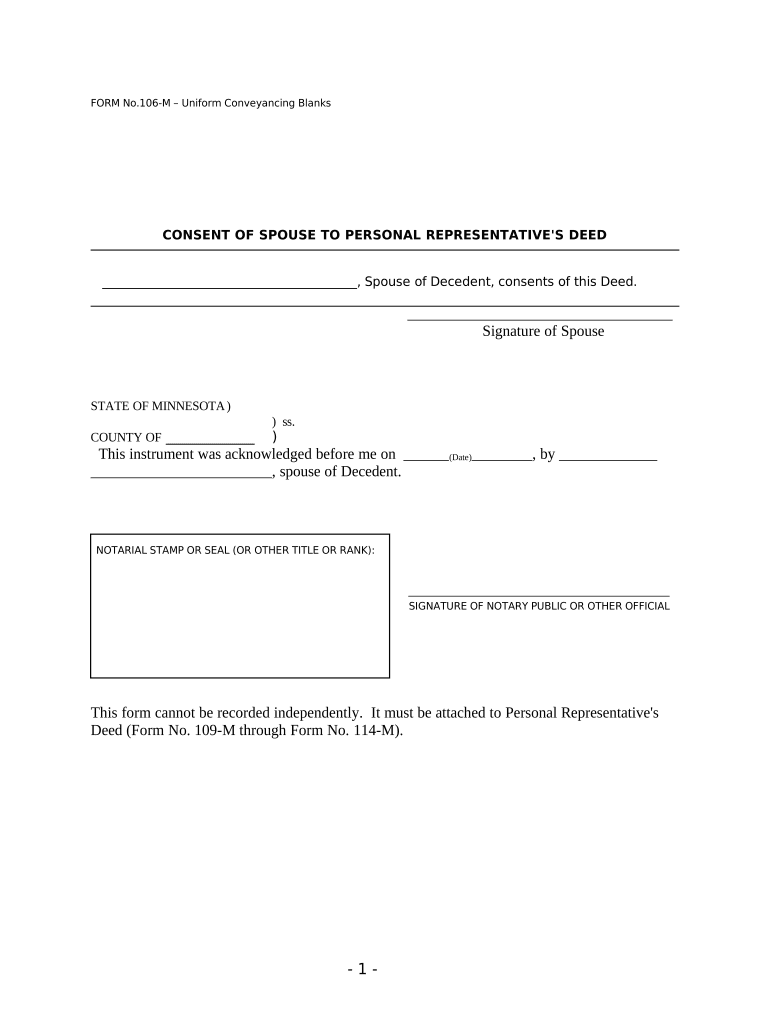
The Personal Representative Form identifies the person appointed to manage a decedent’s estate and to act as executor or administrator in probate. It may be a court petition, a clerk-issued document (Letters Testamentary or Letters of Administration), or a standardized form used by banks and institutions to confirm authority. The form records the representative’s name, scope of authority, court case number (if any), and attachments such as the will and death certificate. Where courts control appointment, the court-issued document is the primary authority.

Why a clear Personal Representative Form matters

A well-prepared Personal Representative Form clarifies legal authority, helps institutions release assets, reduces delays, and limits disputes among heirs; it documents authority for tax and creditor matters and supports required court filings.

Why a clear Personal Representative Form matters

Who typically prepares and relies on this form

Several distinct users complete or request Personal Representative Forms depending on whether probate is open, whether a will exists, and the institution involved.

  • Estate attorney or probate counsel preparing the petition and supporting filings for court submission.
  • Family member named as executor completing details to present to banks, insurers, or title companies.
  • Bank, broker or title company requesting evidence of authority before releasing funds or transferring property.

Typical roles that sign or manage the form

Estate Attorney

An attorney files the petition or submits the representative form to the probate court, ensures attachments (will, death certificate) are correct, and advises on bond, inventory, and notice obligations in the applicable jurisdiction.

Named Executor

The individual named in a will or appointed by the court signs documents, provides identification and contact information, and may need to obtain Letters from the clerk to present to third parties such as banks and title companies.

Essential elements to include in a Professional Personal Representative Form

A complete form follows a consistent structure so third parties and courts can quickly verify authority and process estate transactions.

Identification

Full legal name and date of birth for the personal representative plus any aliases; include government ID details when the institution requires identity proof.
Authority Scope

Clear description of powers granted (inventory, banking, real estate transfers, creditor settlement) and whether authority is limited or full administration.

Effective Date

Date authority begins (MM/DD/YYYY) — typically the date of court issuance or an acceptance date signed by the representative.

Court Reference

Probate court name, case or docket number, and entry date of Letters (if issued) so third parties can confirm the appointment with the clerk.

Attachments

Common attachments: certified death certificate, original will or probate filings, and any bond or oath documentation required by the court.

Signature and Notary

Representative signature, date, and notary or witness block when the recipient or state requires a notarized or witnessed signature for the form to be accepted.

Step-by-step: preparing and filing the form

Follow a clear sequence from document assembly through filing to minimize processing delays and ensure court compliance.

  • 01
    Gather Documents: Collect death certificate, original will, and ID for the representative.
  • 02
    Complete Form: Enter all fields exactly and attach required exhibits.
  • 03
    Notarize or Witness: Obtain notarization or witness signatures if the court or recipient requires them.
  • 04
    File or Serve: File with the probate clerk and provide certified copies to banks and title companies.

Recommended digital workflow settings for online completion

Configure each workflow setting to match court and institution requirements before distributing the form for signature.

Form Field | Recommended Configuration Field | Recommended Configuration
Signature Type Wet signature | RON where allowed
Authentication ID check | Photo ID + email
Attachments Required Death certificate | Certified copy
Filing Method Court submission | E-file or in-person

How online completion and routing typically flow

Digital completion follows a short, auditable path from preparer to signer to filing to third-party acceptance.

  • Prepare File: Upload form, attach exhibits, and set fields for signer.
  • Send for Signature: Send link or email request to the named representative.
  • Authenticate & Sign: Signer authenticates and signs; obtain notary/RON if required.
  • File / Deliver: Submit certified copy to court and provide copies to institutions.

Technical considerations for e-filing and electronic signatures

Confirm the court and institution accept electronic signatures, RON, or only wet notarized signatures before using a digital workflow.

  • File Formats: PDF preferred; DOCX acceptable for drafts
  • Authentication: Email + ID verification recommended
  • Integrations: Works with CRM and cloud storage integrations

Key information the form commonly collects

Representative Name: Full legal name
Date of Death: MM/DD/YYYY
Case Number: Probate docket number
Court Jurisdiction: Court name and county
Contact Details: Phone and mailing address
Notary Details: Notary name, commission, and seal

Timing considerations when you prepare and submit the form

Timing affects creditor notices, tax filings, and the ability to access accounts; begin the process promptly after the decedent’s death.

Initial Filing:

File petition as soon as practicable with the probate court

Notice to Heirs:

Provide statutory notice according to local probate rules

Creditor Claims:

Observe creditor claim windows per state statute

Tax Filings:

Prepare required federal and state tax returns by their deadlines

Institution Response:

Expect banks to request court Letters before releasing assets

Key milestones in the administration timeline

A typical estate administration follows discrete stages from petition to final accounting; below are the core milestones to track.

01

File Petition

Submit the initial probate petition and request appointment of a personal representative

02

Issue Letters

Clerk issues Letters Testamentary or Administration confirming authority

03

Inventory Assets

Compile and file a detailed inventory of estate assets with court

04

Close Estate

Resolve claims, distribute assets, and file final accounting for discharge

Common mistakes that cause delays or rejection

  • Submitting incomplete attachments such as an uncertified death certificate or missing original will can cause institutions to refuse action and require re-submission.
  • Using inconsistent names or abbreviations between the will, court filings, and institution records creates identity mismatches and slows verification.
  • Skipping notarization or selecting RON when the receiving party requires a wet-notarized signature can lead to rejection and added delay.
  • Failing to include the probate court case number or clerk confirmation forces third parties to request additional proof before releasing assets.

Risks and consequences of incorrect or late filings

Access Delays: Estate assets may remain frozen
Creditor Claims: Claims may be allowed by default
Bond Requirement: Court may require a larger probate bond
Removal Risk: Personal representative could be removed
Tax Exposure: Penalties for late or incorrect tax returns
Rejection of Form: Institutions may require re-execution

Real-world experiences that illustrate practical benefits

These customer statements reflect how digital document workflows supported related estate and document-handling activities.

Brian Fitzgibbons, Optica Ventures LLC

The interface is simple and easy-to-use for our team; more importantly, it is just as easy for our customers.

  • He notes straightforward user experience.
  • That simplicity reduces follow-up questions and speeds acceptance of required estate documents by external parties.

Tim Martin, Martin Properties

I can process and execute all of these documents online with 100% compliance and built-in security. Whether on mobile or working offline, I can get forms back to their necessary parties efficiently.

  • Emphasizes mobile and offline capability.
  • Faster turnarounds and compliant records help close administrative tasks that otherwise stall property and estate transfers.

eSignature vendor comparison for completing and sharing this form

Prices and core capabilities vary; signNow is listed first and shown with common comparators for budgeting and feature planning.

signNow DocuSign Adobe Sign PandaDoc HelloSign
Starting Price $8/user/mo $15/user/mo $14/user/mo $19/user/mo $15/user/mo
Free Trial 7-day free trial Varies by plan Varies by plan Varies by plan Varies by plan
Bulk Send Available on Premium tiers Available Available Available Varies
Audit Trail Yes Yes Yes Yes Yes
HIPAA Compliant Yes (BAA available) Available Available Varies Varies
Envelope Cap No envelope cap 100 envelopes/user/year limit Varies by plan Varies by plan Varies by plan

Frequently asked questions and practical answers

Answers focus on common acceptance issues, electronic signature legality, notarization, and correcting errors when a Personal Representative Form is rejected.


Need help? Contact support

be ready to get more
Join over 28 million airSlate SignNow users