Establishing secure connection…Loading editor…Preparing document…

Letter Regarding Cable Television Consumer Protection Act

This template is fully customizable. Edit the text, fill out the fields, and send it for signature. Give it a try!
Letter Regarding Cable Television Consumer Protection Act

What this Letter Is and When to Use It

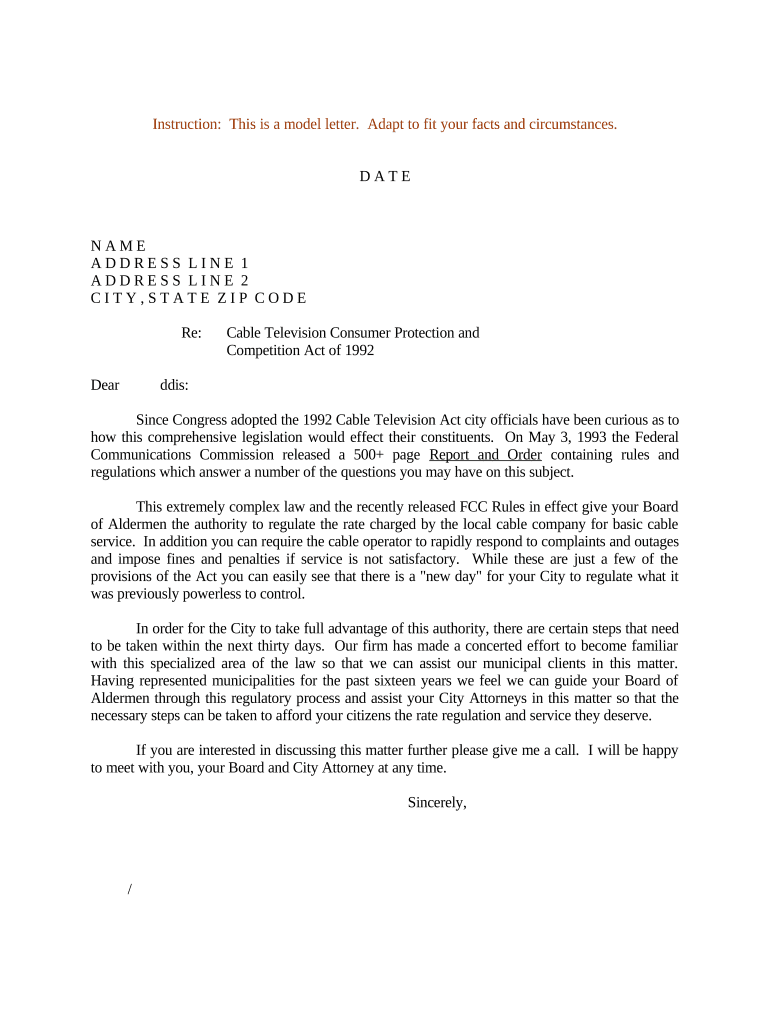
A Letter Regarding Cable Television Consumer Protection Act informs a cable operator, regulator, or third party about an issue, request, or alleged noncompliance tied to the Act and related consumer protections. It typically references the specific statutory provision or rule, summarizes relevant facts, sets out the relief or corrective action sought, and documents the sender's contact and authority. Use clear, dated statements and attach supporting evidence so the recipient can assess and respond. The letter functions as a formal notification and record of the sender's position and any requested next steps.

Why a Clear, Statute-Based Letter Matters

A well‑drafted letter frames a compliance issue, preserves rights, and creates a dated record admissible under ESIGN (15 U.S.C. §7001) and state UETA laws. Citing the relevant provision and providing factual support reduces ambiguity and speeds resolution while documenting the consumer or business claim for regulatory or dispute processes.

Why a Clear, Statute-Based Letter Matters

Who Typically Prepares or Receives This Letter

Tailor tone and supporting documents to the recipient: a regulator needs statutory citations and evidence, while a carrier may require account details and a proposed remedy.

  • Individual subscribers seeking correction or refund for billing or service issues.
  • Consumer advocacy groups documenting patterns of noncompliance for regulators.
  • Cable operator compliance or legal teams responding to statute-based claims.

Representative Sender and Recipient Profiles

Subscriber

A residential or small-business account holder asserting a billing, service, or disclosure violation under the Cable Television Consumer Protection Act. Include account identifiers, dates of incidents, and desired remedies; maintain copies for retention and possible escalation.

Compliance Officer

A cable operator or regulatory compliance person receiving the letter. Responsibilities include acknowledging receipt, investigating account records, and responding within any statutory or contractual timelines; maintain audit trails of actions taken and communications exchanged.

Key Data and Security Considerations

Transmission Security: Use TLS 1.2/1.3
Data at Rest: AES-256 encryption
Audit Trail: Include timestamps and IP
Regulatory Compliance: ESIGN and UETA
Healthcare Data: HIPAA BAA required
Access Controls: 2FA and role-based

Consequences of an Incomplete or Incorrect Letter

Missed Deadlines: Loss of statutory remedies
Insufficient Evidence: Claim dismissed or delayed
Wrong Recipient: Privacy breach risk
Improper Service: Not legally effective
Inaccurate Citations: Regulatory confusion
Unsigned Document: Reduced evidentiary weight

Common Preparation Pitfalls to Avoid

  • Omitting precise account identifiers or service dates that prevent the operator from locating the incident and slow or block resolution.
  • Failing to state the exact statutory provision or regulatory authority, which reduces clarity and can lead to an incomplete investigation.
  • Using vague remedy requests such as 'reasonable refund' instead of stating a dollar amount or specific corrective action, complicating negotiation and documentation.
  • Sending the letter without proof of delivery or recording, leaving no reliable record of when the recipient received the notice and weakening enforcement opportunities.

Step‑by‑Step: How to Prepare the Letter

Follow these sequential steps to create a clear, evidence-based, and legally meaningful letter concerning the Cable Television Consumer Protection Act.

  • 01
    Collect Facts: Gather account numbers, dates, and supporting documents.
  • 02
    Reference Law: Cite the specific statutory or regulatory provision relied upon.
  • 03
    State Requested Remedy: Specify the exact correction, refund, or action sought.
  • 04
    Sign and Date: Sign, date, and retain a signed copy with delivery proof.

Routing, Delivery, and Response Expectations

Identify the correct recipient, choose a verifiable delivery method, and document receipt and response timelines to preserve rights and maintain a clear record.

  • Identify Recipient: Use the operator's legal or compliance contact information.
  • Choose Delivery: Use certified mail, RON-notarized transmission, or secure eDelivery.
  • Track Receipt: Retain delivery receipts, tracking numbers, or signed acknowledgements.
  • Record Response: Log dates and content of any reply for future reference.

Essential Elements of a Professional Letter

A complete letter combines formal heading, statutory reference, factual narrative, documentary support, explicit remedy, and verified signature to make the request actionable and defensible.

Formal Heading

Include full sender name, organization, mailing and email addresses, and a clear recipient name and title so the letter can be routed correctly and matched to account records.
Statute Reference

Cite the exact provision or rule under the Cable Television Consumer Protection Act, and where relevant note controlling federal or state authority to make legal grounds explicit for the recipient.

Clear Facts

Provide a concise factual chronology with dates, account numbers, locations, and any prior communications to let the recipient identify the issue and avoid unnecessary back-and-forth.

Requested Remedy

State the specific corrective action, credit amount, or contractual remedy sought, including any proposed deadlines for the operator to respond or take corrective steps.

Attachments

List and attach supporting evidence such as invoices, bills, screenshots, prior emails, or recordings; label each attachment and reference them in the narrative for easy review.

Signature Details

Provide a dated handwritten or electronically executed signature block with printed name and title; include contact phone and email for follow-up and verification.

Practical Tips for Accuracy and Efficiency

Use precise language and standardized formats to reduce disputes, accelerate responses, and preserve evidentiary value when asserting rights under the Act.

Use Standard Date Formats
Enter dates as MM/DD/YYYY to avoid regional ambiguity; consistent date formats help match service records and prevent misunderstandings about event timing.
Attach Numbered Evidence
Number attachments and refer to them by number in the body text so reviewers can verify claims quickly and reduce follow‑up requests for clarifying documents.
Keep a Delivery Log
Record how and when the letter was sent and received, including tracking numbers or signed acknowledgements; this supports escalation and regulatory filings if needed.
Prefer Clear Remedies
Avoid vague requests; specify corrective actions or monetary amounts and propose reasonable deadlines to focus the response and measure compliance.

Typical Deadlines and Timing Considerations

Understand statutory timelines, expected response windows, and evidence retention periods to avoid forfeiting remedies or undermining your claim.

Initial Response Expectation:

Operators often respond within 15–30 days; contract or regulatory rules may set different deadlines.

Proof of Delivery:

Retain delivery evidence indefinitely for escalation or regulatory complaint submissions.

Statute of Limitations:

State law governs limitations; check the governing state's civil statutes for exact periods.

Retention During Dispute:

Keep originals and copies for the full term of dispute plus three years afterward.

eSignature Consent:

For consumer-facing electronic records, follow ESIGN disclosure timing and consent procedures.

Selected eSignature Pricing and Feature Comparison

Compare basic pricing and features relevant to executing and tracking statutory letters; signNow is listed first per vendor comparison rules.

signNow DocuSign Adobe Sign PandaDoc HelloSign
Starting Price $8/user/mo $15/user/mo $14/user/mo $19/user/mo $15/user/mo
Free Trial 7-day free trial Varies Varies Varies Varies
Bulk Send Yes Yes Yes Yes No
Audit Trail Yes Yes Yes Yes Yes
HIPAA Compliant Yes Yes Yes No No
Envelope Cap No cap 100 envelopes/user/year Varies Varies Varies

Frequently Asked Questions and Practical Answers

Answers address common legal and technical questions when preparing or sending a Letter Regarding Cable Television Consumer Protection Act.


Need help? Contact support

be ready to get more
Join over 28 million airSlate SignNow users