Title
Provide a concise heading that identifies the corporation, meeting type, and subject matter; include meeting date, location, and whether the action was taken at a meeting or by written consent.
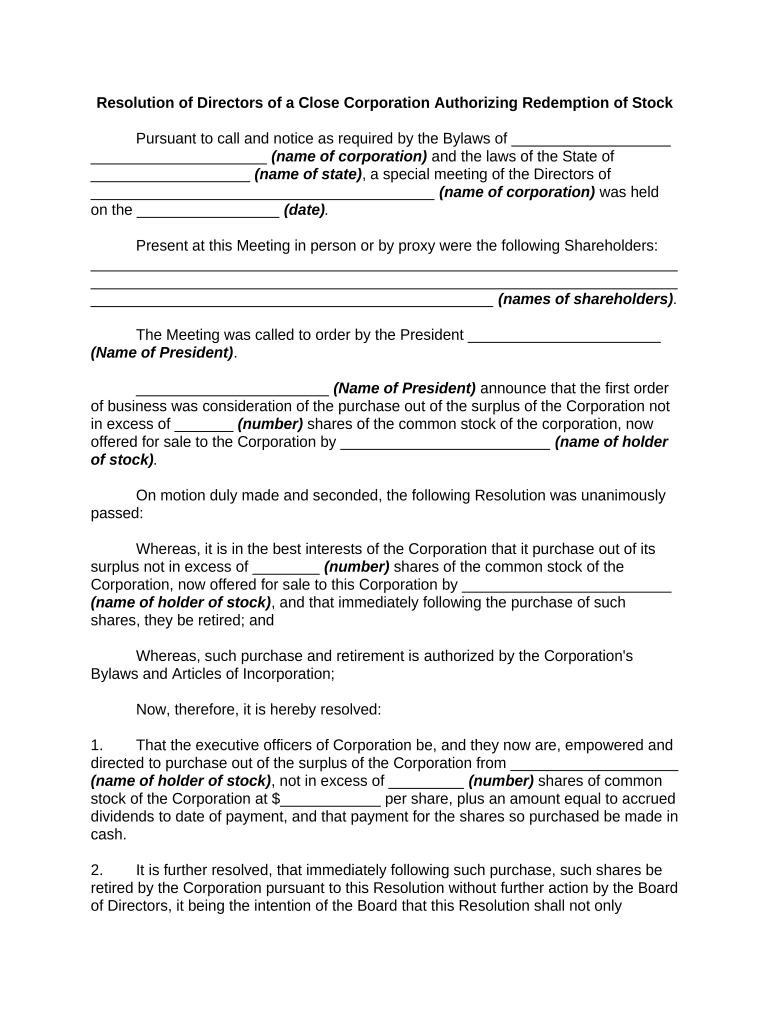
A Resolution of Directors documents formal board approval for significant corporate acts, provides evidence to banks and regulators, clarifies authority, and reduces transactional risk. Properly executed resolutions support compliance with corporate governance and external due diligence.

Typical users include corporate officers and board members responsible for approving company actions and maintaining minute books.
The board chair typically leads meetings, proposes motions, and certifies votes. When authorized, the chair may sign resolutions or delegate signature authority; include the chair's printed name and title for third-party verification and bank acceptance.
The corporate secretary maintains the minute book, records resolutions, and certifies true copies. The secretary's attestation and signature are often required by banks and registrars to confirm the authenticity of board actions.
Provide a concise heading that identifies the corporation, meeting type, and subject matter; include meeting date, location, and whether the action was taken at a meeting or by written consent.
Summarize background facts and legal authority supporting the action, such as board resolution number, committee recommendations, or contractual obligations prompting the decision.
State each operative resolution using numbered clauses that specify the precise authorization, limits, dollar amounts, effective date, and any delegated authority to officers.
Record motion maker, seconder, vote tally (aye, nay, abstain), and whether the resolution passed; include director names to avoid later disputes.
Provide signature blocks for authorized signatories with printed names, titles, dates, and, where required, corporate secretary attestation or notarial acknowledgment.
List and attach supporting materials such as minutes, incumbency certificates, bylaws excerpts, officer authorizations, and certified articles where third parties require proof.
| Field | Configuration |
|---|---|
| Signer Order | Sequential signing with board members first |
| Authentication | Email/SMS or KBA for higher assurance |
| Notary/Kiosk | Enable RON or in-person notarization as needed |
| Storage | Automatic PDF archival with audit trail retained |
Online signing requires compatible file formats, signer authentication, secure archival, and integration with corporate storage or workflow systems to ensure acceptance and traceability.
Resolution should record the meeting date and time
Specify 'effective immediately' or set future MM/DD/YYYY
Allow 3–10 business days for bank verification
RON sessions often scheduled within 24–72 hours
Circulate certified copies within 1–3 business days
At a property closing, the board passed a resolution authorizing officers to sign the deed and closing documents on the company's behalf.
The board authorized opening a new corporate bank account and designated two signatories with dollar thresholds for wire transfers.