Parties
Full legal names and entity types for each party, including any d/b/a names and the party’s principal place of business to ensure correct contract identification and service.
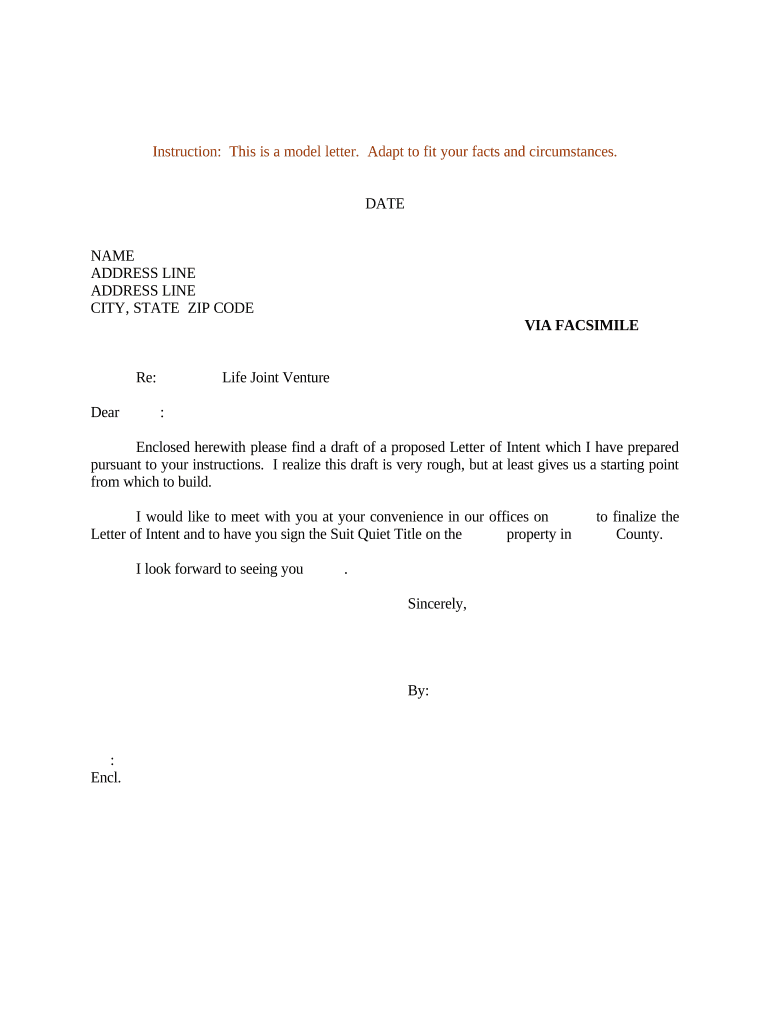
An LOI clarifies key deal terms early, reduces misunderstandings, and frames due diligence and drafting priorities; it can also reserve negotiation rights or create binding commitments narrowly tailored to particular clauses.

Common participants include buyers, sellers, investors, lenders, corporate development teams, and their attorneys when preparing or accepting an LOI.
Parties should confirm signing authority and document intent (binding vs. nonbinding) within the LOI text to prevent unintended legal obligations.
A buyer signs to record key commercial terms, secure negotiation exclusivity if needed, and trigger due diligence. Buyer counsel often inserts conditions precedent and termination rights to limit exposure while negotiations continue.
A seller signs to confirm acceptance of essential terms, begin the information exchange, and permit simultaneous offers if the LOI does not grant exclusivity. Sellers often require proofs of funds and confidentiality covenants before full disclosure.
Full legal names and entity types for each party, including any d/b/a names and the party’s principal place of business to ensure correct contract identification and service.
A concise description of the proposed transaction including purchase price or consideration, payment structure, any escrow or deposit terms, and adjustments or contingencies.
Key conditions precedent such as financing, regulatory approvals, satisfactory due diligence results, or third‑party consents that must be met before a definitive agreement.
If included, the exclusivity clause should state the restricted period, permitted exceptions, and remedies for breach to avoid unintended limitations on either party.
A non‑disclosure section or cross‑reference to an NDA that governs confidential materials exchanged during diligence and remains effective after LOI termination.
A short list of clauses that are expressly intended to be binding (for example, confidentiality, exclusivity, and governing law), while other terms remain nonbinding.
| Field | Configuration |
|---|---|
| Signature Field | Required for all parties; capture timestamp |
| Initials Field | Optional for pages that require acknowledgement |
| Date Field | Auto-fill as signer completes document |
| Authenticator | Email link, SMS code, or stronger KBA |
Choose an eSignature platform that supports required authentication, audit trails, and file formats to meet legal and organizational needs.
| Criteria | Letter of Intent | Purchase Agreement |
|---|---|---|
| Purpose | outline terms | final transfer terms |
| Binding Status | often nonbinding | generally binding |
| Detail Level | high-level points | full contractual detail |
| Typical Use | pre-negotiation | closing execution |
| signNow | DocuSign | Adobe Sign | PandaDoc | HelloSign | |
|---|---|---|---|---|---|
| Starting Price | $8/user/mo | $15/user/mo | $14/user/mo | $19/user/mo | $15/user/mo |
| Free Trial | 7-day free trial | Varies by plan | Varies by plan | Varies by plan | Varies by plan |
| Bulk Send | Yes | Yes | Yes | Yes | No |
| Audit Trail | Yes | Yes | Yes | Yes | Yes |
| HIPAA Compliant | Yes | Varies by plan | Varies by plan | Varies by plan | Varies by plan |
Parties sign and exchange executed LOI; marks official start of the timeline.
Buyer completes document review, inspections, and financial checks within the stated period.
Parties negotiate definitive agreement terms informed by diligence findings.
Execute definitive agreement or terminate if conditions unmet.
30–90 days depending on transaction complexity
Specify an exact calendar date for completion
Date by which earnest money must be delivered
Number of days to accept or counter the LOI
Anticipated closing date or window
| Criteria | Letter of Intent | Term Sheet |
|---|---|---|
| Formality | less formal | more formal |
| Level of Detail | high-level points | detailed commercial terms |
| Common Use | initiate negotiations | outline negotiated economics |
| Binding Provisions | selectively binding | can include binding terms |
Define the confidential materials, permitted uses, duration of the obligation, and remedies for breach to protect sensitive disclosures during diligence and negotiation.
If exclusivity is required, specify the limited duration, geographic scope if relevant, and explicit consequences for breach to avoid open-ended restrictions.
State any earnest money, refundable or nonrefundable deposits, and the circumstances that permit forfeiture or return to align incentives.
Identify the governing state law and forum for disputes; choice of law affects interpretation and enforceability under ESIGN/UETA contexts.
Optica summarized deal terms in an LOI to accelerate investor diligence
A real estate operator used an LOI to lock a purchase price while inspections occurred