Caption
Court name, case number, party names, and child identifiers — ensures correct court routing and official filing.
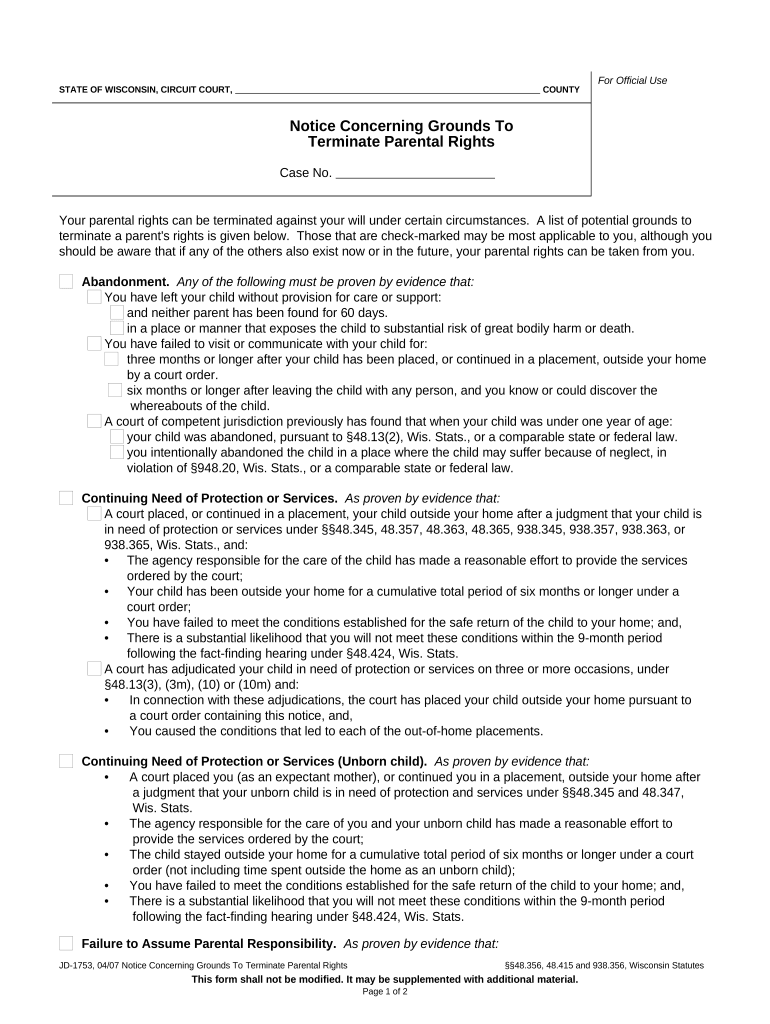
Termination permanently removes legal ties and transfers legal responsibility; courts require clear statutory grounds and due process before issuing an order. The document formalizes the court’s decision and updates legal records for the child and affected parties.

The petition and supporting paperwork are used by different parties depending on circumstances and jurisdiction.
Parties should consult counsel or local court clerks early to confirm required forms and service rules for the filing jurisdiction.
Court name, case number, party names, and child identifiers — ensures correct court routing and official filing.
Clear statement of relief requested, legal grounds (e.g., abandonment, unfitness), and factual allegations establishing statutory elements.
Affidavits or declarations from caseworkers, physicians, or witnesses providing facts supporting grounds for termination.
Proof of service form or affidavit showing how and when respondents were served per local rules.
Draft judgment for the judge to sign, with specific language terminating rights and updating custody records.
Documentary evidence such as prior orders, CPS reports, medical records, and parent contact history, Bates-labeled when needed.
| Field | Configuration |
|---|---|
| Authentication Level | Email + SMS code recommended |
| Signer Order | Petitioner then respondent then court |
| Audit Trail Retention | Ensure full audit included |
| File Format | Submit PDF/A when required |
Choose a platform that supports secure PDFs, audit trails, and multiple signer flows for legal filings.
Confirm with the court clerk whether electronic filing or e-signatures are accepted and whether additional notarization or RON is required for your petition.
Serve respondents within local statutory timeframe.
Respondent typically has 20–30 days to answer.
Courts schedule hearings weeks to months ahead.
Limited days post-order to file appeal.
Keep filing and signed order permanently.
Clerk assigns case number and sets initial deadlines.
Provide notice and proof of service per rules.
Present affidavits, witnesses, and legal arguments.
Judge signs final termination order; clerk enters judgment.
Complete all fields before meeting notary or witnesses.
Present government ID to notary or clerk.
Sign only when all signers are present if required.
Notary signs, stamps, and completes journal entry.
Witnesses print name and sign in required order.
Submit original signed and notarized document.
Request certified copy for agency or adoption use.
Store original per retention rules.
The petitioner may be a parent, prospective adoptive parent, legal guardian, or authorized child welfare agency representative who files the petition and must attest to the facts under penalty of perjury.
The respondent is the parent whose rights are at issue; they may sign consents, appear at hearings, or be represented by counsel and have statutory notice and appeal rights.
A county child-welfare agency files after repeated neglect findings
A parent signs a voluntary termination to allow a stepparent adoption
| signNow | DocuSign | Adobe Sign | PandaDoc | HelloSign | |
|---|---|---|---|---|---|
| Starting Price | $8/user/mo | $15/user/mo | $14/user/mo | $19/user/mo | $15/user/mo |
| Free Trial | 7-day trial | Varies | Varies | Varies | Varies |
| Bulk Send | Yes | Yes | Yes | Yes | No |
| Audit Trail | Yes | Yes | Yes | Yes | Yes |
| HIPAA Compliant | Yes | Yes | Yes | No | No |