Precise scope
Specify document types, date ranges, and subject names so DSHS can identify responsive records without overproduction or extraneous retrieval.
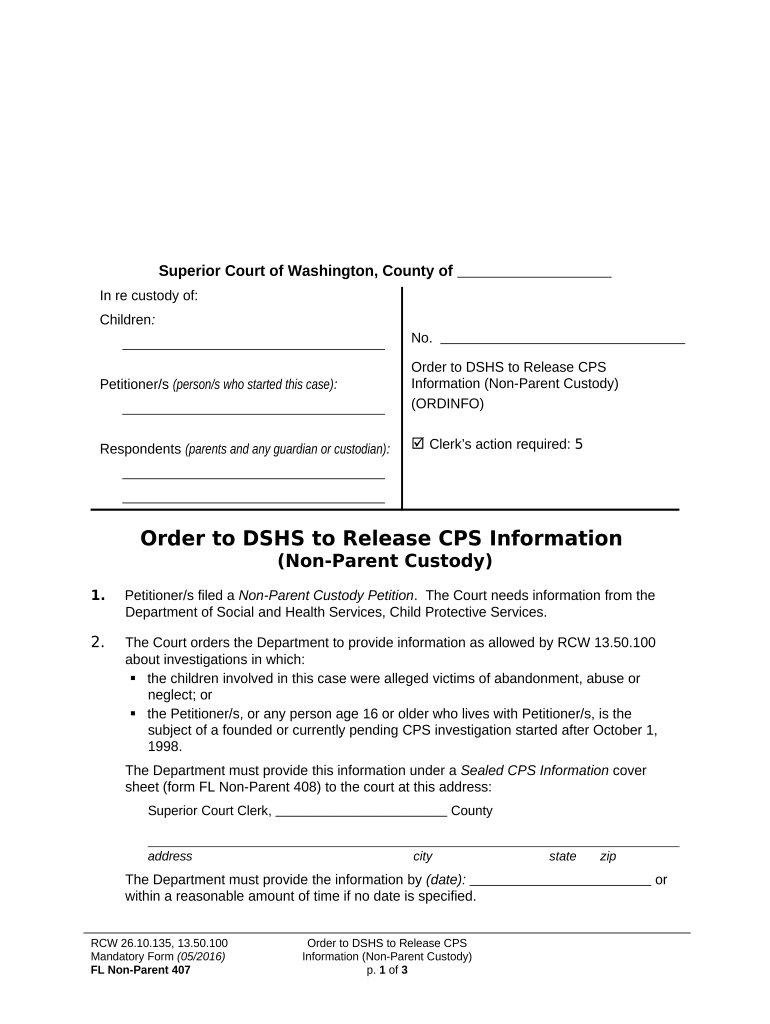
A formal court order creates a documented legal basis for DSHS to release confidential CPS records while clarifying scope, recipients, and protective conditions. It reduces delay and helps ensure requests comply with state confidentiality rules and any applicable federal privacy laws.

The court retains oversight; practitioners should confirm who must sign, how records are described, and any limits on dissemination before filing.
A licensed attorney representing a parent or guardian who files a motion and proposed order asking the court to compel DSHS to produce specific CPS records relevant to custody or dependency issues. The attorney must specify scope and justify necessity in court filings.
A judge or judicial clerk issues the signed order directing DSHS to disclose named records to specified parties, often with confidentiality conditions. The court’s order sets the legal terms for release and any restrictions on further disclosure.
Specify document types, date ranges, and subject names so DSHS can identify responsive records without overproduction or extraneous retrieval.
Name each individual, their role, and business address to prevent ambiguity about who may receive and handle the records.
Concise explanation of why records are necessary and how they are relevant to the court matter supports judicial approval.
Terms for redaction, sealed filing, or restricted copies protect unrelated third-party data and comply with confidentiality rules.
Instructions on how long recipients may retain records and obligations for secure destruction minimize long-term exposure.
Clear submission instructions for DSHS (how to transmit records, contact person, and acceptable formats) reduce processing friction.
| Field | Configuration |
|---|---|
| Upload Method | Secure PDF, encrypted file transfer, or court e-filing portal |
| Authentication | Attorney bar number and secure e-mail or portal login |
| Transmission | Use encrypted email or agency upload per DSHS instructions |
| Audit Trail | Retain timestamps and proof of delivery for compliance |
Document who receives files and how they are secured; retain audit logs and signed receipt confirmations for the case file.
Allow several days to tailor scope and supporting justification
Scheduling depends on the court’s calendar and motion type
Agency retrieval and redaction can take days to weeks
Obtain written acknowledgment of records delivered
Expect clarifying requests from DSHS if scope is unclear
Draft and attach a narrowly tailored proposed order for court consideration.
Judge signs and enters the order, creating the legal basis for disclosure.
Deliver the signed order to DSHS using the method specified by the agency or court.
DSHS locates, reviews, redacts, and sends records to named recipients securely.
| signNow | DocuSign | Adobe Sign | PandaDoc | HelloSign | |
|---|---|---|---|---|---|
| Starting Price | $8/user/mo | $15/user/mo | $14/user/mo | $19/user/mo | $15/user/mo |
| Free Trial | 7-day free trial | Varies by plan | Varies by plan | Varies by plan | Varies by plan |
| Bulk Send | Yes | Yes | Yes | Yes | No |
| Audit Trail | Yes | Yes | Yes | Yes | Yes |
| HIPAA Compliant | Yes | Yes | Yes | No | No |
| Envelope Cap | No cap | 100 envelopes/user/year | Varies | Varies | Varies |