Establishing secure connection…Loading editor…Preparing document…

Waiver of Rights

This template is fully customizable. Edit the text, fill out the fields, and send it for signature. Give it a try!
Waiver of Rights

What a Waiver of Rights Is and When It Applies

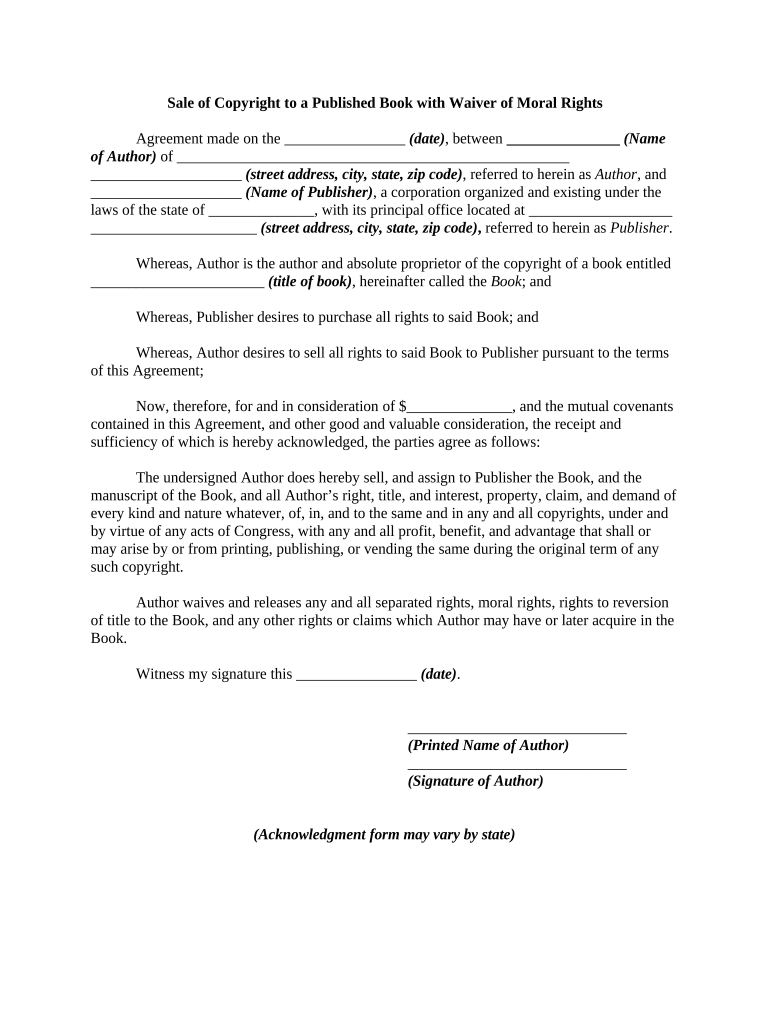
A Waiver of Rights is a written agreement where a person or entity voluntarily gives up specific legal rights or claims, often in exchange for consideration or to proceed with an activity. Typical waivers cover liability, confidentiality, property claims, or statutory rights. In the United States, waivers must be clear, unambiguous, and supported by consideration to be enforceable; some categories of rights cannot be waived. This page explains the structure, common uses, and compliance considerations for drafting, signing, and storing a Waiver of Rights.

Why a Clear Waiver Matters for Risk Allocation

Use a Waiver of Rights to allocate risk, document informed consent, and limit future claims where permitted by law. A well-drafted waiver clarifies obligations and evidences mutual agreement, but enforceability depends on statutory exceptions and clear, specific wording.

Why a Clear Waiver Matters for Risk Allocation

Typical Users and Situations for a Waiver of Rights

Common users include businesses, service providers, event organizers, and legal counsel seeking documented consent or risk allocation.

  • Real estate sellers and landlords using waivers to minimize post-closing property and condition claims.
  • Healthcare providers documenting patient consent for non-covered services or research participation.
  • Event organizers and recreational providers reducing liability exposure for participants.

Core Elements Every Waiver of Rights Should Include

A professional Waiver of Rights should be concise, specific about waived claims, include clear consideration, and establish effective dates and governing law.

Scope

Precisely describe the rights, claims, or causes of action being waived; avoid blanket language and list exclusions where necessary to increase enforceability and clarity in court.
Consideration

State the consideration exchanged, such as payment, access, or services; nominal consideration may suffice in many cases, but substantial consideration reduces arguments of unconscionability in litigation.

Clarity

Use plain language, define any legal terms, and specify effective and expiration dates; ambiguous phrasing increases the risk that courts will decline to enforce the waiver.

Scope Limits

Exclude rights that cannot be waived by statute, explicitly reserve regulatory or statutory claims, and indicate if the waiver applies to successors, assigns, or third parties.

Signatory Authority

Confirm signers have authority to waive rights on behalf of individuals or entities; include corporate titles, show proof of authority, or require a separate authorization when signatory authority is unclear.

Consider Minors

Identify whether minors are covered; many jurisdictions restrict waiving rights for minors, require parental consent, or render such waivers voidable—state-specific rules should be checked and documented.

Step-by-Step: Completing and Executing a Waiver of Rights

Follow these sequential steps to complete and execute a Waiver of Rights correctly, whether using paper or an electronic signing platform.

  • 01
    Prepare Document: Draft clear waiver language and list rights being waived.
  • 02
    Review Authority: Confirm signers have authority to execute on behalf of parties.
  • 03
    Obtain Signatures: Collect dated signatures from all parties; include witness or notary if required.
  • 04
    Record and Store: Save an executed copy and retention metadata for future reference.

Setting Up an Online Workflow for Waiver Execution

Configure an online workflow to route, authenticate, and archive a Waiver of Rights using common eSignature platform settings.

Field Configuration
Signer Order Set sequential order to require signatures in defined sequence.
Authentication Choose email, SMS OTP, or KBA depending on risk and legal needs.
Fields Add signature, initials, date, and conditional fields for each clause.
Storage Enable secure storage, audit trail retention, and export options (PDF, DOCX).

Where to Send or File an Executed Waiver of Rights

Primary submission paths depend on context: deliver to opposing party, court, agency, or retain in corporate records; choose route before signing.

  • Send to Other Party: Email or registered mail a signed copy for their records.
  • File with Court: Follow local court filing rules; electronic filing may need additional verification.
  • Agency Submission: Provide to agency with required cover letter or form number.
  • Internal Records: Store in secure records with retention metadata and access controls.

Distribution and eSignature Platform Considerations

Use an eSignature platform that supports audit trails, secure storage, and compliance addenda where required for Waiver of Rights.

  • File Formats: PDF, DOCX, and editable templates.
  • Integrations: CRM, cloud storage, and legal systems.
  • Authentication: Email, SMS OTP, KBA, or SSO.

Timing and Deadlines Relevant to Waiver Execution

Timing expectations for Waiver of Rights cover execution, delivery, effective dates, and retention; some states impose additional witness or notarization timing requirements.

Execution Date:

Effective on the date signed unless otherwise stated.

Delivery and Receipt:

Delivery by email or mail establishes notice; document should show delivery date.

Notarization Deadline:

Obtain notarization before court submission or when state requires it.

Witness Timing:

Witnesses should sign contemporaneously with principal to avoid disputes.

Retention Start:

Retention begins on execution date unless statute requires otherwise.

Common Drafting and Execution Mistakes to Avoid

  • Using vague or overly broad waiver language that fails to specify the exact rights waived, increasing the likelihood a court will find it unenforceable.
  • Failing to confirm signatory authority for corporate or guardian signers, which can lead to challenges based on lack of capacity or authorization.
  • Neglecting to include clear consideration or using token phrasing that invites arguments of unconscionability or lack of bargain in litigation.
  • Skipping required witness or notarization steps when state law mandates them, which can render the waiver invalid for certain claim types.

Risks and Potential Legal Consequences

Unenforceable: Agreement voided by court
Statutory Exceptions: Wills, court orders excluded
Fraud Risk: Perjury or misrepresentation penalties
Consumer Protection: State consumer laws may prevail
Evidence Issues: Missing signature chain weakens proof
Ineffective for Minors: Waivers often voidable for minors

Who Typically Signs and Their Roles

Claimant Individual

The individual claimant signs to waive specific claims against another party. The narrative should confirm understanding, capacity, and that the signer received consideration. The form must capture identification and any required parental consent if the signer is a minor.

Authorized Rep

An authorized representative executing for a business must state title and confirm authority to bind the entity. Provide corporate formation details and attach a board resolution or power of attorney when authority is not obvious from the signature block.

How to Download, Save, and Supplement a Signed Waiver

Export and archive executed Waiver of Rights in common formats and gather supporting documents such as identification, consideration proof, and authority records to preserve enforceability.

Download Formats

Provide signed copies in PDF/A for long-term archival and standard PDF for distribution; include an attached audit certificate showing timestamps, signer IPs, and the chain of custody.

Supporting IDs

Attach government-issued ID copies used for verification, redacting sensitive numbers as permitted; retain originals or notations of ID checks for authentication records.

Proof of Consideration

Include receipts, invoices, or a written description of the goods or services provided as consideration to support enforceability and clarify the bargained exchange.

Authority Proof

Attach corporate resolutions, power of attorney, or appointment letters when representatives sign; document the chain of authority and include supporting formation documents for corporate entities.

eSignature Vendor Pricing and Capability Snapshot

Vendor pricing and feature availability vary; the table summarizes starting prices, trial availability, bulk send, audit trail, and HIPAA support across common vendors.

signNow DocuSign Adobe Sign PandaDoc HelloSign
Starting Price $8/user/mo $15/user/mo $14/user/mo $19/user/mo $15/user/mo
Free Trial 7-day free trial Varies by vendor Varies by vendor Varies by vendor Varies by vendor
Bulk Send Yes Yes Yes Yes No
Audit Trail Yes Yes Yes Yes Yes
HIPAA Compliant Yes (BAA required) Yes Yes No No

Frequently Asked Questions About Waiver of Rights Documents

Answers to frequent questions about drafting, signing, and enforcing Waiver of Rights documents, including electronic signature and notarization concerns.


Need help? Contact support

be ready to get more
Join over 28 million airSlate SignNow users