Establishing secure connection…Loading editor…Preparing document…

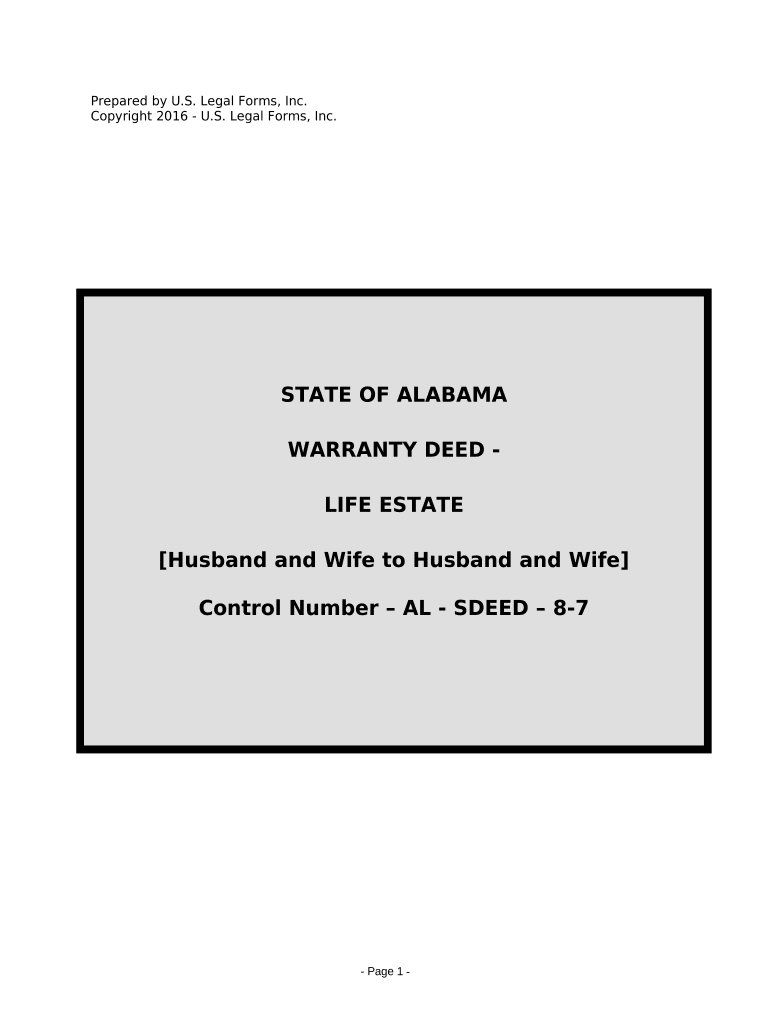
Warranty Deed Life Estate

This template is fully customizable. Edit the text, fill out the fields, and send it for signature. Give it a try!
Warranty Deed Life Estate

What a Warranty Deed Life Estate Is and what it accomplishes

A Warranty Deed Life Estate is a conveyance that grants a person the right to possess and use property for the duration of their life while the deed’s covenants of title protect the grantee and future interest holders. The deed names a life tenant who receives present possession and a remainder person or entity who holds the future interest after the life tenant’s death. Unlike a fee simple transfer, this instrument carves a time-limited estate and also contains warranty covenants promising clear title against prior defects, which can affect title insurance, mortgage obligations, and future transfers.

Why parties choose a Warranty Deed Life Estate

A Warranty Deed Life Estate preserves occupancy for a life tenant while securing remainder rights for heirs or beneficiaries. The warranty covenants can simplify title insurance and reduce future disputes by affirming the grantor’s obligation to defend title.

Why parties choose a Warranty Deed Life Estate

Common users and professionals involved

Typical parties and professionals who prepare or receive this deed include homeowners, heirs, and real estate professionals involved in estate transfers.

  • Homeowners retaining lifetime occupancy while transferring remainder to family or charity.
  • Estate planning attorneys preparing formal transfers and advising on tax or probate implications.
  • Title companies and closing agents ensuring the deed meets recording and insurance requirements.

Coordination among the homeowner, attorney, lender (if any), and the county recorder ensures the deed is properly executed, notarized, and recorded to protect all interests.

Key parts of a professional Warranty Deed Life Estate

A well-drafted deed clearly separates the life estate from the remainder interest and includes standard warranty language, a precise legal description, and execution details for recording and title assurance.

Granting clause

Specifies the grantor, grantee, and the estate conveyed; states that the life tenant receives possession for life and that a remainder interest vests in a named remainderman.
Life tenant rights

Describes occupancy, use, maintenance obligations, and limits on alienation or encumbrance during the life tenant’s lifetime.

Remainder interest

Names the remainderman and explains when and how the future interest becomes possessory, including contingencies if the remainder fails.

Warranty covenants

Includes standard covenants to warrant and defend title against lawful claims, which aids title insurance and protects subsequent owners.

Legal description

Provides the county parcel description or metes-and-bounds language necessary for accurate recording and to avoid surveys or boundary disputes.

Execution and recordation

Contains signature blocks, notary acknowledgment, and recording instructions, including county recorder details and any required witness lines.

Step-by-step: completing a Warranty Deed Life Estate

Follow these four steps to prepare, execute, and record the deed correctly.

  • 01
    Prepare draft: Assemble parties, legal description, and warranty language.
  • 02
    Review terms: Confirm life tenant rights and remainder conditions with counsel.
  • 03
    Execute: Sign before a notary; include witnesses if state law requires.
  • 04
    Record: File with the county recorder and obtain stamped copy.

Where to send and how the recording process works

Recording transmits public notice of the life estate; follow local county recorder procedures and provide required copies to interested parties.

  • County recorder: Submit the original signed and notarized deed to the recorder in the county where the property is located.
  • Provide copies: Give certified or stamped copies to the life tenant, remainderman, lender, and title insurer.
  • Title update: Request title company to update the title commitment and issue any necessary endorsements.
  • Tax assessor: Notify the local assessor to ensure property tax billing and exemptions are updated.

How to set up an efficient digital completion workflow

Configure a repeatable workflow that assigns roles, enforces authentication, and integrates notary or recording steps.

Field Configuration
Document template Create a reusable deed template with locked legal description fields.
Signer roles Define grantor, notary, and witness roles with signing order.
Authentication Enable email or SMS codes and stronger ID proofing for remote notarization.
Notary integration Connect to a RON provider or schedule an in-person notary before recording.

Technology and format considerations for e-signing and record-ready files

Use a platform that preserves PDF integrity, audit trails, and supports notarization workflows to keep the deed record-ready.

  • File formats: PDF/A or flattened PDF preferred.
  • Integrations: Connect with title, cloud storage, and recorder systems.
  • Authentication: Support for email, SMS, and KBA for higher assurance.

Choosing tools that export ISO-compatible PDFs, create immutable audit trails, and integrate with notary or county recording services reduces rework. Ensure any remote notarization follows state RON rules and that recorded copies meet your county recorder’s file format requirements.

Risks and potential consequences of an incorrect deed

Title defects: Clouded title from errors or omitted liens
Recording rejections: Deed rejected for improper notarization or format
Tax exposure: Transfer tax or reassessment issues
Invalid conveyance: Ambiguous remainder language may void interests
Probate complications: Improper drafting may trigger probate disputes
Enforcement limits: Warranty claims require litigation to enforce

Common preparation mistakes to avoid

  • Using an informal street address instead of the recorded legal description leads to recording delays and surveys.
  • Mismatched names between grantor, ID, and title records create title search flags and may require corrective affidavits.
  • Failing to notarize or include required witness lines where state law requires them results in rejection by the county recorder.
  • Vague remainder language or failure to provide contingency terms can cause unintended intestacy or probate disputes.

Timing and processing expectations for recording and related filings

Timely recording protects interests; other timelines relate to tax, mortgage, and title insurance updates.

Record promptly:

Record the deed as soon as execution and notarization are complete to preserve priority.

Title update:

Ask the title company to reissue or endorse title within 7–14 days of recording.

Tax proration:

Coordinate with tax assessor for proration timing and exemptions at transfer.

Mortgage payoff timing:

Confirm lender satisfaction or release before recording if lien is being cleared.

Document retention:

Retain recorded copy and supporting documents per retention guidance immediately after recording.

Real-world scenarios where a Warranty Deed Life Estate is used

Two representative examples show how the instrument balances present occupancy with future ownership.

Elder Care Transfer

An aging homeowner grants a life estate to herself and names her adult child as remainder

  • Life tenant retains occupancy for lifetime
  • The deed allowed continued residence and avoided immediate transfer taxes while ensuring the property passed outside probate to the named remainder, subject to the warranty covenants protecting against title defects.

Charitable Remainder

A property owner grants a life estate to a spouse and leaves the remainder to a charity

  • Spouse receives income and occupancy rights
  • This structure preserved spousal use during life while creating a future charitable interest, with clear warranty language helping the charity accept the remainder.

Practical tips for accurate and efficient completion

Follow these best practices to reduce rework, preserve title integrity, and ensure recorder acceptance.

Confirm legal description
Obtain the precise recorded legal description from the current deed or title commitment rather than relying on a street address; accuracy prevents recording rejections and costly surveys.
Use full legal names
Match names to government ID and title records exactly. Include any suffixes, middle names, or corporate entity formats to avoid mismatches during title searches.
Coordinate with lender and title
Check for outstanding liens or mortgages and get lender pay-off instructions or subordination agreements to prevent clouding the new remainder interest.
Follow county recorder rules
Verify county formatting, cover sheet requirements, transfer tax forms, and acceptable PDF specifications before electronic submission or in-person filing to ensure timely acceptance.

eSignature vendor comparison for executing and notarizing deeds (signNow listed first)

Platforms differ on pricing, bulk send, audit trails, HIPAA support, and envelope caps; choose per volume and required compliance features.

signNow DocuSign Adobe Sign PandaDoc HelloSign
Starting Price $8/user/mo $15/user/mo $14/user/mo $19/user/mo $15/user/mo
Free Trial 7-day free trial Varies Varies Yes, limited Yes, limited
Bulk Send Yes Yes Yes Yes No
Audit Trail Yes Yes Yes Yes Yes
HIPAA Compliant Yes Yes Yes No No
Envelope Cap No cap 100 envelopes/user/year Varies by plan Varies by plan Varies by plan

Frequently asked questions about Warranty Deed Life Estate

Answers to common concerns about execution, recording, revocation, and electronic signing for life-estate warranty deeds.


Need help? Contact support

be ready to get more
Join over 28 million airSlate SignNow users