Scope of work
Define treatment area, application method, target species, exclusion zones, and whether work includes debris removal or cleanup responsibilities.
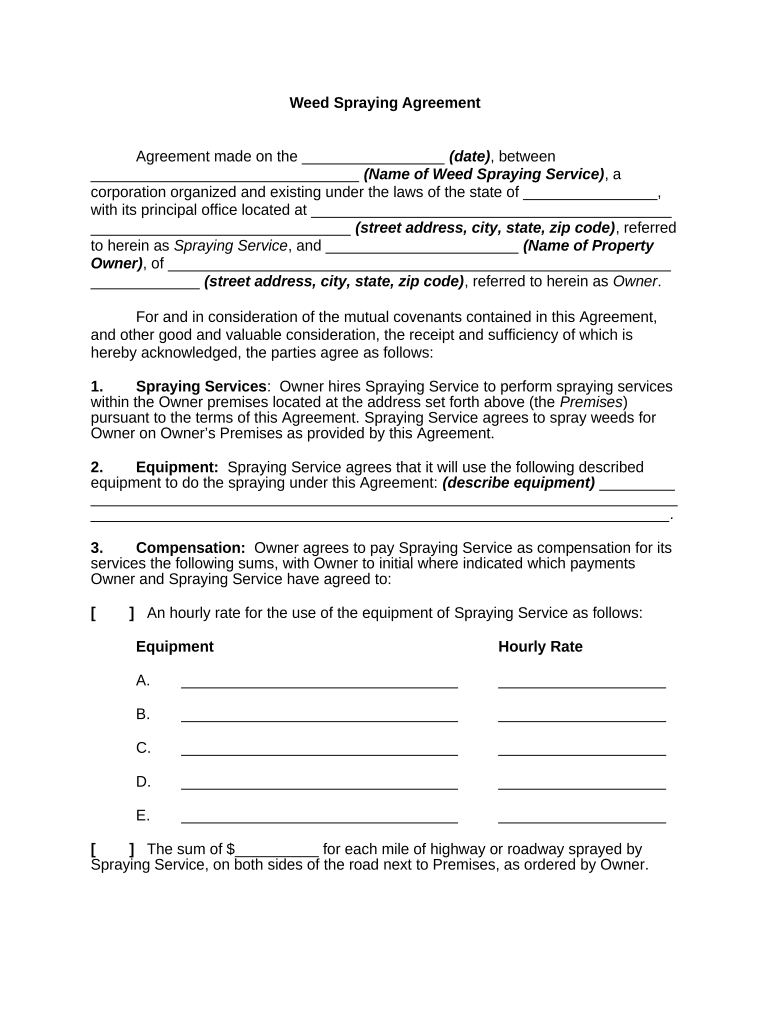
A clear Weed Spraying Agreement reduces disputes, documents safety procedures and regulatory compliance, allocates liability, and provides a record for insurance and audits.

Typical parties involved include commercial applicators, property owners, homeowners associations, and municipal maintenance departments.
The agreement helps each party confirm licensing, insurance, notification, and access requirements before treatment begins.
| Field | Configuration |
|---|---|
| Notification method | Email and optional SMS reminders and confirmations |
| Signer authentication | Email link by default; consider SMS or ID check for higher assurance |
| Attachments allowed | SDS, site maps, permit scans, and photos included as PDFs |
| Reminder cadence | 48 hours and 24 hours before scheduled treatment |
Choose formats and integrations that match internal systems and retention policies before sending the agreement for signature.
Confirm integration settings (folder paths, access controls) so signed copies and audit trails land where records are retained.
When obligations begin and notice periods start
Commonly 24–72 hours before scheduled treatment
Specify interval (e.g., 30–90 days) for warranty or follow-up
Time required for posting signs or mailed notices
How long signed records and SDS are kept
Provider issues itemized quote and treatment plan for approval.
Owner signs and confirms insurance and access permissions.
Applicator conducts work within the agreed window and weather constraints.
Provider submits post-treatment log, photos, and invoice.
Define treatment area, application method, target species, exclusion zones, and whether work includes debris removal or cleanup responsibilities.
List chemical trade names, active ingredients, and EPA registration numbers; include SDS attachments and any use restrictions.
Specify required signage, notification to occupants, PPE for applicators, drift-mitigation measures, and post-application re-entry intervals.
Assign responsibility for securing permits, complying with state pesticide rules, and observing local buffer-zone requirements.
State total cost, deposit requirements, invoicing cadence, late fees, and responsibility for additional costs like permit fees.
Set indemnity language, limits of liability, proof of general liability and pollution coverage, and claim notice procedures.
Include SDS for each product used and retain them alongside the signed agreement for emergency response and audits.
Provide a marked site plan showing treatment zones, sensitive areas, and buffer distances to prevent misunderstandings.
Attach copies of applicator license, business license, and any required pesticide permits.
Include application logs, weather conditions, and photos documenting results and compliance steps.
| signNow | DocuSign | Adobe Sign | PandaDoc | HelloSign | |
|---|---|---|---|---|---|
| Starting Price | $8/user/mo | $15/user/mo | $14/user/mo | $19/user/mo | $15/user/mo |
| Free Trial | 7-day free trial | Varies by vendor | Varies by vendor | Varies by vendor | Varies by vendor |
| Bulk Send | Yes | Yes | Yes | Yes | No |
| Audit Trail | Yes | Yes | Yes | Yes | Yes |
| HIPAA Compliant | Yes | Yes | Yes | No | No |
The company owner or certified applicator signs to accept operational, safety, and legal obligations; this person must be authorized to commit the business and confirm licenses and insurance.
The individual with legal authority over the property signs to grant access, confirm payment terms, and accept notification responsibilities; their clarity reduces enforcement and claims risk.
A homeowners association secures a seasonal program for turf and sidewalk edges, with product lists and resident notification procedures.
A city contracts a vendor for right-of-way vegetation control with defined exclusion zones near water bodies and schools.