Testator Identity
Full legal name and address to establish who is making the will and to prevent confusion with similarly named individuals.
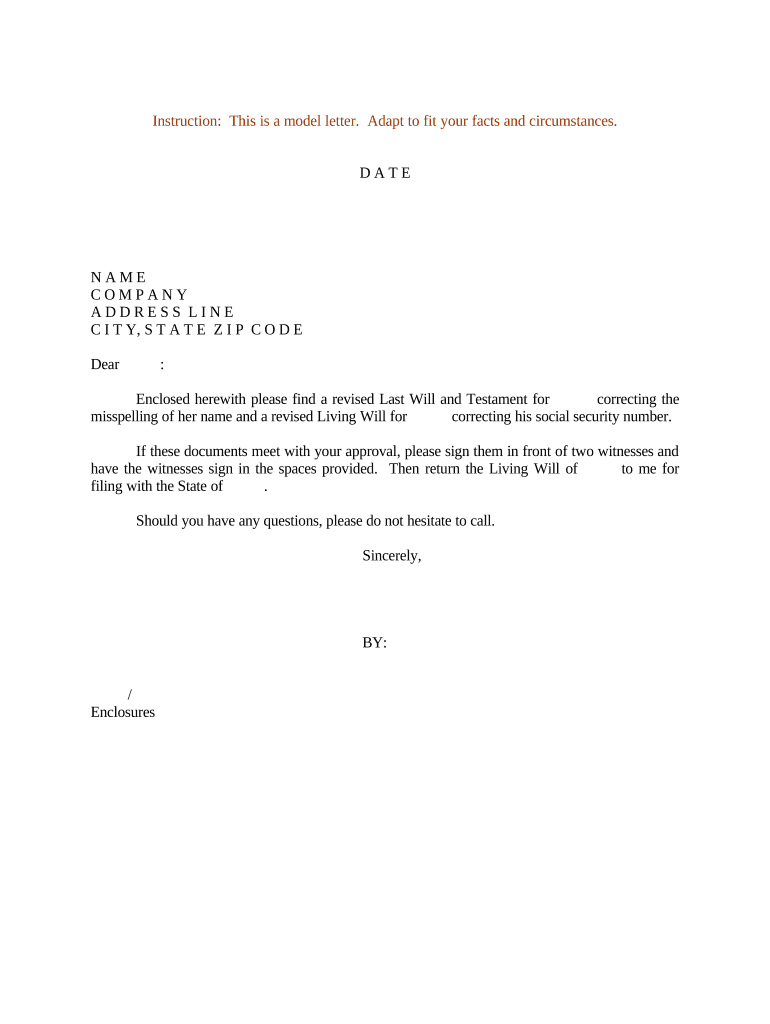
A properly executed Will Testament Form reduces ambiguity for heirs, speeds probate, and protects minor children by naming guardians. Using a professional template helps ensure required formalities are met and makes probate administration more predictable.

Executors, individuals with dependents or significant assets, and estate attorneys commonly prepare or review a will to ensure legal effect and clarity.
In many cases an attorney review or notarized self-proving affidavit reduces probate friction; requirements vary by state and circumstance.
Full legal name and address to establish who is making the will and to prevent confusion with similarly named individuals.
Name an executor and alternates, with contact details and any limitations or bond waivers to guide administration.
Identify primary and contingent beneficiaries with clear distribution percentages or specific items to avoid intestacy issues.
For minor children, name primary and alternate guardians and provide guidance for care and financial management if desired.
Address the remainder of the estate after specific bequests, and include contingent shares for unforeseen scenarios.
Provide signature lines, printed names, addresses for witnesses, and a notary block or self-proving affidavit section where state law allows.
When using e-signature tools, confirm the platform supports required authentication, audit trails, and integrations for probate workflows.
Remember that many states list wills among ESIGN exceptions; verify whether electronic execution or remote notarization is accepted in your jurisdiction before relying on e-signed wills.
| Document Type | Will | Revocable Trust |
|---|---|---|
| Probate Required | usually | often avoids probate |
| Privacy | public record after probate | typically private |
| Execution Formalities | witness signatures | can require notarization and funding |
| Beneficiary Controls | one-time distribution | ongoing management possible |
| signNow | DocuSign | Adobe Sign | PandaDoc | HelloSign | |
|---|---|---|---|---|---|
| Starting Price | $8/user/mo | $15/user/mo | $14/user/mo | $19/user/mo | $15/user/mo |
| Free Trial | 7-day free trial | Varies by vendor | Varies by vendor | Varies by vendor | Varies by vendor |
| Bulk Send | Yes | Yes | Yes | Yes | No |
| Audit Trail | Yes | Yes | Yes | Yes | Yes |
| HIPAA Compliant | Yes | Yes | Yes | No | No |
The interface is simple and easy-to-use for our team; more importantly, it is just as easy for our customers.
I can process and execute all of these documents online with 100% compliance and built-in security.