Compress DOC Less Than 100kb


Discover how to easily compress DOC less than 100kb and make the most of your documents
Create secure and intuitive eSignature workflows on any device, track the status of documents right in your account, build online fillable forms – all within a single solution.

airSlate SignNow regularly wins awards for ease of use and setup




Ways to Reduce DOC File Size Below 100kb
Are you struggling to find a trustworthy method for all your document editing and signing requirements, including the capacity to Reduce DOC File Size Below 100kb? airSlate SignNow is crafted to streamline your document editing and authorization experience as smoothly as possible, irrespective of the complexity. Our platform provides a comprehensive suite of business-oriented document editing, signing, collaboration, and organizational features that are user-friendly for both novices and seasoned professionals.
- Navigate to the airSlate SignNow homepage.
- Create a new account or sign in to your current one.
- Select one of the methods to upload your document.
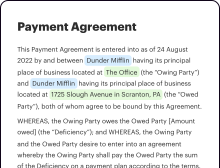
- Access your document in our editor.
- Examine the left and top toolbar to find the option to Reduce DOC File Size Below 100kb.
- Employ additional tools to enhance or arrange your document.
- Save the changes and download the file.
Regardless of the tool you use or the step you take, airSlate SignNow consistently ensures that your work is safeguarded and hassle-free. Sign up for airSlate SignNow today and obtain a cohesive solution that seamlessly fits into any workflow!
How it works
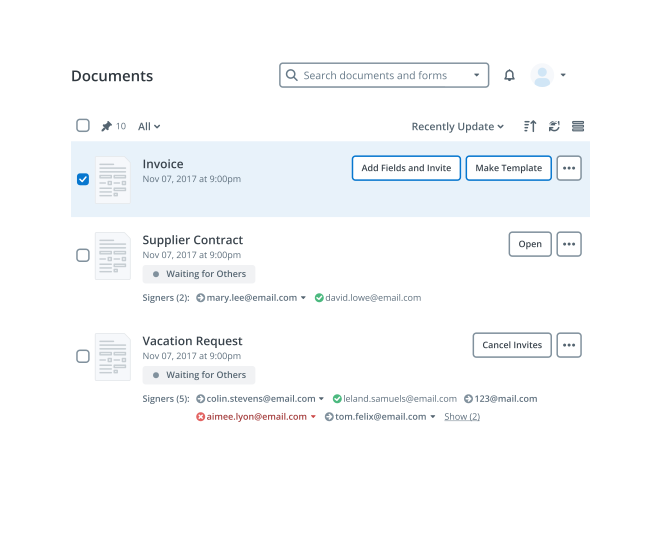
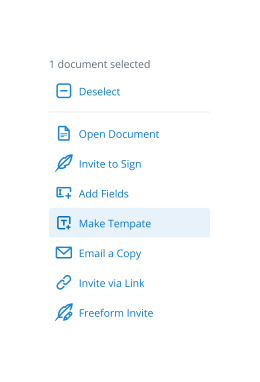
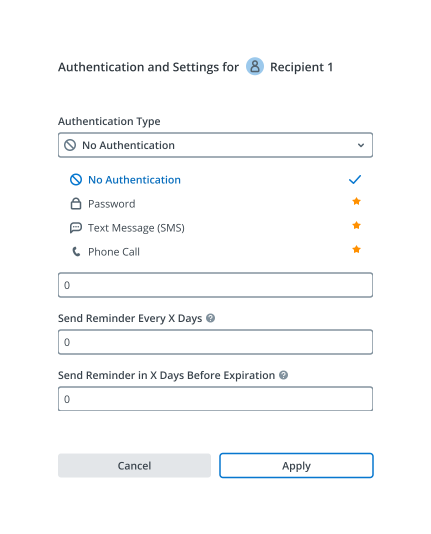
eSignatures and beyond — simplify document workflows with advanced airSlate SignNow features


-
Best ROI. Our customers achieve an average 7x ROI within the first six months.
-
Scales with your use cases. From SMBs to mid-market, airSlate SignNow delivers results for businesses of all sizes.
-
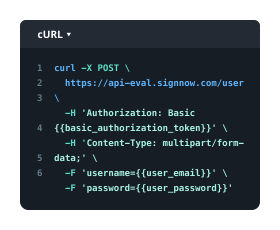
Intuitive UI and API. Sign and send documents from your apps in minutes.
Our user reviews speak for themselves











FAQs
-
How can I compress a DOC file to less than 100kb using airSlate SignNow?
To compress a DOC file to less than 100kb with airSlate SignNow, simply upload your document to our platform and select the compression option. Our tool automatically optimizes the file size while maintaining quality, ensuring you meet the 100kb limit effortlessly. This feature is designed for quick and efficient document management. -
What is the maximum file size I can upload when I want to compress a DOC file?
When using airSlate SignNow to compress a DOC file, you can upload files up to 10MB. This high limit allows you to compress larger documents while ensuring they are reduced to less than 100kb. This makes it easier to share and store your important files efficiently. -
Is there a cost associated with using the compress DOC feature on airSlate SignNow?
Compressing DOC files to less than 100kb using airSlate SignNow is included in our subscription plans, which offer various pricing tiers. Our cost-effective solution allows users to manage and compress documents without incurring additional fees. Check our pricing page for specific plan details. -
What features does airSlate SignNow offer for document management beyond compression?
In addition to the ability to compress DOC files to less than 100kb, airSlate SignNow provides eSigning, document sharing, and secure storage options. Our comprehensive platform streamlines the entire document workflow, enhancing productivity and collaboration within teams. Explore all our features to maximize your document management experience.
-
Can I integrate airSlate SignNow with other applications for better document handling?
Yes, airSlate SignNow offers seamless integrations with various applications, such as Google Drive, Dropbox, and Microsoft Office. This allows you to easily manage and compress DOC files to less than 100kb directly from the applications you already use. Enhance your workflow by integrating your favorite tools with our platform. -
What are the benefits of compressing DOC files to less than 100kb?
Compressing DOC files to less than 100kb helps reduce storage space and speeds up upload and download times. This is especially beneficial for sharing documents via email or cloud services, as smaller files are easier to manage. airSlate SignNow provides this function to improve your overall document handling efficiency. -
Is it safe to compress DOC files using airSlate SignNow?
Absolutely! airSlate SignNow prioritizes the security of your documents. When you compress DOC files to less than 100kb, our platform ensures that your files are encrypted and stored securely, protecting your sensitive information throughout the process. -
How do I get started with airSlate SignNow to compress my DOC files?
Getting started with airSlate SignNow is simple! Sign up for an account on our website, and once you're logged in, you can easily upload your DOC files. Use the compression feature to reduce the size to less than 100kb, and you're ready to go!