Compress DOCX file to 1 mb

Discover how to easily compress DOCX file to 1 mb and make the most of your documents
Create secure and intuitive eSignature workflows on any device, track the status of documents right in your account, build online fillable forms – all within a single solution.
airSlate SignNow regularly wins awards for ease of use and setup




The optimal method to Reduce DOCX file to 1 mb
Are you finding it challenging to discover a trustworthy option for all your document editing and signing requirements, such as the ability to Reduce DOCX file to 1 mb? airSlate SignNow is crafted to streamline your file editing and finalization process as smoothly as possible, regardless of the complexity. Our platform provides a comprehensive array of business-ready document editing, signing, collaboration, and organization features that are user-friendly enough for both novices and experienced users.
- Navigate to the airSlate SignNow homepage.
- Create a new account or log into your existing one.
- Choose one of the methods to upload your file.
- Access your document in our editor.
- Browse the left and top toolbars to locate the option to Reduce DOCX file to 1 mb.
- Utilize other functions to enhance or arrange your document.
- Apply the changes and download the file.
Regardless of which feature you use or the task you perform, airSlate SignNow consistently ensures that your work is safe and seamless. Sign up for airSlate SignNow today and receive a comprehensive solution that integrates smoothly into any workflow!
How it works
eSignatures and beyond — simplify document workflows with advanced airSlate SignNow features
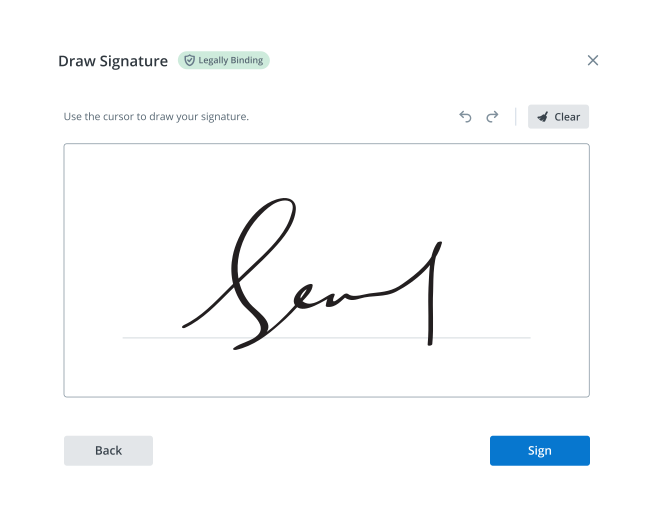
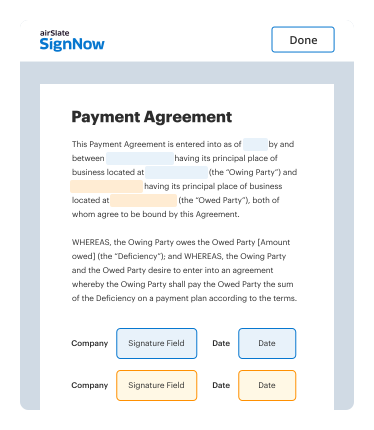
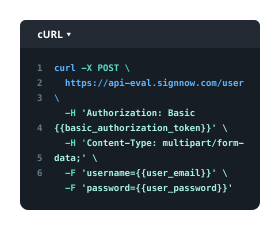

-
Best ROI. Our customers achieve an average 7x ROI within the first six months.
-
Scales with your use cases. From SMBs to mid-market, airSlate SignNow delivers results for businesses of all sizes.
-
Intuitive UI and API. Sign and send documents from your apps in minutes.
Our user reviews speak for themselves












FAQs
-
How can I compress a DOCX file to 1 mb using airSlate SignNow?
To compress a DOCX file to 1 mb with airSlate SignNow, simply upload your document to our platform, and our built-in compression tools will optimize it for size. This allows you to easily send and eSign your documents without exceeding email size limits. Our service ensures you maintain the quality of your document while achieving the desired file size. -
What are the benefits of compressing a DOCX file to 1 mb?
Compressing a DOCX file to 1 mb offers several benefits, including easier sharing and faster uploads. Smaller file sizes help avoid email delivery issues and save storage space. With airSlate SignNow, you can efficiently manage your documents while ensuring they remain accessible to anyone needing access. -
Is there a cost associated with compressing DOCX files on airSlate SignNow?
airSlate SignNow offers a range of pricing plans, including a free trial that allows you to compress DOCX files to 1 mb at no cost. Once the trial period ends, you can choose a plan that fits your needs, ensuring you have the tools to manage and compress your documents efficiently. -
Can I integrate airSlate SignNow with other applications to compress DOCX files?
Yes, you can integrate airSlate SignNow with various applications to streamline your document management processes. This includes popular cloud storage solutions, which can help you easily compress DOCX files to 1 mb and share them directly from your preferred platform, enhancing your workflow.
-
What file types can I compress in addition to DOCX on airSlate SignNow?
In addition to compressing DOCX files to 1 mb, airSlate SignNow supports various file formats, including PDF, JPG, and PNG. This versatility allows you to manage multiple document types within a single platform, making it easier to handle diverse business needs. -
How does airSlate SignNow ensure the quality of documents after compression?
airSlate SignNow utilizes advanced algorithms to compress DOCX files to 1 mb while preserving their original quality. This means you can confidently send and eSign your documents without worrying about losing important formatting or content, ensuring a professional presentation every time. -
What is the maximum size I can compress my DOCX file to on airSlate SignNow?
You can compress a DOCX file to 1 mb on airSlate SignNow, which is often ideal for meeting email attachment limits and improving upload speeds. If your original file is larger, our platform provides effective compression options that maintain document integrity while reducing file size. -
Do I need to download software to compress DOCX files to 1 mb with airSlate SignNow?
No, you do not need to download any software to compress DOCX files to 1 mb with airSlate SignNow. Our cloud-based solution allows you to access all features directly from your web browser, making it convenient to manage, compress, and eSign documents on any device.