Compress PDF files to less than 100kb

Discover how to easily compress PDF files to less than 100kb and make the most of your documents
Create secure and intuitive eSignature workflows on any device, track the status of documents right in your account, build online fillable forms – all within a single solution.
airSlate SignNow regularly wins awards for ease of use and setup




The Ultimate Method to Reduce PDF Files to Under 100kb
Are you struggling to locate a trustworthy solution for all your document modification and signing requirements, including the ability to Reduce PDF files to under 100kb? airSlate SignNow is designed to streamline your document editing and completion experience, regardless of the intricacy involved. Our platform offers a flexible array of business-ready document editing, signing, collaboration, and organization tools that you’ll find user-friendly enough to cater to both novices and seasoned professionals.
- Visit the airSlate SignNow homepage.
- Create an account or log in to your current account.
- Choose one of the options to upload your document.
- Access your document in the editor.
- Navigate the left and top toolbar to locate the feature to Reduce PDF files to under 100kb.
- Utilize additional tools to enhance or organize your document.
- Save your modifications and download the document.
No matter which tool you use or the tasks you carry out, airSlate SignNow consistently ensures that your work is secure and hassle-free. Sign up for airSlate SignNow today and access an integrated solution that seamlessly fits into any workflow!
How it works
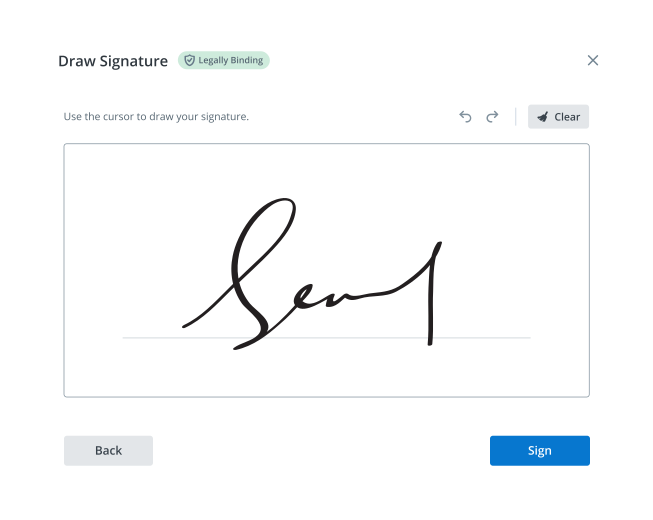
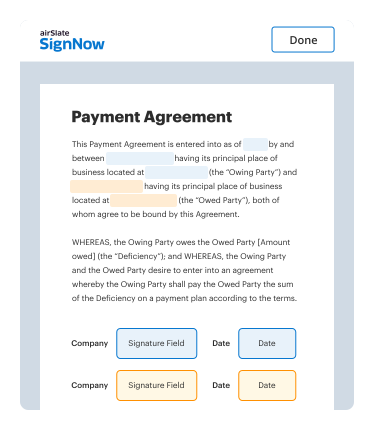
eSignatures and beyond — simplify document workflows with advanced airSlate SignNow features
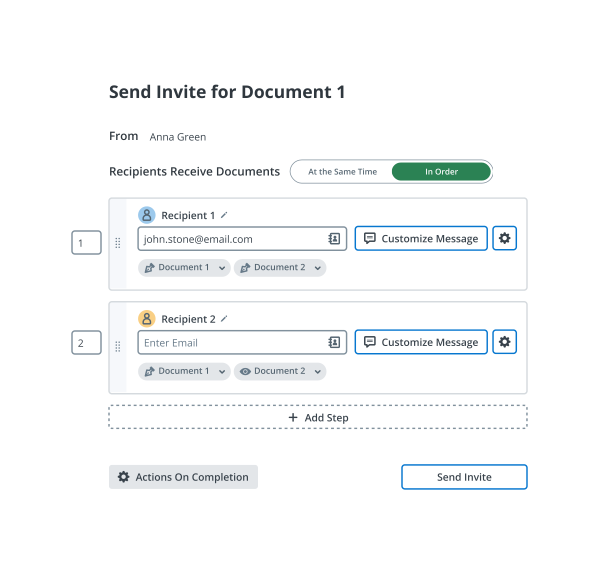
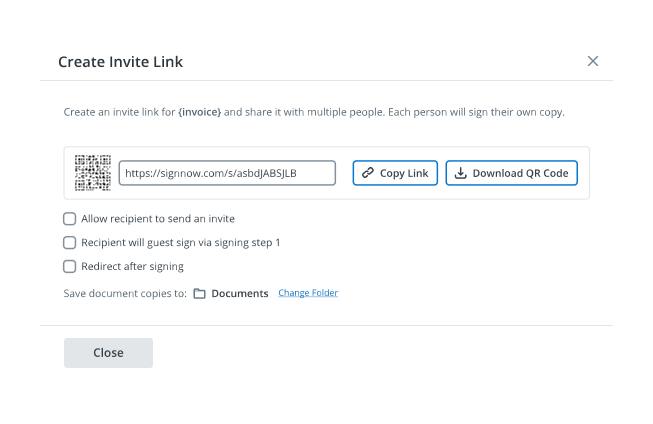
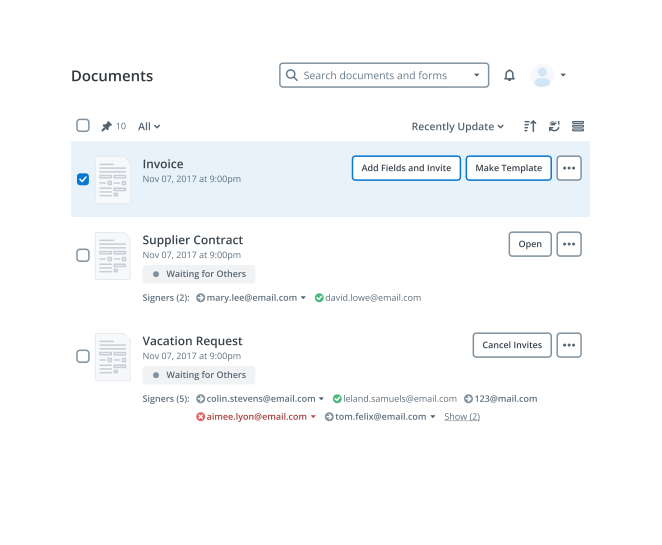

-
Best ROI. Our customers achieve an average 7x ROI within the first six months.
-
Scales with your use cases. From SMBs to mid-market, airSlate SignNow delivers results for businesses of all sizes.
-
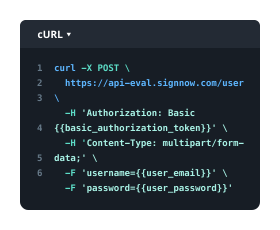
Intuitive UI and API. Sign and send documents from your apps in minutes.
Our user reviews speak for themselves











FAQs
-
How can I compress PDF files to less than 100kb using airSlate SignNow?
To compress PDF files to less than 100kb with airSlate SignNow, simply upload your document to our platform and select the compression feature. Our tool will efficiently reduce the file size while maintaining quality, ensuring your documents are easy to share and store. -
What are the benefits of compressing PDF files to less than 100kb?
Compressing PDF files to less than 100kb makes them more manageable for email attachments and online sharing. Smaller files not only save storage space but also improve loading times, enhancing the overall user experience when sending and receiving documents. -
Is there a cost associated with compressing PDF files to less than 100kb?
airSlate SignNow offers competitive pricing plans that include the ability to compress PDF files to less than 100kb. Whether you choose a monthly or annual subscription, you’ll benefit from a cost-effective solution designed to streamline your document management. -
Can I use airSlate SignNow to compress PDF files on mobile devices?
Yes, airSlate SignNow is fully optimized for mobile use, allowing you to compress PDF files to less than 100kb directly from your smartphone or tablet. Our user-friendly interface ensures that you can manage documents on-the-go without any hassle.
-
What features does airSlate SignNow offer for PDF management?
airSlate SignNow provides a range of features for PDF management, including the ability to compress PDF files to less than 100kb, eSign documents, and collaborate with team members. These features are designed to enhance productivity and simplify your document workflow. -
Does airSlate SignNow integrate with other applications for PDF handling?
Absolutely! airSlate SignNow offers integrations with various applications, making it easy to compress PDF files to less than 100kb and manage your documents across multiple platforms. This ensures a seamless workflow whether you’re using cloud storage services or productivity tools. -
How secure is my data when I compress PDF files to less than 100kb with airSlate SignNow?
Your data security is our top priority at airSlate SignNow. When you compress PDF files to less than 100kb or use any of our features, your documents are protected with industry-standard encryption, ensuring that your information remains confidential and secure. -
What types of PDFs can I compress to less than 100kb?
You can compress various types of PDFs to less than 100kb using airSlate SignNow, including forms, reports, and presentations. Our tool is versatile and efficient, ensuring that no matter the content type, you can easily reduce file size without losing quality.