Employer ID
Enter the employer name and federal Employer Identification Number (EIN) or Guam tax ID exactly as registered with tax authorities to link the return to the correct filer.
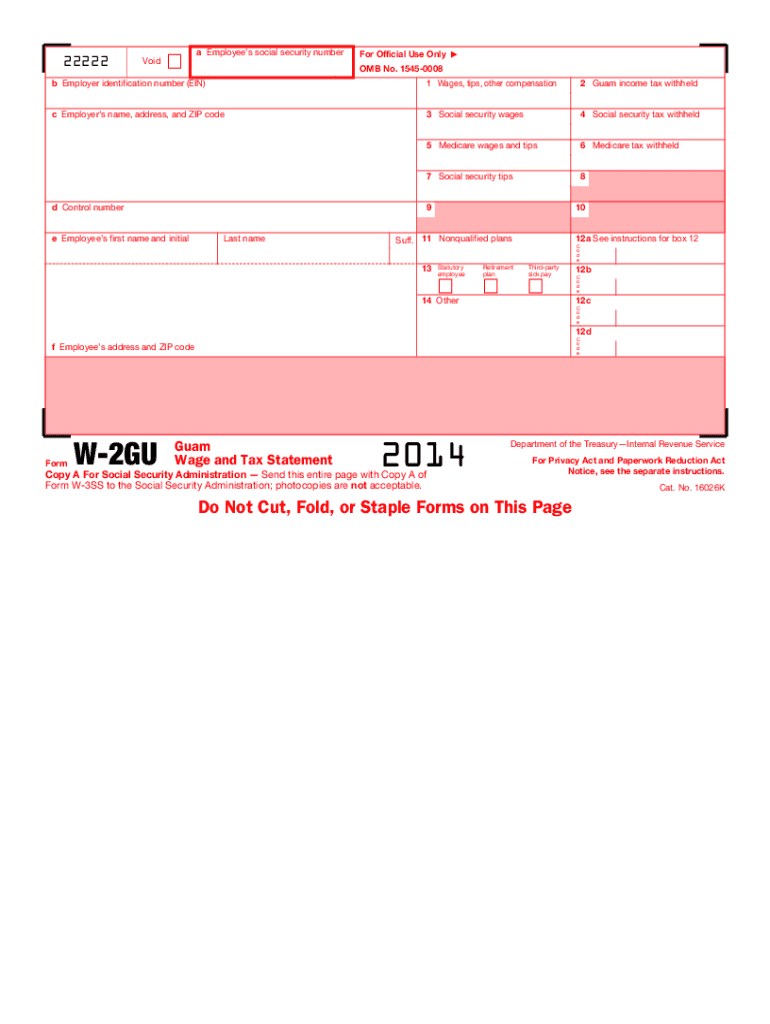
Accurate completion of the Guam Wage and Tax Statement 2014 ensures correct employee year-end records, supports payroll tax remittance, and helps avoid information-reporting penalties. It provides the primary record employees use for preparing personal returns and for verifying withholding amounts with territorial and federal agencies.

Employers, payroll administrators, and human resources teams typically prepare the form; employees receive it for individual tax filing and verification.
The form also supports auditing and recordkeeping obligations for employers and provides documentation necessary for resolving withholding or tax-reporting disputes.
Enter the employer name and federal Employer Identification Number (EIN) or Guam tax ID exactly as registered with tax authorities to link the return to the correct filer.
Provide the employee's full legal name and taxpayer identification (SSN or ITIN) to avoid backup withholding or misapplied credits.
Report total taxable wages for the year in clear dollar amounts; separate boxes for federal, Guam, and other taxable wage categories where required.
List federal income tax, social security, Medicare, and Guam income tax withheld in distinct fields to aid reconciliation with remittance records.
Mark the tax year clearly as 2014; consistent date formats prevent misfiling across tax years and support audit trails.
Include preparer name, title, signature or electronic signature attribution, and date to establish accountability and authorization.
| Field | Configuration |
|---|---|
| Employer Details | Required, locked after submission |
| Employee TIN | Masked display, required verification |
| Wage Lines | Numeric validation and auto-totals |
| Signature | eSignature field with timestamp |
Choose a platform that provides secure eSign, audit trails, and exportable PDF records compatible with tax recordkeeping requirements.
Ensure your chosen solution supports ESIGN and UETA legal standards, enables reproducible audit trails, and provides secure storage that meets IRS and territorial record requirements.
Provide year-end wage statements by the date required by territorial guidance; align with Jan 31 recipient deadlines for comparable federal forms.
Follow Guam Department of Revenue schedules for any employer remittance and information filing.
Where federal reporting applies, match federal filing dates such as Jan 31 for information returns to recipients.
Retain employer copies for at least the applicable statutory period; see retention timeline below.
Submit corrected statements promptly upon discovering errors to minimize penalties.
Finalize payroll journal entries and verify year-to-date totals before statement generation.
Create statements from validated payroll data and prepare distribution files.
Distribute to employees and capture delivery or signature confirmation.
Store signed statements and audit trails in secure records for the required retention period.
Many small finance teams adopted digital signing to return statements quickly to employees for tax-season reconciliation.
Real-estate payroll often requires signatures across distributed locations to meet year-end timelines.
| signNow | DocuSign | Adobe Sign | PandaDoc | HelloSign | |
|---|---|---|---|---|---|
| Starting Price | $8/user/mo | $15/user/mo | $14/user/mo | $19/user/mo | $15/user/mo |
| Free Trial | 7-day free trial | Varies by vendor | Varies by vendor | Varies by vendor | Varies by vendor |
| Bulk Send | Yes | Yes | Yes | Yes | No |
| Audit Trail | Yes | Yes | Yes | Yes | Yes |
| HIPAA Compliant | Yes | Yes | Yes | No | No |