Establishing secure connection…Loading editor…Preparing document…

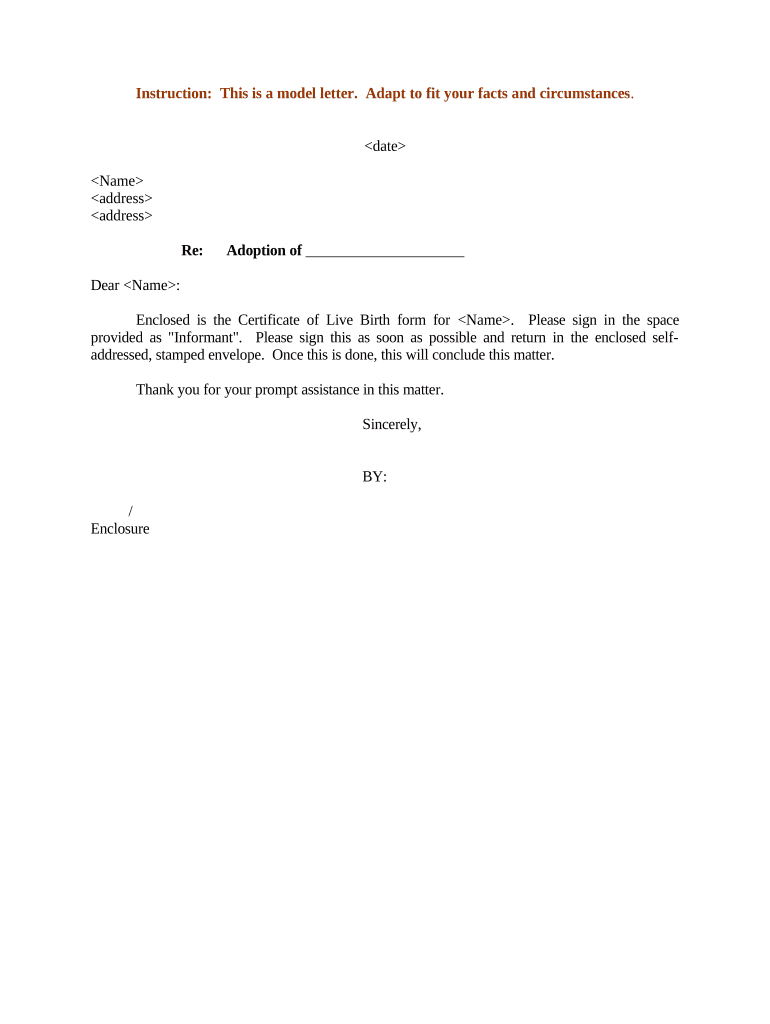
Certificate of Live Birth

This template is fully customizable. Edit the text, fill out the fields, and send it for signature. Give it a try!
Certificate of Live Birth

What a Certificate of Live Birth Is and why it matters

A Certificate of Live Birth is the official vital record created by a state or local vital records office to document a live birth event. It records the child's full name, date and time of birth, place of birth, and parentage, and it is the primary document used to establish identity, obtain a Social Security number, apply for a passport, enroll a child in school, and claim government benefits. The certificate is issued and certified by the state registrar and is accepted as legal proof of birth for most federal and state purposes.

Why the Certificate of Live Birth is essential

The certificate provides authoritative proof of identity and parentage that underpins access to government services, travel documentation, education enrollment, and legal protections. Accurate completion reduces later administrative burdens and helps prevent identity disputes or delays in benefit claims.

Why the Certificate of Live Birth is essential

Who prepares and relies on this record

Several parties both create and use the Certificate of Live Birth during and after a birth event.

  • Hospitals and birthing centers file official registration with the state vital records office, supplying medical details and attendant information.
  • Parents and guardians request certified copies for Social Security, passport, school enrollment, and benefits enrollment purposes.
  • State and federal agencies use certified copies to verify identity, citizenship, and eligibility for programs and records.

Core sections found on a professional Certificate of Live Birth

A standard certificate groups clinical, parental, and administrative information to create a durable legal record; each section supports a different verification use.

Child Details

Full legal name, sex, exact date and time of birth, and birth order information used for identity and vital statistics reporting.
Birth Location

Name and address of the hospital, birthing center, or location (city, county, state) where the live birth occurred for jurisdictional filing.

Parental Data

Parents' full legal names, birthplaces, dates of birth, and current addresses; used for establishing parentage and eligibility checks.

Medical Details

Attendant name, method of delivery, birth weight and length, and pertinent medical observations recorded by the attending clinician.

Registrar Information

State or county registrar entries, official filing date, certification statement and registrar's name or title certifying the record.

Amendments & Notes

Sections for delayed registration, amendments, or court orders that modify the original record, including reason and authorizing documentation.

Required data elements at a glance

Full legal name: Child's complete name
Date/time of birth: Exact DOB and time
Place of birth: Facility, city, county
Parent information: Both parents' names
Attendant: Delivering clinician name
Filing date: Registrar certification date

Step-by-step: completing and filing a Certificate of Live Birth

Follow these core steps to ensure the certificate is accurate, filed on time, and accepted by authorities.

  • 01
    Gather documents: Collect IDs, medical records, and parental information.
  • 02
    Complete form: Enter all fields using full legal names.
  • 03
    Hospital submits: Hospital or clinician transmits registration to vital records.
  • 04
    Request copies: Order certified copies from the state or county office.

Digital workflow configuration for online completion

When completing or submitting applications online, configure fields and authentication to match state requirements.

Field Configuration
Name fields Required text fields; exact-match validation
Date fields MM/DD/YYYY format enforced
Parent identity Upload ID images or input SSN when required
Submission method Select state EDRS or scanned paper upload

Where and how to submit the certificate

Submission pathways depend on state systems and whether the birth occurred in a medical facility; choose the appropriate filing route below.

  • State Vital Records: Primary repository for certified birth records and copies.
  • Local county registrar: Some jurisdictions require filing at the county level.
  • Hospital or birthing center: Facilities commonly file the initial registration electronically.
  • Authorized third party: Designated agents may file or order certified copies on behalf of parents.

Digital submission and file-format best practices

Use commonly accepted file types and secure transfer methods when submitting records electronically.

  • File formats: PDF/A preferred for certification
  • Authentication: Use two-factor or government ID checks
  • Integrations: Interfaces with EDRS or state portals

Confirm the receiving office's format and authentication requirements before upload to avoid rejections and processing delays.

Typical timelines, deadlines, and processing expectations

Timing varies by state; below are common windows and processing expectations to help plan requests and corrections.

Registration window:

Often within days to weeks of birth; state rules vary

Initial processing:

State processing commonly takes 1–8 weeks depending on volume

Certified copies:

Standard request fulfillment typically 2–6 weeks

Expedited options:

Many states offer rush services for an extra fee

Delayed registration:

Allowed in some jurisdictions with supporting documentation

Common mistakes to avoid when preparing the certificate

  • Using nicknames, initials, or misspelled names that later mismatch government IDs and delay passport or Social Security applications.
  • Failing to collect or attach required supporting documentation for delayed registrations or amendments, causing rejections or processing delays.
  • Submitting an electronic copy in the wrong file format or without required signer authentication, prompting the vital records office to request a paper submission.
  • Requesting certified copies without verifying requester eligibility or required identification, which can result in denial or the need to reapply.

Consequences and legal risks of incorrect or fraudulent certificates

Identity rejection: Denied benefits or travel documents
Application delays: Passport or SSN issuance delayed
Administrative fees: Costs for corrections or reissuance
Legal exposure: Potential civil liability or administrative penalties
Criminal risk: Falsifying vital records can lead to prosecution
Record lock: Court orders may be required to change entries

Real-world examples of digitized birth record workflows

These brief arcs show how institutions streamlined registration and certified-copy processes with digital tools and integrations.

Fertility clinic example

A fertility center digitized intake forms to reduce paper handling and ensure accurate parent data entry.

  • Clinic required secure patient consent and HIPAA safeguards.
  • The center reported faster certified-copy requests, clearer audit trails for patient records, and improved coordination with the state registrar; the vendor noted strong API support and responsive onboarding.

Hospital registration example

A regional hospital moved to electronic birth registration to eliminate duplicate entries and speed reporting.

  • Hospital integrated EHR with the state EDRS.
  • That integration reduced transcription errors, shortened processing times for certified copies, and simplified parental access to records while maintaining audit logs for compliance.

Frequently asked questions about Certificates of Live Birth

Answers to common questions about obtaining, correcting, and using certified birth records in the United States.


Need help? Contact support

be ready to get more
Join over 28 million airSlate SignNow users