Parties
Identifies trustor (borrower), beneficiary (lender), and trustee. Names must match IDs and loan documents to avoid title defects and recording rejections.
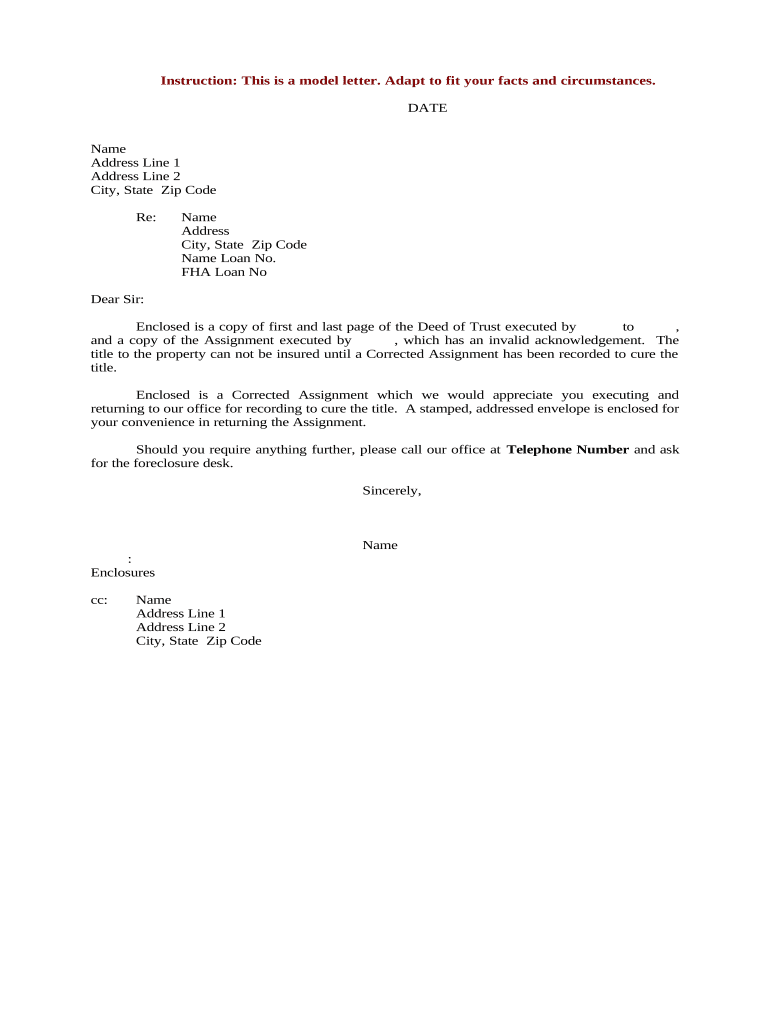
A Deed of Trust defines the lender's security interest, assigns clear duties for the trustee, and creates a publicly recorded lien that protects loan repayment. It streamlines foreclosure in states that permit non-judicial remedies and clarifies borrower obligations, escrow instructions, and reconveyance procedure after payoff.

Common participants include lenders, title companies, closing agents, and borrowers involved in real-estate secured lending.
Each participant has discrete responsibilities for accuracy, signature authority, recording, and retention to maintain lien validity and clear title after payoff.
Identifies trustor (borrower), beneficiary (lender), and trustee. Names must match IDs and loan documents to avoid title defects and recording rejections.
References the promissory note by date and amount, establishing the debt secured. The note and deed must align on principal, interest, and maturity to ensure enforceability.
Contains the full legal property description (lot, block, subdivision, or metes-and-bounds). An inadequate description can void recording or create title issues.
Specifies trustee authority for sale or foreclosure, notice requirements, and how trustee acts on default. Clear powers reduce litigation over enforcement methods.
Includes borrower promises (payment, insurance, taxes) and events of default. Precise default triggers and cure periods affect foreclosure timelines and borrower rights.
Describes post-payment reconveyance or satisfaction procedures and who prepares release documents. Accurate reconveyance language expedites clear title after payoff.
| Field | Configuration |
|---|---|
| Template | Use a vetted template with required clauses |
| Signer Order | Trustor → Notary → Lender sign sequence |
| Authentication | Email + SMS code or stronger KBA as needed |
| Notarization Option | Select in-person or RON session per state |
Choose a platform that supports required authentication, PDF output, and notarization workflows for your jurisdiction.
Ensure the service provides a tamper-evident signed PDF, an audit trail with timestamps/IP, and the ability to attach notary acknowledgements or RON certificates for recording.
Record immediately after execution and funding to secure lien priority
Lender often conditions funding on receipt of recorded deed
Reconveyance issued after payoff, timeline varies by servicer
Retain audio-video and journal per state RON rules
Resolve prior lien issues before recording to avoid rejection
Lender issues commitment and prepares closing package.
Trustor signs deed, notary or RON completes acknowledgement.
County recorder files instrument and returns recording number.
On full payoff, beneficiary directs reconveyance or release.
| signNow | DocuSign | Adobe Sign | PandaDoc | HelloSign | |
|---|---|---|---|---|---|
| Starting Price | $8/user/mo | $15/user/mo | $14/user/mo | $19/user/mo | $15/user/mo |
| Free Trial | 7-day free trial | Varies by vendor | Varies by vendor | Varies by vendor | Varies by vendor |
| Bulk Send | Yes | Yes | Yes | Yes | Varies |
| Audit Trail | Yes | Yes | Yes | Yes | Yes |
| HIPAA Compliant | Yes | Yes | Yes | No | No |