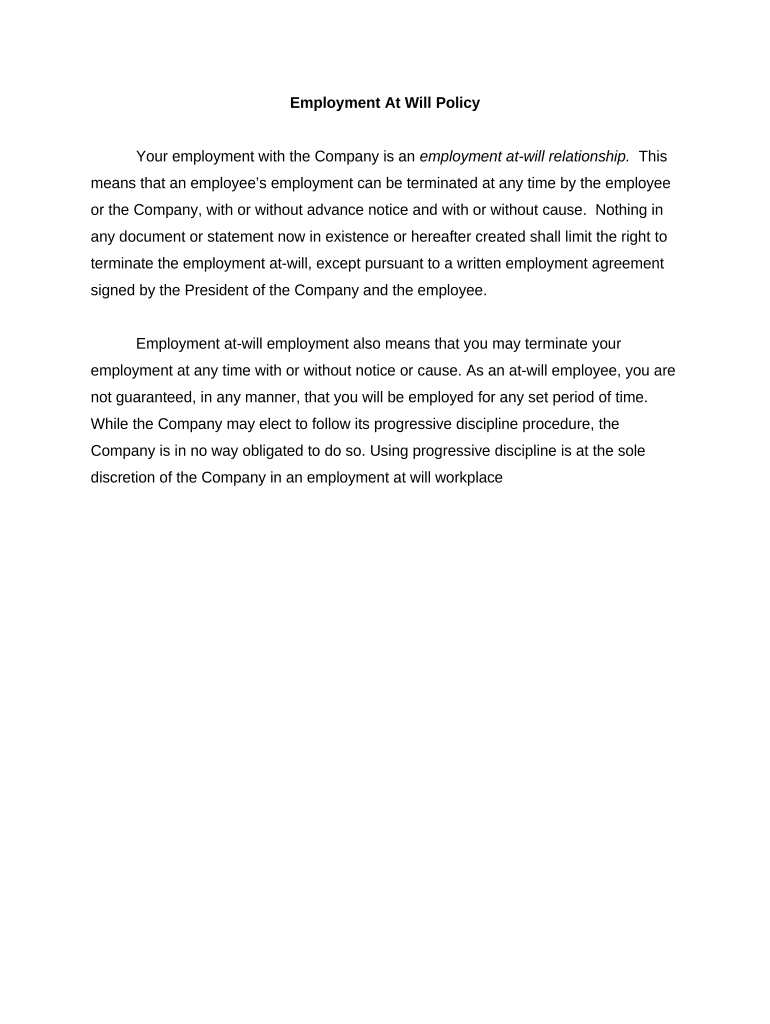
Employment At Will Policy
What an Employment At Will Policy Is and Why It Matters
Why a Clear At-Will Policy Helps Your Organization
A concise policy reduces ambiguity about employment status, supports consistent managerial decisions, and documents the employer’s intent to preserve at-will relationships. It helps limit implied-contract claims when paired with disclaimers, and supports defensible practices during separations.
Who Typically Prepares and Reviews This Policy
After approval, HR maintains the master copy, tracks acknowledgments, and coordinates any required updates with legal counsel.
- HR leads and administrators responsible for handbook content and employee communications.
- In-house or external counsel who confirm compliance with state law and exception handling.
- Line managers and people leaders who apply termination practices consistently across teams.
Primary Signatories and Reviewers
HR Manager
The HR Manager typically prepares the policy, manages distribution, and tracks employee acknowledgments. They coordinate training and ensure managers understand the policy’s intent and limits to avoid inconsistent statements.
General Counsel
General Counsel reviews the policy for legal compliance, confirms the disclaimers preserve at-will status, evaluates exceptions, and advises on state-specific modifications and potential litigation risks.
Potential Legal Risks and Consequences
Common Mistakes When Creating or Using the Policy
- Using definitive contract language (for example, promise of continued employment) that unintentionally creates an employment contract and undermines the at-will statement.
- Failing to tailor the policy for state-specific exceptions or statutory protections, which can leave the employer exposed to local-law claims.
- Allowing managers to make verbal promises or written commitments inconsistent with the policy, increasing implied-contract risk during separations.
- Not obtaining or retaining signed employee acknowledgments and audit logs, which weakens defense of termination decisions.
Real-World Illustrations of Policy Use
Small Company HR
A startup adopted a single-page at-will statement to clarify termination expectations for all hires
- Manager communications were standardized to avoid implied promises
- Documented acknowledgments and dated versions reduced disputes after two separations and simplified counsel review.
Enterprise Integration
A national employer revised its handbook to add state-specific exceptions and a signature acknowledgment workflow
- Legal reviewed wording for multi-state compliance
- Centralized records and version control supported consistent enforcement across five regional offices.
How to Prepare and Distribute an Employment At Will Policy
-
01Draft: Write clear, non-contractual at-will language
-
02Review: Legal review for state exceptions and accuracy
-
03Distribute: Share via onboarding or employee portal
-
04Acknowledge: Collect dated signatures or e-signatures
Typical Document Flow for Policy Execution
-
Create Master Copy: Store the approved policy centrally
-
Publish to Employees: Make accessible via HR systems
-
Obtain Acknowledgment: Collect signed confirmations electronically
-
Maintain Records: Retain originals and audit trails
Setting Up an Electronic Acknowledgment Workflow
| Field | Configuration |
|---|---|
| Signer Order | Single signer (employee) with HR CC |
| Authentication | Email link or SMS code |
| Required Fields | Signature, name, date, employee ID |
| Retention Policy | Automatic archiving with audit trail |
Digital Signing and Compliance Essentials
Ensure the chosen solution supports federal frameworks (ESIGN, UETA) and required industry compliance before using electronic acknowledgments.
- Integration Support: Connects with HRIS and document storage
- File Formats: Accepts PDF and DOCX files
- Authentication Options: Email, SMS, or advanced MFA
Timing and Recommended Deadlines
Policy Effective Date:
Set and record MM/DD/YYYY
New Hire Distribution:
Provide on or before first day
Acknowledgment Deadline:
Recommend within 7–14 days
Annual Review:
Review wording at least yearly
Record Retention:
Retain signed copies per retention policy
Key Milestones from Draft to Archive
Draft Approval
Legal and HR complete policy review and approval
Publication
Policy is published to employee portals and onboarding
Acknowledgment Collection
Employees sign and dates the policy acknowledgement
Archival
Signed master copies are archived with version metadata
How At-Will Policies Differ from Contractual Employment
| Criteria | At-Will Employment | Contract Employment |
|---|---|---|
| Job Security | no implied term | fixed or defined term |
| Termination Notice | not required | often contractually required |
| Severance Rights | none by default | may be contractually provided |
| Breach Remedies | tort/statutory claims | contract damages available |
eSignature Vendor Pricing Comparison for Policy Acknowledgments
| signNow | DocuSign | Adobe Sign | PandaDoc | HelloSign | |
|---|---|---|---|---|---|
| Starting Price | $8/user/mo | $15/user/mo | $14/user/mo | $19/user/mo | $15/user/mo |
| Free Trial | 7-day free trial, no card | Free trial available | Free trial available | Free trial available | Free trial available |
| Bulk Send | Yes (premium) | Yes | Yes | Yes | Varies by plan |
| Audit Trail | Yes | Yes | Yes | Yes | Yes |
| HIPAA Compliant | Yes | Yes | Yes | No | No |
Frequently Asked Questions About Employment At Will Policies
-
Is an at-will policy legally required?
No. Most U.S. jurisdictions start from an at-will default, but a written policy helps document the employer’s intent and can reduce implied-contract disputes when carefully worded.
-
Can employees sign electronically?
Yes. Electronic acknowledgments are generally valid under the ESIGN Act (15 U.S.C. §7001) and UETA where adopted, provided intent, consent, attribution, and retention criteria are met.
-
Does the policy override state law exceptions?
No. Statutory exceptions (anti-discrimination laws, public-policy exceptions, or collective-bargaining agreements) can limit at-will termination despite policy language; local counsel should confirm.
-
Do managers’ verbal promises matter?
Yes. Statements promising job security or future benefits can create implied contracts; train managers to avoid inconsistent commitments and document employment discussions.
-
How should versions be tracked?
Retain each approved version with an effective date and signed acknowledgment. Maintain an immutable audit trail showing who received and signed each version for evidentiary purposes.
-
When should the policy be revised?
Update on material legal changes, after litigation learnings, or annually. Document revisions, obtain new acknowledgments if wording materially changes, and preserve prior signed copies.