Identified Parties
Full legal names and addresses for depositor(s), beneficiary(ies), and the escrow agent; include corporate identifiers and signer authority statements where applicable.
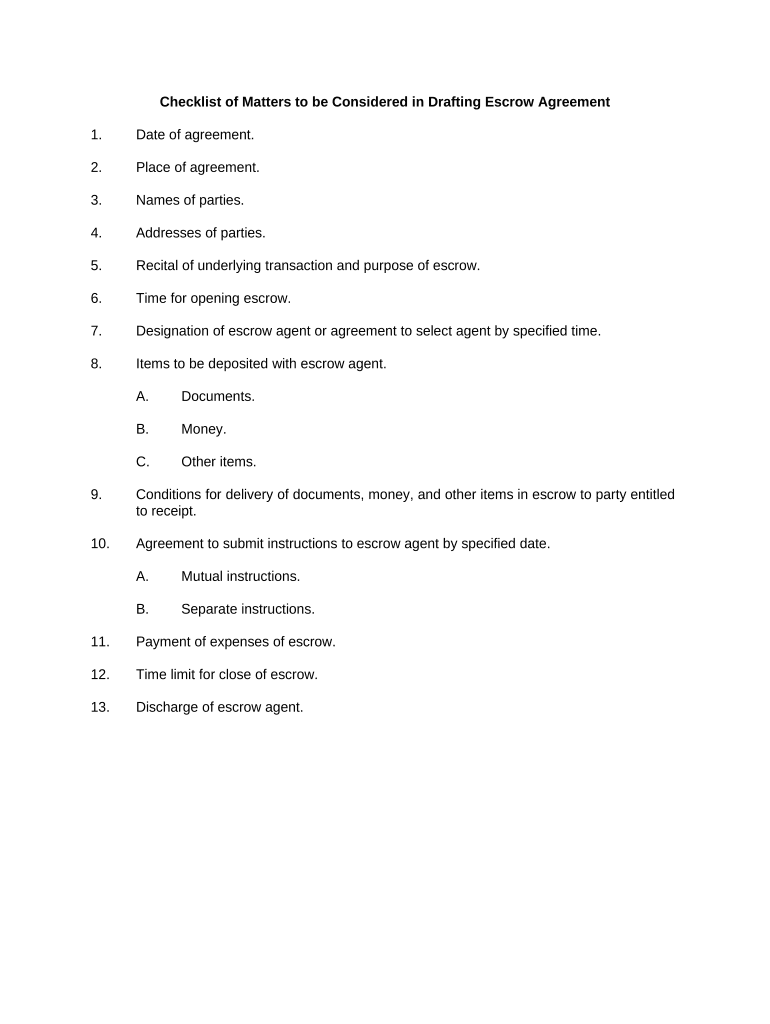
An Escrow Agreement reduces counterparty risk by centralizing control of assets with an impartial agent, clarifies release criteria, and records obligations and deadlines. Properly drafted escrow terms limit disputes, preserve funds for intended beneficiaries, and provide a clear audit trail for regulatory or tax review.

Escrow Agreements are used by commercial and individual parties who need conditional custody of funds or documents.
Licensed title company or independent escrow officer who holds funds and documents, follows written release instructions, maintains records, and provides audit information. The agent must be identified by legal name, contact information, and any licensing or bonding details required by state law.
Authorized corporate representative or in-house counsel who executes the agreement, confirms funding instructions, and provides required corporate resolutions or proof of authority to bind the buyer for deposit and release decisions.
Full legal names and addresses for depositor(s), beneficiary(ies), and the escrow agent; include corporate identifiers and signer authority statements where applicable.
Precise description of funds, documents, securities, or digital assets placed in escrow, including account numbers or unique identifiers where relevant.
Objective, measurable events or documents that trigger release (e.g., delivery of recorded deed, receipt of inspection certificate, court order).
Detailed agent responsibilities, inspection/verification steps, notice obligations, and indemnities to limit liability for good-faith actions.
Schedule of escrow fees, who pays them, responsibility for third-party costs (notary, courier, recording), and expense reimbursement procedures.
Governing law, arbitration or court selection clause, and temporary relief mechanisms if parties contest release or deposit.
| Field | Configuration |
|---|---|
| Signer Order | Define sequence: depositor → escrow agent → beneficiary |
| Authentication | Use email + SMS OTP or stronger KBA where required |
| Conditional Routing | Set automated checks to lock or release based on uploaded documents |
| Reminders | Enable automated reminders and expiration notices |
Use a signing platform that supports PDF and DOCX documents, audit trails, and integrations with your accounting or title systems.
Ensure your chosen platform offers tamper-evident storage, downloadable audit reports, and the ability to attach notarizations or RON session records for later review.
Date by which funds or documents must be delivered to escrow
Inspection, financing, or approval cutoffs that may void or extend obligations
Target date for satisfying release conditions and disbursing funds
Time allowed to remedy defects before return or forfeiture
Date by which recorded instruments must be delivered to agent if required
Parties deliver funds or documents to escrow and receive agent acknowledgement.
Agent confirms authenticity, clears funds, and notifies parties of any defects.
All specified objective conditions are documented and uploaded for agent review.
Agent executes release instructions and records transaction details for audit.
A small real estate firm moved to online escrows to avoid in-person signings and speed closings.
A corporate buyer used escrow for conditional payment pending performance milestones.
| signNow | DocuSign | Adobe Sign | PandaDoc | HelloSign | |
|---|---|---|---|---|---|
| Starting Price | $8/user/mo | $15/user/mo | $14/user/mo | $19/user/mo | $15/user/mo |
| Free Trial | 7-day free trial | Varies by vendor | Varies by vendor | Varies by vendor | Varies by vendor |
| Bulk Send | Yes | Yes | Yes | Yes | No |
| Audit Trail | Yes | Yes | Yes | Yes | Yes |
| HIPAA Compliant | Yes | Yes | Yes | No | No |
| Envelope Cap | No cap | 100 envelopes/user/year | Varies by plan | Varies by plan | Varies by plan |