Establishing secure connection…Loading editor…Preparing document…

Civil Jury Instructions

This template is fully customizable. Edit the text, fill out the fields, and send it for signature. Give it a try!
Civil Jury Instructions

What Civil Jury Instructions Are and how they function

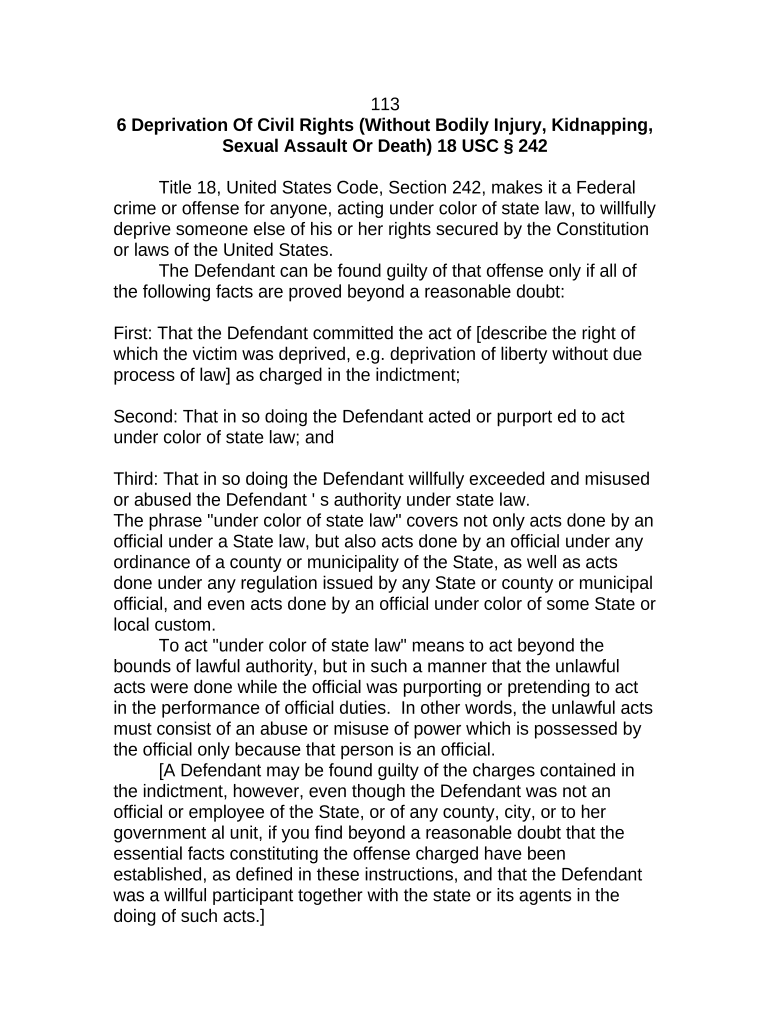
Civil jury instructions are the written statements of law that a judge gives to a jury explaining the legal standards and elements the jury must apply to decide a case. They translate statutory rules and case law into neutral guidance tailored to the case’s claims and defenses, including burden of proof, elements of each cause of action, and permissible damages. Proposed instructions are typically submitted by counsel before or at trial for the court’s consideration; the final set delivered to jurors governs deliberations and is part of the official trial record.

Why precise Civil Jury Instructions matter

Clear, accurate instructions reduce grounds for post-trial appeals and focus the jury on legally relevant issues. They protect client rights, limit jury confusion, and improve the enforceability of verdicts when statutory elements and burdens are correctly stated.

Why precise Civil Jury Instructions matter

Who prepares and relies on Civil Jury Instructions

Typical users include trial counsel, judges, court clerks, and appellate lawyers who reference the instructions after trial.

  • Trial Counsel: Draft and submit proposed instructions tailored to claims, cite authorities, and respond to opposing proposals.
  • Presiding Judges: Review, edit, and issue the final set of instructions to the jury at charge conference.
  • Court Clerks & Staff: Manage filing, docketing, and distribution of proposed and final instructions to parties and the jury.

Accurate preparation supports efficient trials and reduces post-judgment motions or appeals tied to improper statements of law.

Essential parts of a professional Civil Jury Instructions packet

A complete submission follows local rules and groups proposed instructions with citations, verdict forms, and a cover sheet identifying disputed language and the party proposing each instruction.

Instruction Text

Clear, numbered instructional language stating legal elements and required findings in neutral, jury-ready wording with consistent terminology throughout.
Authority Citations

Concise citations to statutes, appellate opinions, or pattern instructions supporting each proposed instruction to enable judicial review without excessive briefing.

Disputed Language

Identify contested phrases and propose alternative wording, with short explanation of legal or factual dispute for the court’s convenience.

Verdict Form

A draft verdict form or special interrogatories aligned to instructions so jurors can render findings that map directly to legal elements.

Cover Sheet

One-page index listing instruction numbers, proposing party, and whether the court previously adopted similar language in prior proceedings.

Format & Delivery

Conform to local rule formatting, include page numbers and line numbering where requested, and provide editable electronic versions for court review.

Step-by-step: preparing and submitting proposed jury instructions

Follow a consistent sequence from drafting through electronic filing so the court and opposing counsel can efficiently review and respond.

  • 01
    Draft: Compose instructions with supporting citations.
  • 02
    Meet and Confer: Attempt to resolve disputes before filing.
  • 03
    File Electronically: Submit per local e-filing rules or court clerk instructions.
  • 04
    Provide Hard Copies: Deliver required paper copies to the judge if local rules demand them.

How to configure an electronic workflow for submissions

Set up a reproducible workflow that creates editable files, a version history, and delivery receipts for the court and opposing counsel.

Template Name Create 'Civil Jury Instructions' reusable template for each case type.
Signer Order Specify counsel signing sequence if multiple signatories required.
File Format Use searchable PDF and keep an editable Word copy for revisions.
Audit Trail Enable audit logs capturing timestamps and IP addresses.
Delivery Method Configure e-filing integration or secure email for service copies.

Typical routing for proposed jury instructions

A common routing pattern ensures timely court consideration and documentation of who received which version and when.

  • Draft Preparation: Create authoritative draft with citations.
  • Opposing Counsel: Serve the draft and request meet-and-confer.
  • Court Filing: E-file per local court rules.
  • Judge Review: Judge edits and issues final instructions to jury.

Digital submission and eSignature considerations

Courts increasingly accept electronic submissions, but requirements vary; confirm local e-filing rules and whether the judge accepts e-signed counsel certification.

  • File Formats: PDF/A and DOCX accepted
  • Authentication: Email or multi-factor
  • Audit Trail: Timestamps and events

Common timing expectations and lead times

Local rules set deadlines for submitting proposed jury instructions; the schedule usually requires exchange and filing several days before trial or a charge conference.

Exchange with Opposing Counsel:

Often 7–14 days before trial, but check local rules

File with Clerk:

Typically simultaneous with exchange or per court order

Charge Conference:

Judge will finalize instructions at or before charge conference

Post-Trial Filing:

Requests to correct instructions usually must be raised before jury deliberations

Local Rule Variations:

Always consult the court’s local rules and scheduling order

Key milestones from draft to final jury charge

Track major steps as numbered milestones to ensure compliance with scheduling orders and minimize last-minute disputes.

01

Draft Submitted

Draft prepared and internally reviewed.

02

Meet-and-Confer

Parties attempt to resolve disputes.

03

File Proposed Set

Proposed instructions filed with clerk.

04

Court Issues Charge

Judge issues final instructions to jury.

Consequences of defective or late submissions

Motion to Strike: Court may strike untimely or noncompliant materials
Sanctions: Possible monetary or procedural sanctions
Prejudice to Client: Misstated law can harm case outcomes
Appeal Grounds: Incorrect jury charge may support reversal
Loss of Credibility: Repeated errors can reduce judicial receptivity
Filing Rejection: Clerk may refuse improperly formatted e-filings

Required identifying information and metadata

Case Number: Use exact docket number
Party Names: Full legal names only
Judge Assigned: Include judge or department name
Document Title: Use 'Proposed Jury Instructions' or similar
Proposing Party: Identify counsel or party proposing
Version Date: Include the submission date

Practical tips for accurate and efficient instruction preparation

Adopt consistent templates, verify local rules early, and create version control to prevent last-minute errors that could affect trial outcomes.

Use Pattern Instructions
Start from state-specific pattern instructions when available; modify only for case-specific facts to reduce legal error and judicial pushback.
Maintain Version Control
Label each draft, keep an editable master, and preserve the audit trail so you can demonstrate when changes were made and by whom.
Coordinate with Opposing Counsel
A focused meet-and-confer narrows disputes and shortens time spent at the charge conference, reducing the risk of surprise objections.
Prepare Clean and Redline Sets
Provide both a clean proposed set and a redline showing changes from standard pattern instructions to expedite judicial review.

Real-world examples of instruction workflows

Two common scenarios illustrate how proposed instructions are prepared and resolved in practice.

Civil Plaintiff Firm

A plaintiff team prepares instructions based on statutory elements and jury demands

  • they exchange drafts with defense during the meet-and-confer
  • after filing, the judge adopts most plaintiff language with minor edits, and the final charge supports a clear verdict form used in deliberations.

County Court Process

A county court requires electronic filing of proposed charges and a paper binder for the judge

  • staff confirm receipt and provide a hearing date
  • at the charge conference, the court issues a revised charge that becomes part of the official trial record and appellate record.

Comparing eSignature vendors for managing instruction packets

Choose a platform that supports secure PDFs, audit trails, and the file formats required by your court. signNow is listed first for comparison consistency.

signNow DocuSign Adobe Sign PandaDoc HelloSign
Starting Price $8/user/mo $15/user/mo $14/user/mo $19/user/mo $15/user/mo
Free Trial 7-day free trial No No Yes Yes
Bulk Send Yes Yes Yes Yes No
Audit Trail Yes Yes Yes Yes Yes
HIPAA Compliant Yes Yes Yes No No

Frequently asked questions about Civil Jury Instructions

[INTRO] Answers to common procedural and technical questions to help avoid delays and compliance issues when preparing and submitting proposed instructions.


Need help? Contact support

be ready to get more
Join over 28 million airSlate SignNow users