Opening
Start with a clear congratulatory statement naming the program, position, award, or outcome and the decision being confirmed.
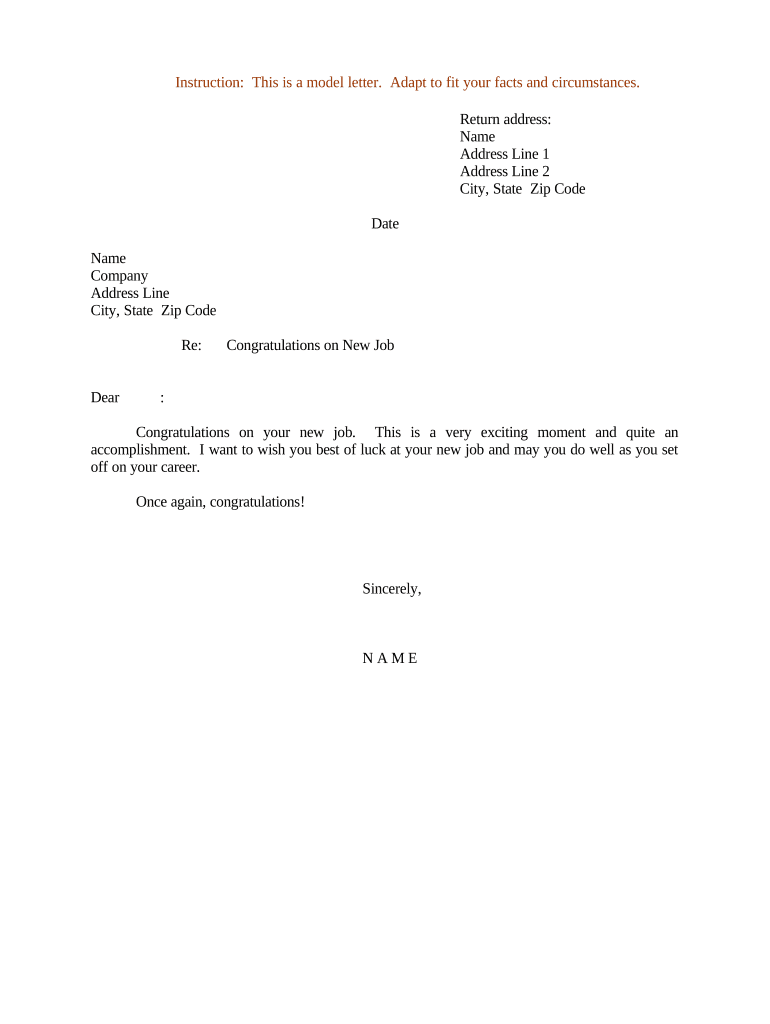
A concise Congratulations Letter confirms decisions, documents next steps, and protects both sender and recipient by creating a written record.

Common senders and recipients vary by context but share the need for clear confirmation and documentation.
Start with a clear congratulatory statement naming the program, position, award, or outcome and the decision being confirmed.
Include the recipient’s full legal name and contact information to avoid identity confusion and ensure accurate record matching.
State the decision, associated terms (salary, program start date, award amount), and any conditions or contingencies.
List next steps, documents to return, deadlines, and the person or office responsible for follow-up.
Provide the sender’s printed name, title, organization, and a signature line with date to authenticate the communication.
Reference attachments or exhibits (offer details, enrollment forms, schedules) and indicate if separate signatures are required.
Use file formats and signing methods that preserve content and support audit trails for authenticity and future retrieval.
| Field | Configuration |
|---|---|
| Template Name | Use a clear, versioned naming convention |
| Authentication | Select email with optional SMS code |
| Auto-Fields | Auto-fill organization and date fields |
| Routing | Set recipient, CC, and archive destinations |
Date letter is sent to recipient
Date by which recipient must respond
When employment or program begins
Due date for any signed attachments
Date when file is finalized for retention
| Document Comparison | Congratulations Letter | Offer Letter |
|---|---|---|
| Formality | informal to formal | formal contractual terms |
| Legal Effect | informative | potential contractual obligation |
| Recommended Signatures | sender signature | sender and recipient |
| Typical Attachments | schedule or instructions | full contract and exhibits |
| signNow | DocuSign | Adobe Sign | PandaDoc | HelloSign | |
|---|---|---|---|---|---|
| Starting Price | $8/user/mo | $15/user/mo | $14/user/mo | $19/user/mo | $15/user/mo |
| Free Trial | 7-day free trial | Varies | Varies | Varies | Varies |
| Bulk Send | Yes | Yes | Yes | Yes | No |
| Audit Trail | Yes | Yes | Yes | Yes | Yes |
| HIPAA Compliant | Yes | Yes | Yes | No | No |
Optica centralized admission confirmations to reduce follow-up inquiries and speed processing.
Martin Properties moved lease approvals online to shorten vacancy periods and track acceptance.
Produce a flattened PDF with embedded audit trail for long-term storage and reproducible evidence of signature events.
Keep a DOCX or template version for internal revisions and localized versions to maintain consistent language.
Bundle related forms, checklists, and policy acknowledgments to ensure recipients receive everything needed to accept.
Store copies in PDF/A for archival and in native DOCX for editing when necessary.
Committee or approver documents the decision and provides final terms.
Authorized sender distributes the Congratulations Letter to the recipient.
Recipient returns signed acceptance or acknowledgment by stated deadline.
Signed document and attachments are stored in the official records system.