Establishing secure connection…Loading editor…Preparing document…

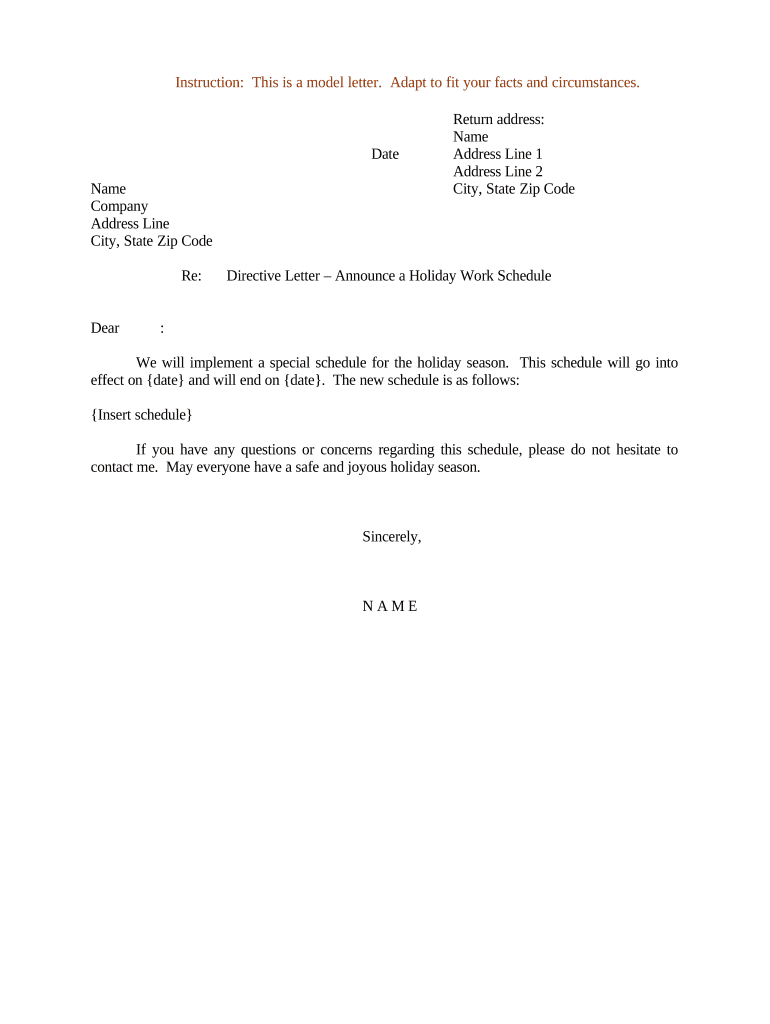
Directive Letter Announcing Holiday Work Schedule

This template is fully customizable. Edit the text, fill out the fields, and send it for signature. Give it a try!
Directive Letter Announcing Holiday Work Schedule

What this Directive Letter Is and When to Use It

A Directive Letter Announcing Holiday Work Schedule is a formal internal communication from an employer or authorized manager that sets expected work days, shift times, pay treatment, and reporting procedures for employees during an identified holiday period. It clarifies who must work, who is exempt, how overtime or holiday pay will apply, and any temporary assignment or remote-work arrangements. Use it to minimize confusion, document employer expectations, and provide a written record that supports payroll, attendance, and compliance with applicable labor rules.

Why a Clear Holiday Work Schedule Letter Matters

A clear directive reduces misunderstandings, supports consistent payroll processing, and provides evidence of communicated expectations if disputes arise. It helps employers meet notice obligations under collective bargaining agreements or internal policies, and supports accurate timekeeping and overtime calculations under federal and state laws.

Why a Clear Holiday Work Schedule Letter Matters

Typical senders and intended recipients

This letter is used by organizations to notify employees, supervisors, and payroll of holiday staffing and pay rules.

  • Human Resources teams managing policy and payroll coordination.
  • Operations or store managers scheduling frontline and essential staff.
  • Executive or department leadership for organization-wide holiday coverage.

Who prepares and approves the directive

HR Manager

HR Managers typically draft the letter, confirm pay treatment with payroll, and ensure the text aligns with company policy and any applicable collective bargaining agreement. They retain a copy for personnel records.

Operations Director

An Operations Director or department head approves staffing requirements and signs or issues the directive to managers and affected employees, ensuring operational needs are met while minimizing compliance risks.

Core elements to include in every holiday schedule directive

A professional directive is concise, authoritative, and documents dates, eligible personnel, compensation rules, reporting instructions, and contact points for questions. Each component supports payroll accuracy and legal defensibility.

Title

Clear subject line indicating 'Holiday Work Schedule' and the holiday dates to avoid ambiguity.
Effective Period

Exact start and end dates, including times if partial days are affected, stated in MM/DD/YYYY format.

Covered Employees

Specify by role, team, or employee ID ranges who must report or who is exempt from work.

Work Hours

List shift start/end times, scheduled breaks, and any staggered reporting requirements.

Compensation Rules

State holiday pay, overtime triggers, premium rates, and whether time off in lieu applies.

Reporting and Contacts

Provide time-entry instructions, manager contact, and procedure for last-minute changes or emergency call-ins.

Essential data points every directive must contain

Document Title: Holiday Work Schedule
Issuer: Name and title of issuing manager
Dates: Start and end dates
Work Hours: Scheduled shift times
Pay Rules: Holiday/overtime pay summary
Contact: Payroll/HR contact details

Step-by-step: drafting and issuing the holiday directive

Follow a simple approval and distribution workflow to ensure clarity and compliance before the holiday period begins.

  • 01
    Draft: Prepare dates, roles, hours, and pay treatment clearly.
  • 02
    Review: Have payroll and legal or labor relations review for compliance.
  • 03
    Approve: Obtain sign-off from HR and operations leadership.
  • 04
    Distribute: Send to employees, managers, and payroll; retain a record.

How to configure an online template and routing

Set fields, signer roles, and routing rules in your eSignature platform so the directive is completed and archived automatically.

Field Configuration
Effective Date Require MM/DD/YYYY, mandatory field
Signature Single approver role for HR or operations
Distribution Send signed copy to payroll and employee email list
Retention Auto-archive PDF to HR records

Where the signed directive should go and how it flows

A defined routing path ensures payroll, managers, and employees receive the signed directive and that a compliance copy is retained.

  • HR Records: Store signed directive in centralized personnel files
  • Payroll: Provide payroll with pay-treatment details and dates
  • Managers: Notify supervising managers for shift assignment
  • Employees: Deliver personalized notice or mass distribution

How to sign and distribute the directive electronically

Use an eSignature platform that supports PDF/DOCX uploads, signer authentication, and audit trails for legal defensibility.

  • File Formats: PDF, DOCX supported
  • Authentication: Email link or SMS code
  • Audit Trail: IP, timestamp, and action log

Typical timing and recommended notice periods

No single federal notice period applies to holiday schedules; provide written notice early enough to allow employee planning and payroll processing.

Advance Notice Recommended:

14 days or more when possible

Payroll Cutoff:

Verify payroll cutoff before holiday dates

Collective Bargaining:

Follow CBA notice timelines if applicable

Last-Minute Changes:

Document and notify immediately in writing

Emergency Staffing:

Record approvals for any mandatory emergency shifts

Milestones from drafting to retention

Plan milestones so drafting, review, distribution, and retention are completed on a predictable schedule ahead of the holiday.

01

Draft Issuance

Prepare the directive and verify shift details.

02

Internal Review

Confirm payroll and legal sign-off.

03

Distribution

Send to employees and managers.

04

Archive

Save signed copy in HR records for retention.

Common mistakes to avoid

  • Vague dates or times that create ambiguity in pay calculations
  • Failing to confirm overtime triggers under FLSA and state law
  • Not routing the final signed copy to payroll promptly
  • Overlooking collective bargaining agreement notice requirements

Key risks and compliance consequences

Wage Claims: Employee may file wage dispute
Overtime Liability: Incorrect pay can trigger FLSA claims
Contract Breach: CBA violations risk grievance procedures
Recordkeeping Failure: Missing documentation complicates audits
Reputational Risk: Employee dissatisfaction and turnover
Operational Gaps: Insufficient coverage affects service delivery

Representative eSignature pricing and feature comparison

Compare common pricing and feature criteria for eSignature providers; signNow is listed first to align vendor comparisons in one view.

signNow DocuSign Adobe Sign PandaDoc HelloSign
Starting Price $8/user/mo $15/user/mo $14/user/mo $19/user/mo $15/user/mo
Free Trial Yes, 7-day trial No No No No
Bulk Send Yes Yes Yes Yes No
Audit Trail Yes Yes Yes Yes Yes
HIPAA Compliant Yes Yes Yes No No

Practical examples of holiday schedule directives

Two concise use-case narratives illustrate how directives resolve staffing and pay clarity in different settings.

Hospital Shift Coverage

A hospital issued a directive detailing essential clinical roles for Christmas Eve

  • It specified premium pay and on-call rotations
  • The written notice reduced last-minute staffing gaps and provided payroll a clear basis for holiday premiums and overtime reconciliation.

Retail Holiday Sales Window

A regional retailer distributed a store-level directive for Black Friday weekend

  • Managers received prioritized staffing lists and volunteer allocation rules
  • The directive standardized pay rates, simplified cashier scheduling, and documented approvals for employee shift swaps.

Practical tips for a clear, enforceable holiday directive

Adopt consistent phrasing, confirm pay rules with payroll, and distribute both electronically and in writing to create a reliable record.

Be Specific
Use exact dates, times, and role descriptions to avoid interpretation issues.
Coordinate Payroll
Confirm overtime and premium rates with payroll before issuing the letter.
Document Changes
Record and sign any subsequent schedule changes to preserve the record.
Retain Copies
Archive signed copies in HR and payroll systems for the retention period.

Common questions about holiday schedule directives and answers

Answers to frequent questions on legality, timing, pay treatment, and electronic distribution to help employers avoid common pitfalls.


Need help? Contact support

be ready to get more
Join over 28 million airSlate SignNow users