Establishing secure connection…Loading editor…Preparing document…

Letter Return Form

This template is fully customizable. Edit the text, fill out the fields, and send it for signature. Give it a try!
Letter Return Form

What the Letter Return Form Is and When It’s Used

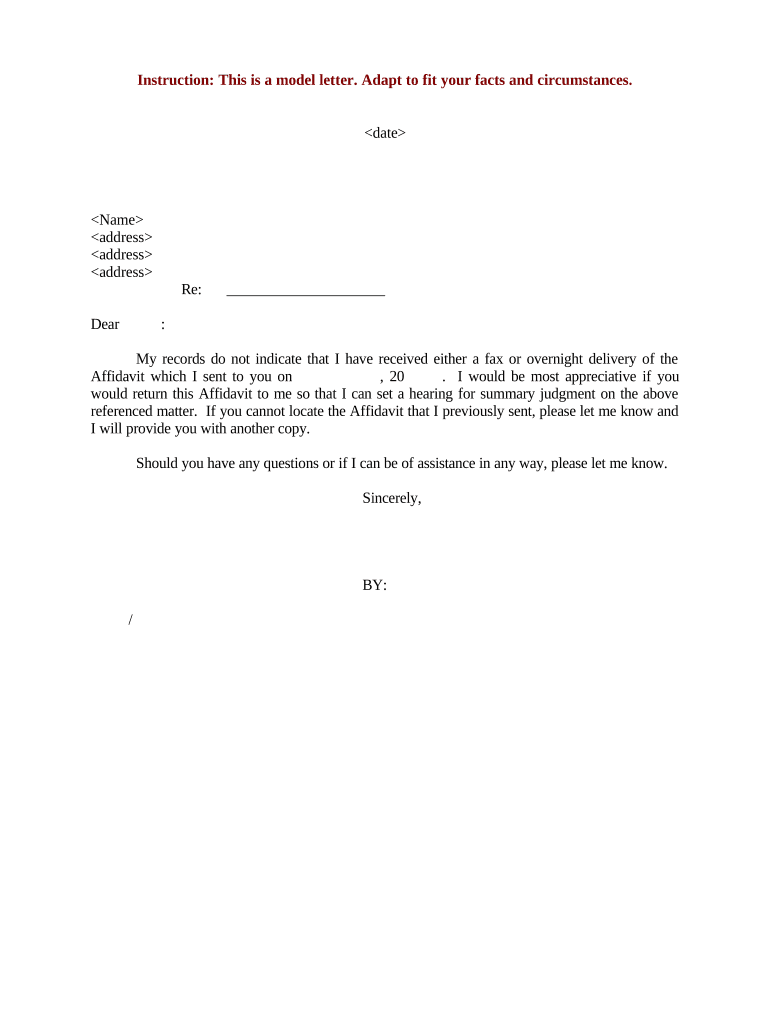
A Letter Return Form documents the return, nondelivery, correction, or formal rescission of a previously issued letter or notice. Organizations use it to record the original letter reference, reason for return, actions taken, and the parties involved. The form creates an auditable record for internal tracking, dispute resolution, and regulatory compliance when correspondence affects contractual rights or benefits.

Why a Structured Letter Return Form Matters

A standardized Letter Return Form reduces ambiguity, preserves evidence of notice or rescission, and creates a clear chain of custody. Proper documentation supports compliance with recordkeeping obligations and helps prevent disputes over whether a recipient received or returned critical correspondence.

Why a Structured Letter Return Form Matters

Who Typically Prepares and Receives This Form

Common users range across operations, legal, and records teams; roles vary by industry and volume.

  • Mailroom and records staff who process undeliverable or returned correspondence and update tracking systems.
  • Legal and compliance teams that review returned notices that affect contractual terms or regulatory obligations.
  • Customer service and account management teams that log returned offer letters, notices, or communications for case handling.

Use the form to centralize evidence, route reviews, and trigger follow-up actions in established workflows.

Essential Sections of a Professional Letter Return Form

A complete form groups metadata, transaction details, and verification fields so reviewers can quickly determine status and next steps.

Form Header

Include issuing organization, department, form ID, and version number so clerks and auditors can reference the correct template and revision history.
Original Letter

Record original letter date, subject, unique reference number, and sender details so the returned item can be matched to the source correspondence precisely.

Return Reason

Select or describe reason code (undeliverable, refused, recalled, incorrect address, rescinded) and provide a short narrative explaining circumstances.

Recipient Details

Capture recipient name, address at time of mailing, contact phone/email, and any forwarding or return-to-sender information relevant to disposition.

Action Taken

Note whether letter was re-sent, shredded, placed on hold, or routed to legal; include date and responsible staff member for the action taken.

Verification

Provide signature block, printed name, title, and date. Document any witness or notarization steps required by internal policy or state law.

Minimum Data Fields Required

Sender Name: Organization or individual name
Recipient Name: Exact legal name as addressed
Return Date: MM/DD/YYYY format
Tracking Number: Carrier or reference ID
Return Reason: Standardized code or short phrase
Signature: Signer name and title

Step-by-Step: Filling Out the Letter Return Form

Follow these steps to complete the form consistently and create an auditable record suitable for internal and regulatory review.

  • 01
    Identify Letter: Locate original letter reference, date, and tracking ID before entering details.
  • 02
    Select Reason: Choose standardized return reason and add a brief explanatory note when required.
  • 03
    Record Actions: Document disposition, any re-mail attempts, or legal routing with dates and responsible person.
  • 04
    Verify and Sign: Obtain required signatures and date the form; save to records according to retention rules.

Configuring an Online Letter Return Workflow

When setting up an electronic workflow, configure required fields, routing, and authentication to match internal controls and audit needs.

Field Validation Make sender, recipient, date, and reference mandatory with format checks.
Routing Rules Automatically send returns to records, legal, or account teams based on reason code.
Signer Authentication Require email verification, SMS code, or higher-level authentication for sensitive returns.
Retention Settings Configure automatic archival and access permissions for audit trails.
Notification Triggers Generate alerts for high‑risk reasons or escalation to legal counsel.

Where to File or Send Completed Forms

A clear routing plan ensures completed forms reach records and the teams that need them without delay.

  • Primary Records: Submit final PDF to centralized records repository with restricted access.
  • Legal Review: Route returns with 'rescission' or 'dispute' reasons to in-house counsel.
  • Operational Teams: Notify account or customer service teams for follow-up actions.
  • Third Parties: Send copies to carriers, insurers, or vendors when required for claims or refunds.

Formats and Integrations for Digital Submission

Use interoperable formats and integrate with existing systems to reduce manual handling and lost records.

  • Supported Formats: PDF, DOCX, and searchable image formats
  • Integrations: Common CRM/ERP and cloud storage connectors
  • Authentication: Email, SMS, or enterprise SSO options

Choose a platform that preserves an audit trail, stores signed PDFs, and supports your organization’s retention policy.

Timing Expectations and Recommended Deadlines

Set internal SLAs so returned letters are processed consistently; use timelines to trigger follow-up and escalation.

Acknowledge Receipt:

Within 3 business days of return notification

Complete Form:

Within 7 business days of letter return

Escalation to Legal:

Immediate for rescission, fraud, or service-of-process issues

Re-mail or Resolution:

Attempt re-mail within 10 business days where practicable

Record Archival:

Move to archival storage per retention schedule

Common Preparation Errors to Avoid

  • Missing or incorrect reference numbers that prevent matching the return to the original correspondence and delay resolution.
  • Incomplete reason descriptions or use of nonstandard codes that require manual follow-up and interpretation by records staff.
  • Failing to capture signer identity and date, which weakens evidence of who authorized disposition or received the return.
  • Not attaching supporting carrier notices or photos of delivery attempts, reducing ability to validate the return in disputes.

Potential Risks and Consequences of Incomplete Forms

Lost Evidence: Weakens ability to prove notice or rescission
Regulatory Exposure: Noncompliance risk if records required by law are missing
Contract Disputes: Ambiguity can lead to litigation or unfavorable rulings
Financial Loss: Missed refunds or billing errors
Operational Delay: Manual rework increases processing time
Data Privacy: Improper handling can violate privacy standards

eSignature Vendor Comparison for Letter Return Workflows

Common selection criteria include starting price, trial availability, bulk‑send, audit trail, HIPAA support, and envelope limits across vendors.

signNow DocuSign Adobe Sign PandaDoc HelloSign
Starting Price $8/user/mo $15/user/mo $14/user/mo $19/user/mo $15/user/mo
Free Trial 7-day free trial Varies by plan Varies by plan Varies by plan Varies by plan
Bulk Send Yes Yes Yes Yes No
Audit Trail Yes Yes Yes Yes Yes
HIPAA Compliant Yes Yes Yes No No

Frequently Asked Questions About the Letter Return Form

Answers to common questions about completing, signing, and storing Letter Return Forms, including legal and technical considerations.


Need help? Contact support

be ready to get more
Join over 28 million airSlate SignNow users