Parties
Identify each co-owner by full legal name, entity status, mailing address, and capacity. For entities, include formation jurisdiction and authorized signers to ensure a title company accepts the instrument without further inquiry.
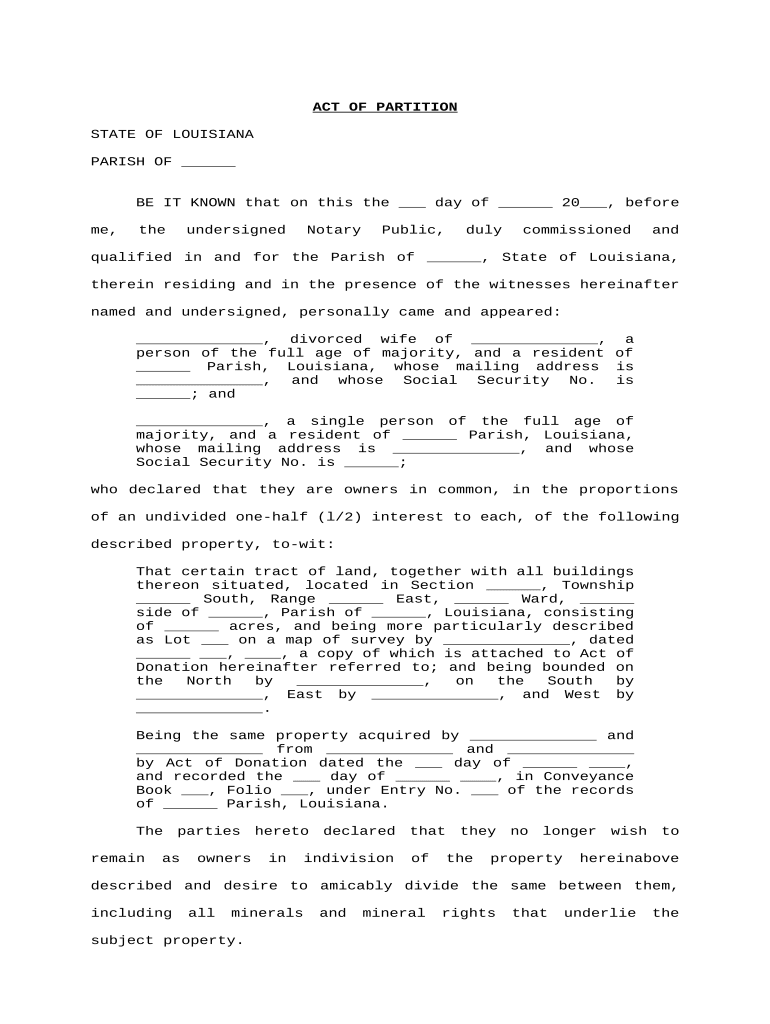
A properly drafted partition resolves competing ownership claims, clarifies title, allocates proceeds or specific lots, and reduces the likelihood of court disputes. Recording the resulting instrument protects transferees and lenders by creating public notice and enabling title insurance updates.

Parties and professionals commonly involved in partition matters are listed below.
The mix of signers influences required steps: voluntary agreements need all co-owner signatures; judicial partitions require court filings and orders.
Identify each co-owner by full legal name, entity status, mailing address, and capacity. For entities, include formation jurisdiction and authorized signers to ensure a title company accepts the instrument without further inquiry.
Include the deed book/page or official parcel number plus metes-and-bounds or lot-and-block language. Attach or reference a recorded survey when available to reduce boundary disputes and support recording acceptance.
State percentages or fractions for each party and specify which physical parcels (if any) each owner receives. If unequal, describe monetary adjustments or credits to equalize distributions.
Describe whether the partition is by division in kind, by licitation (public sale), or by private sale, and list steps for valuation, sale process, and distribution of proceeds.
Address outstanding mortgages, liens, tax obligations, and how they will be paid or apportioned. Specify who will obtain required payoff statements and handle lien releases before recording.
Provide signature blocks, notary acknowledgement, witness lines if required, and instructions for recording in the parish mortgage office; state who will pay filing and recording fees.
| Field | Action |
|---|---|
| Property description | Populate from deed or survey PDF to avoid manual entry errors |
| Signature fields | Assign signer roles and required notarization fields before sending |
| Notary interaction | Enable remote or in-person notarization workflow as allowed by state law |
| Recording instructions | Attach filing instructions for the parish mortgage office or court clerk |
Confirm that your e-sign platform supports notarization, PDF formats, and secure audit trails before e-execution.
Ensure the platform can produce an immutable audit trail, export signed PDFs for record retention, and integrate with your title or court-filing workflows.
Sign before the intended transfer or closing date
Record promptly to establish priority against other claims
Coordinate for annual tax assessments and exemptions
Allow time for title company review and endorsement
Judicial petitions follow local court scheduling rules
Parties finalize division terms and any monetary adjustments.
Attorney prepares agreement; title and survey are reviewed for accuracy.
All parties sign with required notary and witness attestations.
File with parish mortgage office and obtain updated title commitment.
| signNow | DocuSign | Adobe Sign | PandaDoc | HelloSign | |
|---|---|---|---|---|---|
| Starting Price | $8/user/mo | $15/user/mo | $14/user/mo | $19/user/mo | $15/user/mo |
| Free Trial | 7-day free trial | Varies by vendor | Varies by vendor | Varies by vendor | Varies by vendor |
| Bulk Send | Yes | Yes | Yes | Yes | No |
| Audit Trail | Yes | Yes | Yes | Yes | Yes |
| HIPAA Compliant | Yes | Yes | Yes | No | No |
| Envelope Cap | No envelope cap | 100 envelopes/user/year limit | Varies by plan | Varies by plan | Varies by plan |
Siblings agreed to divide a residential lot into two parcels to avoid a sale.
Several co-owners could not agree on division of a commercial tract, so one filed a petition for licitation.