Parties
Identify the legal name of the member and the organization; for business members use the full registered entity name and signatory title.
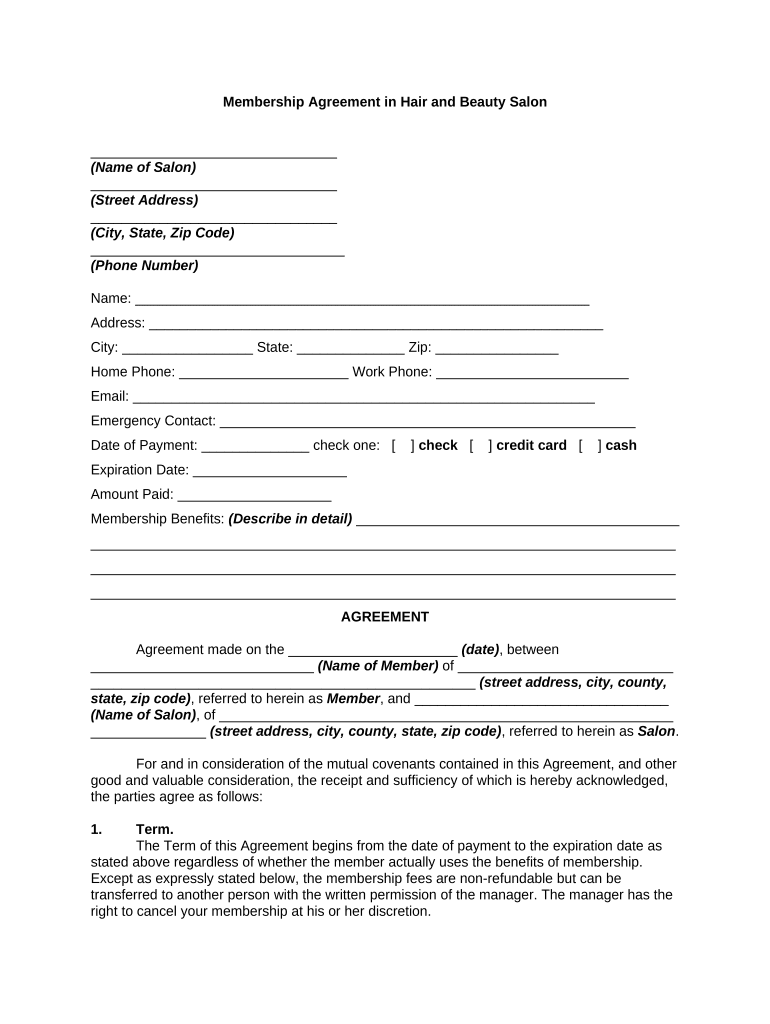
A well-drafted Membership Agreement clarifies expectations, allocates risks, and supports enforcement if disputes arise. It reduces administrative follow-up, ensures consistent billing and renewal handling, and preserves evidence of consent. Electronic execution under federal and state e‑signature laws can speed onboarding while maintaining legal validity when the ESIGN Act (15 U.S.C. ch. 96) and UETA principles are followed.

Organizations and individuals who rely on recurring access, services, or benefits use membership agreements to set terms and fees.
The agreement serves internal teams (billing, legal, membership) and external parties (new members), so clarity at signature lowers operational friction.
Typically a staff member who prepares and tracks agreements, coordinates renewals, and enforces payment terms. They ensure templates match current policies and work with legal for updates and dispute handling.
Individual signing on behalf of a member or business. Must have authority to bind the entity; mismatched or unsigned authority may render the agreement unenforceable or trigger additional verification steps.
Identify the legal name of the member and the organization; for business members use the full registered entity name and signatory title.
State the initial term, renewal mechanics (automatic or manual), notice periods for nonrenewal, and any renewal fee adjustments.
Specify recurring fees, billing schedule, accepted payment methods, late fees, and consequences of nonpayment including suspension or termination.
Describe exactly which services, facilities, or benefits the member receives and any usage restrictions or capacity limits.
Outline termination for cause or convenience, notice requirements, prorated refunds, and post-termination obligations such as data deletion.
Select governing law, venue, and whether disputes will be resolved by arbitration or court; state-specific consumer protections may limit choices.
| Field | Configuration |
|---|---|
| Signer Order | Set sequential or parallel signing as needed. |
| Authentication | Choose email, SMS code, or KBA for signer verification. |
| Required Fields | Mark name, signature, date, and payment fields as mandatory. |
| Retention Settings | Enable automatic storage with versioning and audit trail. |
Membership Agreements can be shared and signed using email links, embedded forms, or within integrated applications.
Choose the distribution method that matches your security and recordkeeping needs; verify any platform meets applicable compliance requirements.
| Criteria | Membership Agreement | Operating Agreement |
|---|---|---|
| Purpose | access rights | governance of an llc |
| Parties | member/organization | company members |
| Notarization | rarely required | sometimes required |
| Typical Signers | member or authorized rep | company manager or member |
Date of execution, entered as MM/DD/YYYY
Specify how many days before renewal a notice is required
State the minimum notice (e.g., 30 days) for termination
Define payment due date and grace period
Retention period start tied to effective or termination date
Complete template edits and legal review before sending to the member.
Obtain all required signatures and record the execution timestamps.
Confirm signer identity and authority where necessary.
Store executed agreement and audit trail in a secure system.
| signNow | DocuSign | Adobe Sign | PandaDoc | HelloSign | |
|---|---|---|---|---|---|
| Starting Price | $8/user/mo | $15/user/mo | $14/user/mo | $19/user/mo | $15/user/mo |
| Free Trial | 7-day free trial | Varies | Varies | Varies | Varies |
| Bulk Send | Yes | Yes | Yes | Yes | No |
| Audit Trail | Yes | Yes | Yes | Yes | Yes |
| HIPAA Compliant | Yes | Yes | Yes | No | No |