Establishing secure connection…Loading editor…Preparing document…

Minnesota Name Change Form

This template is fully customizable. Edit the text, fill out the fields, and send it for signature. Give it a try!
Minnesota Name Change Form

What the Minnesota Name Change Form Is and when it’s used

The Minnesota Name Change Form is the court petition used to request a legal change of name in Minnesota. Adults, guardians on behalf of minors, and certain representative parties complete the petition and file it with the district court in the county where the petitioner lives. The court process produces a signed judicial order that becomes the primary legal record for updating identification, records, and third‑party accounts. Typical filings include a petition, required supporting documents, proof of service or notice, and the proposed order for the judge to sign.

Why completing the Minnesota Name Change Form matters

A properly completed petition creates a clear, court‑issued record that third parties accept for updating driver’s licenses, Social Security, bank accounts, and other legal records, reducing administrative friction and preventing identity inconsistencies.

Why completing the Minnesota Name Change Form matters

Who typically files the Minnesota Name Change Form

The petition is used by several distinct groups who need a formal court order to change a legal name.

  • Adult petitioners seeking a name change after marriage, divorce, gender transition, or personal preference; file as the subject of the request.
  • Parents or guardians filing on behalf of a minor; requires parental authority or court‑approved guardianship documentation.
  • Representatives or attorneys acting under power of attorney or guardianship when authorized; must attach proof of authority.

Step‑by‑step: Completing and filing the Minnesota Name Change Form

Follow this concise sequence to prepare and submit a complete petition package to the district court and progress through service and the hearing.

  • 01
    Prepare: Complete petition, attach IDs and supporting exhibits.
  • 02
    File: Submit to county district court and pay filing fee.
  • 03
    Serve: Provide required notice to interested parties per court rules.
  • 04
    Attend: Appear at hearing or submit written proof for final order.

Key data elements required on the Minnesota Name Change Form

Full name: Current legal name
New name: Requested legal name
Birth date: MM/DD/YYYY
Address: Street, city, state, ZIP
Signature: Signed and dated
Supporting ID: Copy of government ID

What a complete Minnesota Name Change packet contains

A professional filing bundles the petition, supporting exhibits, proof of notice or service, and a proposed judicial order so the court can act without needing supplemental documents.

Petition

The completed court form stating current name, requested new name, residence, and reasons. It is the core filing the judge reviews.
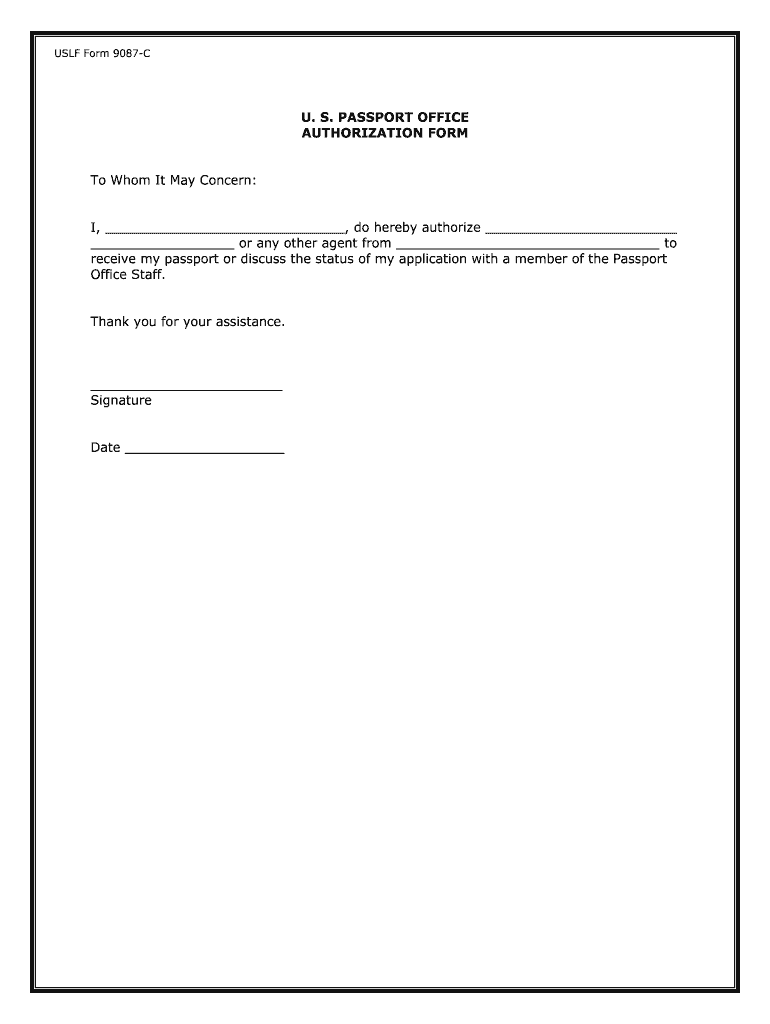
Affidavit/ID

A notarized affidavit or attached government ID confirming identity and residency; some counties require specific ID attachments.

Proof of Service

A filing or certificate showing required notice was provided to interested parties or published, depending on local rules.

Proposed Order

A draft judicial order for the judge to sign; include the precise new name and effective date to avoid transcription errors.

Exhibits

Birth certificate, marriage certificate, divorce decree, guardianship documentation, or other records required to confirm authority to petition.

Cover Letter

A short clerk cover sheet listing attachments, contact information, and request for hearing or expedited processing if applicable.

Where to file and how the submission flows through the court

The petition is filed at the county district court clerk’s office where the petitioner resides. The court assigns a case number and schedules next steps.

  • Clerk Filing: File in person or by e‑filing where the county supports it.
  • Case Assignment: Court assigns case number and sets hearing or review date.
  • Service: Clerk records proof of service or publication as required.
  • Judicial Order: Judge signs order; clerk files and issues certified copies.

Configuring an online completion workflow for the petition

When preparing the form online, configure authentication, required fields, and delivery settings to match court and local rules.

Field Configuration
Authentication Email + optional SMS code
Required Fields Make name, DOB, signature mandatory
Document Format PDF/A export for court compatibility
Reminders Enable automatic signer reminders

How to share and submit the form electronically

E‑filing and secure sharing require compatible file formats and reliable signer authentication to satisfy court and agency requirements.

  • File formats: PDF and DOCX accepted
  • Integrations: Google Workspace, Microsoft 365
  • Authentication: Email, SMS, or stronger methods

How a court name‑change petition differs from other name evidence

Compare the court petition with a marriage record to decide which record best supports the identity change you need to make across agencies.

Criteria Court Petition Marriage Record
Purpose legal name change evidence of name change
Who files individual/guardian spouse at marriage
Judge order required
Used to update IDs

Comparison of common eSignature vendor price points for form workflows

Basic pricing and feature availability vary across vendors; signNow is shown first for reference and each column lists widely published starting prices and feature indicators.

signNow DocuSign Adobe Sign PandaDoc HelloSign
Starting Price $8/user/mo $15/user/mo $14/user/mo $19/user/mo $15/user/mo
Free Trial 7-day free trial Varies Varies Varies Varies
Bulk Send Yes Yes Yes Yes No
Audit Trail Yes Yes Yes Yes Yes
HIPAA Compliant Yes Yes Yes No No

Real examples of organizations that use electronic signing for legal forms

These real customer vignettes illustrate how organizations use electronic signature platforms to manage legal documents and speed execution.

Xerox — Kodi‑Marie Evans

Xerox needed flexible signature processes integrated with enterprise systems to manage high volumes of documents.

  • airSlate SignNow provides flexibility for the right signatures in the right formats.
  • The integration with NetSuite and adaptable templates allowed Xerox to reduce manual handling and improve consistency for internal and external documents.

Martin Properties — Tim Martin

A small real estate firm required remote execution of leasing and closing documents across mobile and desktop devices.

  • 'I can process and execute all of these documents online with 100% compliance and built‑in security.'
  • Using an electronic workflow reduced in‑person meetings, kept records centralized, and helped the firm close transactions more predictably.

Filing flow: from petition completion to certified court order

This concise flow describes the operational steps the clerk and petitioner typically follow after submission of the petition.

  • Submit Petition: Deliver petition and attachments to county clerk.
  • Case Number: Clerk assigns case and schedules next steps.
  • Service Procedure: Provide notice or publish per local rule.
  • Final Order: Judge signs order; clerk issues certified copies.

Practical tips for accurate, efficient Minnesota name‑change filings

Follow these best practices to reduce avoidable delays and ensure the petition proceeds smoothly through court review and post‑order updates.

Verify legal names
Compare the petition name fields with government IDs before filing; mismatched or shortened names commonly cause intake rejections or require corrected filings, which increase time and fees.
Include supporting documents
Attach birth certificates, marriage or divorce decrees, guardianship paperwork, or other documents required by local court rules to demonstrate identity and legal authority to petition.
Follow local rules
Review county court instructions for hearing scheduling, publication requirements, and required cover sheets; local variation is common and clerks may reject incomplete packets.
Keep certified copies
Obtain certified court order copies and store them with other identity records; agencies typically request certified copies when updating driver’s licenses, Social Security, and financial accounts.

Timing considerations and typical timeframes for a name change

Timeframes vary by county; use these general milestones to set expectations and calendars for filing, service, and record updates.

Filing to Hearing:

Often several weeks to a few months depending on court schedule

Service Period:

Serve interested parties within the timeframe courts require

Publication:

If required, publication schedules add additional weeks

Order Certification:

Clerk issues certified copies after judge signs

Agency Updates:

Allow 1–8 weeks to update licenses, Social Security, and banks

Milestone timeline: from preparation to final record update

A sequential milestone view helps track the filing through court action and post‑order administrative updates.

01

Preparation

Draft petition, gather IDs, and assemble exhibits ahead of filing.

02

Filing

Submit packet and pay fee to the county clerk to open the case.

03

Service/Notice

Complete required service and file proof with the court.

04

Hearing/Order

Attend hearing or submit proofs and obtain signed order.

Common preparation mistakes that cause delays

  • Submitting incomplete petitions or missing supportive exhibits, which leads to clerk rejection and a need to refile.
  • Using inconsistent name formats or abbreviations across documents, resulting in identity verification issues with courts and agencies.
  • Failing to complete proper service or publication when required, which can postpone hearings or invalidate the proceeding.
  • Not obtaining certified copies of the signed order promptly, delaying updates to driver’s licenses, Social Security, and financial accounts.

Risks and possible consequences of an incorrect or fraudulent filing

Case delay: Court may continue or dismiss the petition
Record rejection: Clerk returns incomplete filings
Civil liability: Affected parties may raise objections
Perjury risk: False statements can trigger sanctions
Identity confusion: Third parties may refuse updates
Additional cost: Refiling or legal defense increases fees

Frequently asked questions about the Minnesota Name Change Form

Answers to common practical and procedural questions about completing, signing, and filing the petition in Minnesota.


Need help? Contact support

be ready to get more
Join over 28 million airSlate SignNow users