Establishing secure connection…Loading editor…Preparing document…

Motion to Compel

This template is fully customizable. Edit the text, fill out the fields, and send it for signature. Give it a try!
Motion to Compel

What a Motion to Compel Is and when it’s used

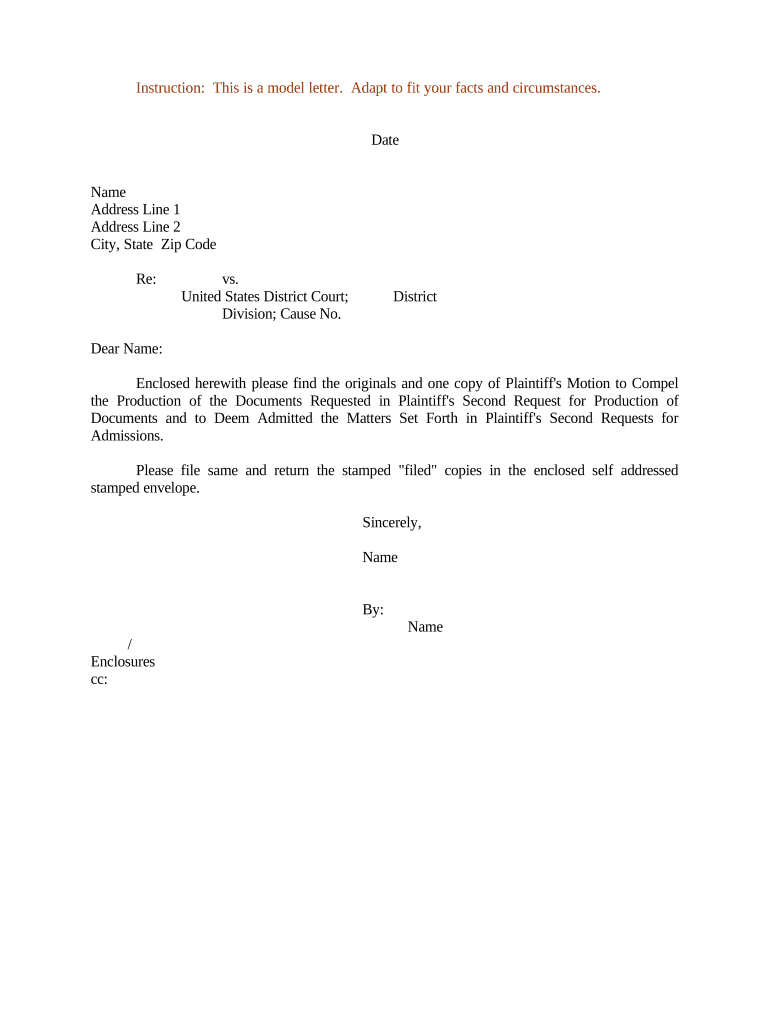
A Motion to Compel is a court filing that asks a judge to require another party or third party to comply with discovery obligations — for example, to answer interrogatories, produce documents, or appear for deposition. The motion documents prior attempts to obtain information, identifies the specific discovery sought, explains why the information is relevant and proportional, cites applicable procedural rules, and requests a specific court order and any appropriate sanctions or fees for noncompliance. Proper formatting, service, and meet-and-confer certification are required by many local and federal rules.

Why you might file a Motion to Compel

A Motion to Compel enforces discovery obligations, preserves evidence, and clarifies disputed issues. When informal attempts fail, a properly supported motion creates a record for the court, may obtain compelled responses or production, and can seek cost-shifting or sanctions under court rules.

Why you might file a Motion to Compel

Who typically prepares and files this motion

Typical users who prepare or file Motions to Compel include litigators, paralegals, and self-represented parties handling discovery disputes in civil cases.

  • Plaintiff counsel pursuing evidence to prove liability or damages in civil litigation, often after written discovery or deposition disputes.
  • Defense attorneys seeking to obtain documents, limit overbroad requests, or compel third-party compliance as part of case preparation.
  • Pro se litigants and paralegals who must follow strict meet-and-confer and service rules when proceeding without counsel.

Representative filer profiles

Civil Plaintiff Attorney

A civil plaintiff attorney prepares motions to compel when defendants or third parties withhold documents or provide evasive discovery responses; the filing includes the discovery requests, a record of conferment attempts, and legal argument under F.R.C.P. 37 or applicable local rules to obtain court-ordered compliance.

Defense Counsel

Defense counsel may file or oppose motions to compel to protect privileged material, narrow burdensome requests, or to require plaintiffs to produce information; defense filings typically emphasize proportionality, privilege logs, and meet-and-confer certifications tailored to local procedure.

Essential components to include in a professional Motion to Compel

A complete motion presents the dispute clearly and supports a court order: identify the discovery at issue, summarize prior meet-and-confer efforts, cite legal authority, attach requested documents or excerpts, and propose precise relief or an order form for the judge.

Court Caption

Full caption showing court, parties, case number, and title of motion. Use the exact case style and filing party name as required by the clerk to ensure correct docketing and linkage to the underlying case.
Statement of Facts

Concise factual background describing the discovery served, dates of requests, dates responses were due, and what was produced or withheld. Include specific examples of evasive or incomplete responses to focus the court on contested items.

Meet-and-Confer Certification

A detailed certification explaining dates and methods of attempted resolution, persons involved, and why disputes remain. Many courts require sworn or signed certification under local rule before the court will consider the motion.

Legal Argument

Legal analysis citing the controlling procedural rule (for example F.R.C.P. 37) and relevant case law showing entitlement to the requested discovery and why objections are insufficient under proportionality or privilege doctrines.

Specific Requests

Numbered list of the exact documents, interrogatory answers, or deposition attendance sought, with proposed timeframe, custodians, and any limiting terms to help the court craft a precise order if it grants relief.

Proposed Order & Sanctions

A clean proposed order for the judge to sign, plus a specific request for costs, attorneys’ fees, or sanctions under the applicable rule if the motion is granted and the opposing party acted without substantial justification.

Step-by-step: preparing and filing the motion

Follow a clear sequence from informal resolution through filing to hearing to reduce risk of denial or procedural defects.

  • 01
    Confirm Local Rules: Check court local rules and standing orders for motion requirements and formatting.
  • 02
    Document Meet-and-Confer: Record dates, correspondence, and attempts to resolve disputes before preparing the motion.
  • 03
    Draft Motion & Exhibits: Attach requests, responses, privilege log pages, and a proposed order for judicial signature.
  • 04
    File and Serve: E-file where available and serve opposing counsel per court rules; retain certificate of service.

Where to file and how the document moves through the system

Motions are filed with the court clerk, served on opposing counsel, and scheduled for briefing and hearing according to local practice.

  • Court Clerk: E-file via the court’s CM/ECF system or submit paper copies as required.
  • Opposing Counsel: Serve by e-filing service, email if allowed, or mail with certificate of service.
  • Judge’s Chambers: Chambers may issue a briefing schedule or hearing date after initial review.
  • Hearing & Ruling: Court may decide on papers or schedule oral argument before issuing an order.

Customizing an online Motion to Compel workflow

Set up a repeatable template for discovery motions to save time and ensure compliance with formatting and service rules.

Template Pre-fill caption, signature block, and standard meet-and-confer language for reuse.
Signer Roles Assign filer, opposing counsel, and reviewer roles with required contact details.
Authentication Choose email link, SMS code, or advanced signer authentication to verify identity.
Attach Exhibits Upload discovery requests, responses, privilege logs, and proposed order as separate exhibits.
Certificate of Service Auto-generate service details after filing for the docket entry and proof of delivery.

Digital signing and e-submission considerations

Use a platform that supports PDF, DOCX, audit trails, and court-acceptable electronic signatures for filing and service.

  • File Formats: PDF and PDF/A preferred by most courts.
  • Integrations: Salesforce, NetSuite, and Google Workspace supported.
  • Authentication: Email link, SMS, or advanced options available.

Required motion fields and key metadata

Case Number: Docket identifier
Court Name: Full court title
Moving Party: Filer name
Discovery Sought: Specific requests
Meet-and-Confer: Certification included
Exhibits: Requests and responses

Common preparation mistakes to avoid

  • Failing to include a detailed meet-and-confer record, which many courts require before considering a motion to compel.
  • Asking the court for overly broad or undifferentiated discovery without specifying particular requests and relevance to claims or defenses.
  • Attaching unredacted privileged material by mistake rather than a privilege log, risking waiver or in camera review.
  • Missing local formatting rules, page limits, or filing procedures that can result in rejection or sanctions.

Risks and potential sanctions for incorrect or improper filings

Denial of Relief: Court may deny motion
Sanctions: Attorney fees or monetary penalties
Waiver: Procedural errors can waive issues
Privilege Loss: Inadvertent disclosure risks waiver
Delay: Case schedule may be extended
Contempt: Extreme noncompliance may lead to contempt

Typical timing expectations and deadlines

Deadlines for motions to compel vary by jurisdiction; local rules and federal rules govern timing, briefing periods, and service obligations.

Meet-and-Confer Requirement:

Often required before filing; check local rule.

Opposition Deadline:

Many courts permit 14–21 days to respond.

Reply Deadline:

Commonly 7–14 days after opposition is filed.

Hearing Schedule:

Court sets hearing or decides on papers.

Sanctions Motion Timing:

May be requested contemporaneously or after compliance failures.

Key milestones from dispute to court order

A sequential timeline helps track required steps and minimize procedural risk when preparing a Motion to Compel.

01

Attempt Informal Resolution

Communicate with opposing counsel and document attempts to obtain the requested discovery.

02

Prepare Motion

Draft motion, exhibits, proposed order, and meet-and-confer certification for filing.

03

File & Serve

E-file or deliver the motion and serve opposing counsel per local rules and CM/ECF procedures.

04

Court Ruling or Hearing

Attend hearing if scheduled; obtain written order and enforce compliance or seek sanctions if necessary.

eSignature platform comparison for preparing and signing motions

Platform pricing and feature availability vary; signNow is listed first to show one verified option for e-signature, audit trails, and HIPAA support.

signNow DocuSign Adobe Sign PandaDoc HelloSign
Starting Price $8/user/mo $15/user/mo $14/user/mo $19/user/mo $15/user/mo
Free Trial 7-day free trial Trial available Trial available Trial available Trial available
Bulk Send Yes Yes Yes Yes No
Audit Trail Yes Yes Yes Yes Yes
HIPAA Compliant Yes Yes Yes No No

Frequently asked questions about Motions to Compel

Answers to common procedural and practical questions when preparing, filing, and enforcing a Motion to Compel in U.S. courts.


Need help? Contact support

be ready to get more
Join over 28 million airSlate SignNow users