Covered Conduct
Deceptive acts, misrepresentations, false advertising, and material omissions in consumer transactions that are likely to mislead a reasonable consumer.
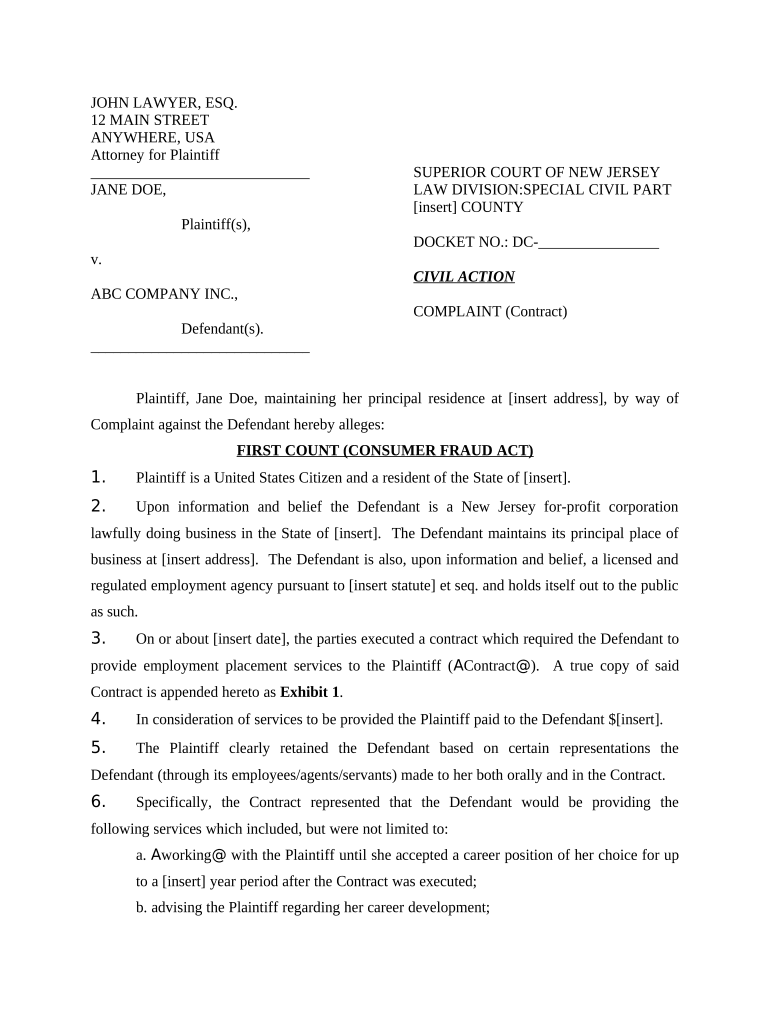
The statute creates both enforcement tools for regulators and a private right of action, making it a central mechanism for resolving consumer disputes in New Jersey. Understanding the Act helps consumers seek remedies and helps businesses design compliant disclosures and practices to reduce litigation risk.

The Act is relevant to a range of users including affected consumers, in-house and outside counsel, compliance officers, and state enforcement personnel.
Individual purchaser or lessee alleging deceptive conduct; may seek actual damages, statutory remedies, treble damages, and attorney fees under the Act depending on case facts and court findings.
Company or seller defending a claim; responsible for demonstrating truthful disclosures, lawful practices, and good-faith compliance with New Jersey consumer protection standards.
Deceptive acts, misrepresentations, false advertising, and material omissions in consumer transactions that are likely to mislead a reasonable consumer.
Individual consumers, classes of consumers, and the Attorney General under statutory authority may bring actions to remedy unlawful practices.
Courts may award actual damages, injunctive relief, restitution, treble damages in appropriate cases, and recovery of attorney fees under N.J.S.A. 56:8-19.
Plaintiff must show that the defendant engaged in a deceptive or unconscionable practice and that the conduct caused ascertainable loss.
Cases proceed through private litigation, class actions, or state enforcement by the Attorney General and county prosecutors.
Claims may overlap with contract, warranty, or federal consumer statutes; concurrent remedies and defenses can affect outcomes.
Maintain originals and a secure copy of electronic evidence; ensure any e-signatures or digital affidavits meet legal validity tests under ESIGN and applicable state rules.
Allow 2–4 weeks to gather evidence and prepare a complete submission.
State agencies often acknowledge receipt within 30 days, subject to caseload.
Initial motions and responsive pleadings usually occur within 1–3 months after filing.
Discovery commonly spans 4–12 months depending on complexity and motion practice.
Many matters resolve within 6–24 months; complex litigation can extend beyond this range.
A consumer received recurring billing after canceling a subscription
A patient was billed for services not rendered and faced collections activity
| Cause / Remedy | Consumer Fraud Act | Contract or Warranty |
|---|---|---|
| Primary Focus | unfair/deceptive practices | breach of agreement |
| Typical Remedies | treble damages possible | compensatory damages only |
| Enforcement Players | state ag and private plaintiffs | private parties and courts |
| Proof Emphasis | deception and consumer impact | contract terms and breach |
| signNow | DocuSign | Adobe Sign | PandaDoc | HelloSign | |
|---|---|---|---|---|---|
| Starting Price | $8/user/mo | $15/user/mo | $14/user/mo | $19/user/mo | $15/user/mo |
| Free Trial | 7-day free trial | Varies by vendor | Varies by vendor | Varies by vendor | Varies by vendor |
| Bulk Send | Yes | Yes | Yes | Yes | No |
| Audit Trail | Yes | Yes | Yes | Yes | Yes |
| Envelope Cap | No cap | 100 envelopes/user/year | Varies by plan | Varies by plan | Varies by plan |