Caption
Court name, county, docket number, and party names must appear exactly as on the petition to ensure accurate indexing and service.
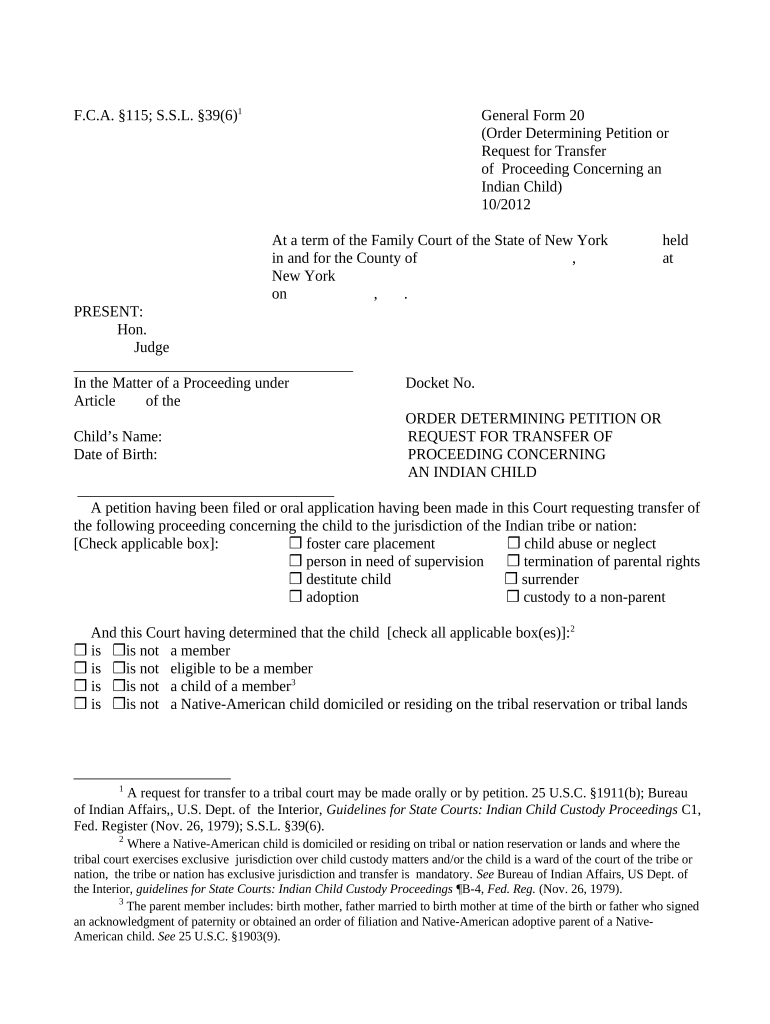
A clear transfer order preserves tribal rights, sets jurisdictional boundaries, and ensures that placement and services follow the correct tribal or state procedures. It reduces procedural challenges and supports enforceable custody and placement decisions.

Individuals and entities who prepare or review the transfer order.
Court name, county, docket number, and party names must appear exactly as on the petition to ensure accurate indexing and service.
Factual findings should explain the child's connection to the tribe, basis for tribal jurisdiction, and any factual disputes resolved by the court.
Cite governing statutes and rules, including the Indian Child Welfare Act framework and relevant New York statutes on transfer and jurisdiction.
State clearly whether the proceeding transfers to tribal court or remains in state court, and list any conditions or limitations on transfer.
Specify how orders and notices must be served, identify recipients, and record dates of service to support enforceability.
Include judge name, signature line, date, and court seal if required; ensure clerk docket entry follows immediately after signature.
Enrollment card, tribal letter, or certified enrollment record showing the child's tribal membership and issuing authority.
Copies of tribal notices sent and proof of delivery or receipt to comply with statutory notice requirements.
Relevant social worker reports or assessments that inform best interests and jurisdictional considerations.
Any prior custody or welfare orders that relate to the same child and may affect transfer or continuing jurisdiction.
Provide notice as required by statute before transfer hearing
Allow time for tribe to respond to transfer petition
Court schedules transfer hearing per local case management rules
Judge signs and clerk enters within days of ruling
Follow state appellate deadlines for any challenge
Clerk accepts petition and assigns docket number.
Serve tribe with required materials and proof.
Court holds hearing, takes evidence, and hears argument.
Judge issues written order with findings and disposition.
| Field | Configuration |
|---|---|
| Signature Field | Require judge signature and date fields |
| Attachment Field | Allow uploads for tribal enrollment proof |
| Service Log | Capture service dates and recipient details |
| Audit Trail | Enable timestamp, IP, and document history |
Use a platform that provides an audit trail, secure storage, and flexible signer authentication for legal filings.
A child with confirmed tribal enrollment residing on reservation
A child with disputed tribal affiliation and pending documentation
A tribal judge signs when the order transfers jurisdiction to the tribe; their signature effectuates tribal court authority and must accompany any tribal docketing or enforcement actions.
A state court judge signs when retaining or formally transferring a proceeding to tribal court; inclusion of judge name, title, and court location supports enforcement and appellate review.
| signNow | DocuSign | Adobe Sign | PandaDoc | HelloSign | |
|---|---|---|---|---|---|
| Starting Price | $8/user/mo | $15/user/mo | $14/user/mo | $19/user/mo | $15/user/mo |
| Free Trial | 7-day trial | No | No | Yes, limited | Yes, limited |
| Bulk Send | Yes | Yes | Yes | Yes | No |
| Audit Trail | Yes | Yes | Yes | Yes | Yes |
| HIPAA Compliant | Yes | Yes | Yes | No | No |