Establishing secure connection…Loading editor…Preparing document…

Nonprofit Form

This template is fully customizable. Edit the text, fill out the fields, and send it for signature. Give it a try!
Nonprofit Form

What the Nonprofit Form Is and When It’s Used

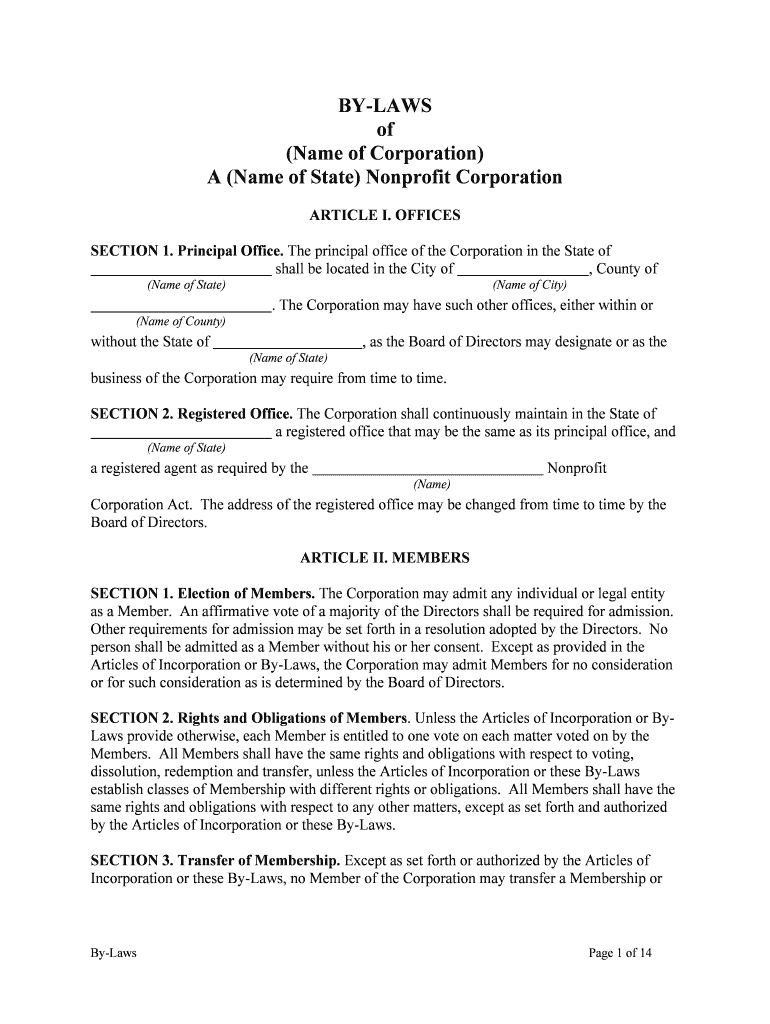
The Nonprofit Form is a standardized document used by charitable organizations to record legal entity details, authorize actions, and request or report funds to donors or regulators. Typical uses include incorporation filings, state registrations, grant applications, donor acknowledgements, and board resolutions. The form gathers entity name, taxpayer identification, officer and director information, stated charitable purposes, and required signatures for execution. Electronic completion and submission are generally permitted under the ESIGN Act (15 U.S.C. ch. 96) and UETA where adopted, subject to statutory exceptions.

Why a Clear Nonprofit Form Matters

A well-structured Nonprofit Form reduces processing errors, supports transparent reporting to funders and regulators, and preserves enforceability through clear authorizations and audit trails consistent with ESIGN (15 U.S.C. §7001) and state UETA provisions.

Why a Clear Nonprofit Form Matters

Who Typically Completes and Signs Nonprofit Forms

Typical signers include nonprofit founders, executive directors, board members, grant officers, and authorized agents completing organizational paperwork.

  • Executive directors and officers completing incorporation, EIN registration, and state reporting obligations.
  • Grant administrators and development staff submitting grant applications and donor acknowledgement forms.
  • Volunteer coordinators and program managers collecting participant or beneficiary information and consents.

Step-by-Step: How to Complete and Submit a Nonprofit Form

Follow these steps to prepare, verify, and execute a Nonprofit Form, ensuring required fields are complete and signatures are verifiable before submission.

  • 01
    Prepare documents: Gather articles, bylaws, EIN, and supporting documents.
  • 02
    Complete fields: Enter all names, addresses, and dates accurately.
  • 03
    Obtain approvals: Board or authorized signers approve per bylaws.
  • 04
    Submit form: File with state or e-file with agency.

Configuring an Online Workflow for the Form

Configure online workflow fields, routing, and authentication when using electronic submission to ensure completeness and an auditable signature trail.

Field Configuration
Signer Authentication Email verification with optional SMS code for higher assurance.
Field Validation Required fields, format checks, and conditional visibility.
Routing Order Sequential signing or parallel signers based on role.
Audit Trail Capture timestamps, IP addresses, and action logs.

Technical Requirements for Electronic Filing and Signature

Electronic submission works across modern browsers and mobile devices; verify compatibility and signer access before sending.

  • Browsers: Modern browsers, TLS 1.2+ required.
  • File types: Supports PDF, DOCX, XLSX uploads.
  • Integrations: Connectors for CRM and cloud storage.

How Electronic Signing and Submission Works

Digital submission typically follows a prepare–route–sign–store workflow that preserves evidence of each action for compliance purposes.

  • Upload document: Add form, attachments, and templates.
  • Place fields: Insert signature, date, and data fields.
  • Authenticate signer: Email, SMS, or advanced KBA methods.
  • Complete and archive: Signed copy and audit trail stored.

Essential Components of a Professional Nonprofit Form

A professional Nonprofit Form combines clear organizational data fields, precise purpose statements, authorized signature blocks, supporting schedules, compliance references, and a retention plan to meet legal and funder expectations.

Entity Details

Capture legal name, DBA, EIN, state of incorporation, principal address, and mailing address. Accurate entity details reduce IRS and state filing mismatches and ensure grants and donations route correctly.
Purpose Statement

Describe the nonprofit's primary charitable purpose and typical activities. Specificity helps determine tax-exempt eligibility, influences grant suitability, and supports board oversight and public disclosures.

Authorized Signatories

List officers with authority to bind the organization, include title and date of board authorization, and specify whether electronic signatures are acceptable under bylaws or state law.

Financial Information

Provide banking details for authorized transactions, fiscal year, budgeting contact, and whether the organization accepts restricted or unrestricted gifts; clear fields aid audits and donor compliance.

Supporting Schedules

Attach bylaws, articles of incorporation, recent tax filings (Form 990), and grant award letters when relevant; these documents substantiate representations and expedite reviewer approvals.

Retention and Privacy

State the document retention schedule, data privacy responsibilities, and whether protected health or student records are included; clarify HIPAA or FERPA obligations when applicable.

Saving, Exporting, and Sharing Completed Forms

Export and preserve completed Nonprofit Forms in accepted formats with embedded audit trails to meet filing, archival, and sharing requirements across stakeholders and regulators.

PDF/A

Save a signed copy as PDF/A to maintain long-term fidelity and compatibility. Ensure embedded signatures or audit certificates are preserved to support evidentiary needs during audits or legal review.

DOCX Source

Retain the original DOCX if the form originated in Word to permit edits, version comparisons, and accessibility conversions; avoid distributing editable source files without redaction.

Encrypted Archive

Store completed forms in encrypted archives with AES-256 at rest and TLS 1.2/1.3 in transit. Maintain access controls, logging, and periodic integrity checks for compliance audits.

Cloud Storage

Use trusted cloud providers with SOC 2 or ISO 27001 compliance and maintain retention policies. Ensure shared links expire and permissions reflect least-privilege access.

Practical Best Practices for Accurate Completion

Follow these best practices to reduce errors, preserve enforceability, and streamline nonprofit form processing across teams and external reviewers.

Confirm signer identity and board authorization
Confirm each signer's legal name and capacity, and attach board resolutions or meeting minutes authorizing execution when required. For electronic signatures, document consent and capture authentication evidence to strengthen enforceability.
Use consistent naming and address practices
Ensure the legal entity name, DBA, and addresses match state filings and IRS records. Inconsistent information can trigger audit flags, delay registrations, or force re-submissions to funders and regulators.
Limit personal data collection to necessary items
Collect only the minimum personal data required for legal or operational purposes. Redact or encrypt sensitive fields and document lawful basis for processing to support HIPAA, FERPA, or state privacy compliance.
Maintain auditable versions and access controls
Preserve copies of each signed version, track edits, and store logs showing timestamps, IP addresses, and authentication. Implement a retention schedule aligned with legal obligations and organizational policy.

Typical Deadlines and Time-Sensitive Requirements

Key filing and reporting deadlines depend on state rules and IRS schedules; meeting agency timelines avoids penalties and protects tax-exempt status.

EIN application:

Obtain EIN at formation; required before banking.

Initial state filing:

Varies by state; file articles upon formation.

Form 990 annual:

Due annually; typically within five months of fiscal year end.

Donor acknowledgements:

Provide timely receipts for gifts over $250 per IRS rules.

State charitable registration:

Annual renewals or reports commonly required by attorney general.

Penalties and Risks from Incorrect or Incomplete Forms

Loss of Exemption: Failure to comply may jeopardize tax-exempt status.
IRS Penalties: Late or incorrect returns can trigger monetary penalties.
State Fines: Charitable registration violations can incur fines.
Reputational Harm: Donor trust and grant eligibility may decline.
Backup Withholding: Incorrect TINs can trigger 24% withholding.
Contract Invalidity: Unsigned or unauthorized forms may be unenforceable.

Common Mistakes to Avoid

  • Submitting forms with inconsistent entity names, addresses, or EINs that cause registration rejections and processing delays with state or federal agencies.
  • Omitting board approvals or resolutions that evidence authority to sign, which can invalidate actions or delay acceptance by funders.
  • Failing to redact or secure personal data, exposing the organization to privacy breaches and potential HIPAA or state privacy violations.
  • Using an improper signature method without signer consent or audit trail, risking non-enforceability under ESIGN/UETA.

eSignature Pricing and Feature Snapshot for Nonprofit Forms

Comparison of typical eSignature plan features and pricing to help assess platform suitability for nonprofit form signing and recordkeeping.

signNow DocuSign Adobe Sign PandaDoc HelloSign
Starting Price $8/user/mo $15/user/mo $14/user/mo $19/user/mo $15/user/mo
Free Trial 7-day free trial Varies by plan Varies by plan Varies by plan Varies by plan
Bulk Send Yes Yes Yes Yes No
Audit Trail Yes Yes Yes Yes Yes
HIPAA Compliant Yes Yes Yes No No

Frequently Asked Questions About the Nonprofit Form

Answers to common questions about completing, signing, submitting, and retaining Nonprofit Forms in the United States.


Need help? Contact support

be ready to get more
Join over 28 million airSlate SignNow users