Petitioner Details
Full legal name, date of birth, current address, and contact information for the person seeking protection; accuracy ensures correct docketing and service.
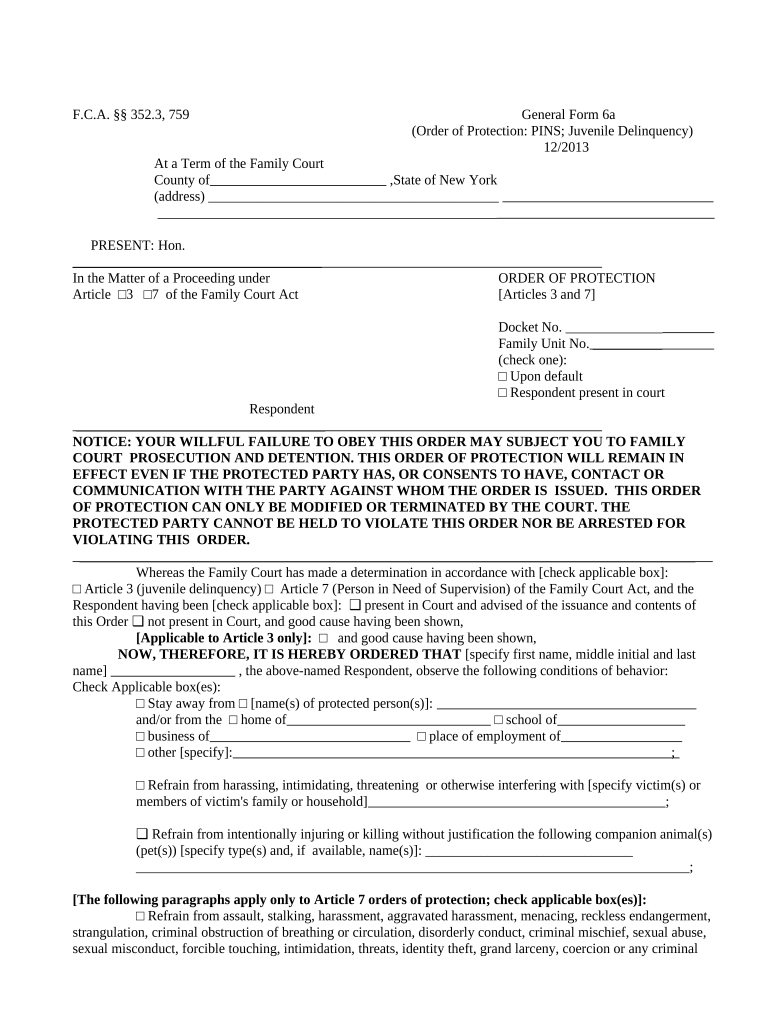
An Order of Protection provides enforceable legal restraints that promote immediate safety, document abusive conduct, and enable law enforcement response. Orders can also create civil remedies, inform criminal proceedings, and form part of safety planning for victims and families.

The following groups most often prepare and file Orders of Protection in New York.
Each role has distinct responsibilities during preparation, filing, and service.
The person requesting protection. The petitioner signs the petition under penalty of perjury, supplies facts and evidence, and may appear at hearing to testify and seek relief.
Judicial officer or court clerk signs and enters the order. Only the court can issue an enforceable Order of Protection; court staff file and docket the signed order.
Full legal name, date of birth, current address, and contact information for the person seeking protection; accuracy ensures correct docketing and service.
Full legal name, aliases, known addresses, and relationship to petitioner so the court can identify who must comply with the order.
Concise, chronological facts describing alleged abuse, harassment, or threats with dates and locations to support temporary or final relief.
Specific prohibitions (no contact, stay-away), custody or visitation limitations, counseling referrals, or firearm surrender requirements if applicable.
How the respondent should be served (law enforcement, process server), required timelines, and proof-of-service procedures for the court record.
Temporary ex parte provisions and the anticipated hearing date; space for the judge’s signature, docket stamp, and enforcement instructions.
Electronic preparation and eFiling can speed assembly and provide consistent templates, but court rules determine whether digital signatures or electronic service are accepted.
Effective upon issuance for immediate safety and lasts until hearing.
Often scheduled within 7–14 days; exact timing varies by court backlog.
Respondent should be served as soon as possible before the hearing.
Final order length varies: specified term, permanent, or subject to review.
Motions to modify or vacate require notice and follow court motion schedules.
A petitioner reports escalating domestic violence incidents over six months, with police reports and photos attached.
A petitioner documents repeated stalking and workplace harassment with dates and electronic messages.